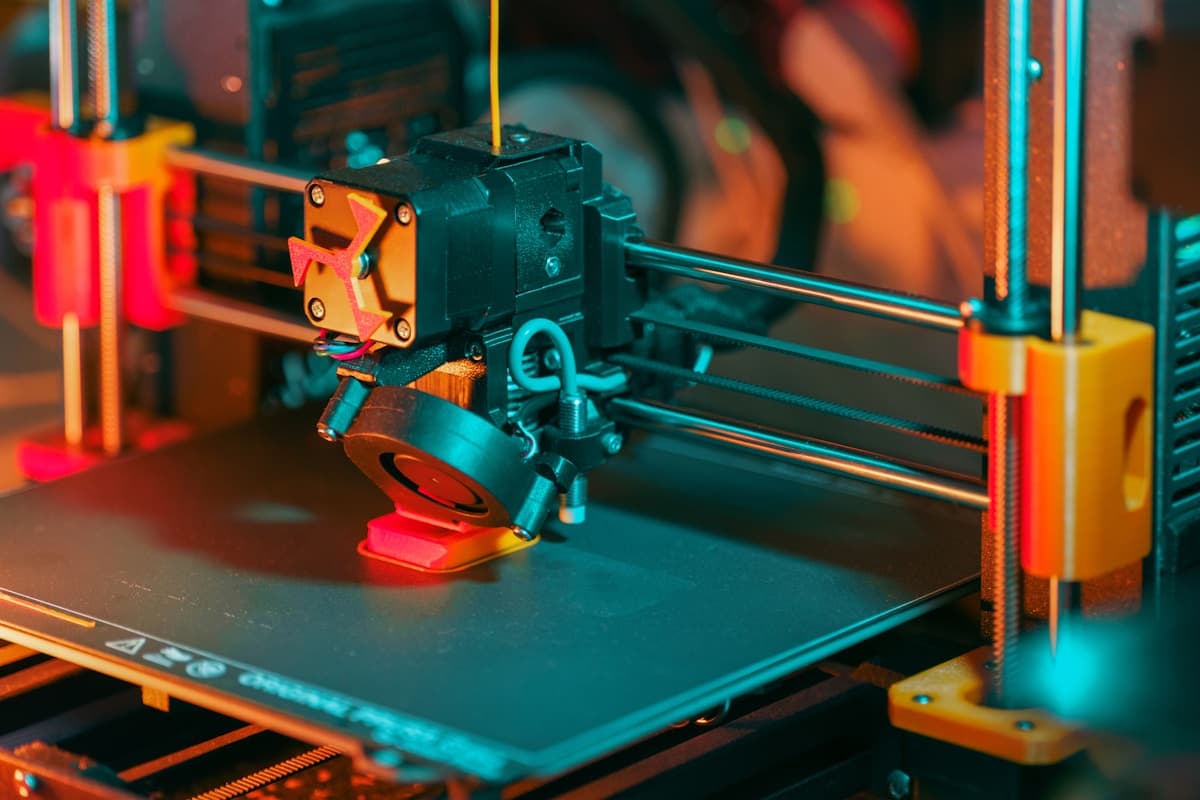
Nobody buys a machine to save money on the first part. They buy it because outsourcing felt slow, or because a quote for six brackets came back higher than a printer costs, and both of those feelings are honest. Choosing between 3D printing services and buying your own printer goes wrong when the comparison is drawn as price per part, because that is the one line where the machine always wins and the one that almost never decides the outcome. What decides it is how much print-hour demand you can actually keep fed, who owns the machine on a Tuesday afternoon, and whether the parts you need are inside what a desk-sized machine can make at all. This guide sets out both sides, where the line really falls, and what most teams end up doing instead of picking one. If you want quotes to compare against, start with the 3D printing provider directory.
The Comparison Everyone Runs, and Why It Misleads
The usual arithmetic is a quote for a part next to the cost of a machine plus a spool. It comes out in favour of the machine by a wide margin, and it is wrong for a specific reason: the service quote is fully loaded and the in-house number is not.
A provider's price contains machine time, labour, post-processing, quality checks, consumables, failed builds, overhead, packaging, shipping and margin. The in-house estimate usually contains filament. The other items do not disappear when the machine moves to your office — they move onto your payroll and out of the accounting, which is why in-house printing so often feels cheap and rarely gets measured.
Run the comparison this way instead:
- Cost the human time honestly. Slicing, levelling, monitoring, support removal, finishing and reprinting. At a loaded engineering rate, an hour of it is worth more than a kilogram of filament.
- Include the failure rate you will actually have, not the one the machine is capable of after six months of practice.
- Price the delay on both sides. A provider's lead time is visible and quotable. An internal queue behind whoever knows the machine is invisible and frequently longer.
- Separate the one-off from the repeat. These are different decisions and merging them produces a wrong answer to both.
How much 3D printing costs breaks down what actually drives a quote, which is the number you need for the outsourced side of the comparison.
Where Owning a Machine Genuinely Wins
The case for in-house is strong and it is not mainly financial.
The iteration loop. Print at 4pm, hold the part, change the model, print again at 6pm. Nothing a provider can offer competes with that on small, forgiving parts, and it changes how a design team works rather than just what it spends. This alone justifies a machine in most product development groups.
Small, low-stakes, high-frequency parts. Fit checks, mock-ups, tooling aids, assembly fixtures, shop templates, enclosure mock-ups, packaging dummies. Individually trivial, constantly needed, and painful to outsource because setup and shipping dominate a small order. 3D printing for jigs, fixtures and manufacturing aids covers the category that most repays owning a machine.
Confidentiality by default. Nothing leaves the building. There are ways to handle this with a provider — see NDAs and IP protection with 3D printing services — but in-house removes the question.
Volume of simple parts in common materials. Once a design is settled and you need forty of something in PLA or PETG, a machine running unattended overnight is hard to beat on cost.
Where a Service Wins, and Cannot Be Replaced
Three categories, and none of them is solved by buying a better desktop machine.
Processes you cannot buy at desk scale. Powder-bed nylon and metal are the clearest examples. SLS and MJF produce support-free nylon parts with usable isotropic strength and clean snap features; metal 3D printing produces parts no filament machine approximates. A desktop printer does not do a worse version of these — it does not do them.
Size. Past roughly 300mm a desktop build volume forces the part into sections to be bonded, with every joint a weakness and a visible line. Large-format 3D printing services deliver it as one piece.
Repeatability and evidence. A batch that is measured, a material that is traceable, and someone accountable for the result. If a customer, a regulator or your own quality system needs that, an office machine cannot supply it whatever it prints. Tolerances and accuracy in 3D printing covers what dimensional promises are realistic to ask for.
Peak load. Nine parts needed on Friday is an ordinary job for a provider and a bad week for one desktop machine. Same-day and rush 3D printing services exist precisely for the spike you cannot staff for.
The Costs the Ownership Side Forgets
| Line item | What people budget | What it actually is |
|---|---|---|
| Labour | Ignored | The largest cost by a distance — slicing, babysitting, support removal, finishing |
| Failed prints | Ignored | Highest in the first months; material plus the time lost twice |
| Consumables and wear | Filament only | Nozzles, build sheets, belts, tubes, adhesives, resin and its disposal |
| Material handling | Buy a spool | Nylon, PETG and TPU need drying and sealed storage or they print badly |
| Space and extraction | A desk | Ventilation is mandatory for resin and advisable for ABS and ASA |
| Learning curve | A weekend | Months to reach reliable output on demanding materials |
| Someone who owns it | Assumed | Without a named owner the machine quietly stops being used |
Why 3D prints warp and how to fix it and why nozzles clog are a fair sample of what the learning curve actually consists of. None of it is hard; all of it takes someone's hours.
Which Side Your Job Falls On
| Your situation | Sensible answer |
|---|---|
| Frequent small iterations, PLA/PETG, non-critical | Buy a machine |
| A few parts a month, varied materials | Outsource — the machine will sit idle and go stale |
| Needs nylon, metal, or a certified process | Outsource; a machine does not address this |
| Part over ~300mm, wanted as one piece | Outsource to large-format |
| Dozens to low hundreds of a settled design | Low-volume services, or in-house if the material is simple |
| Thousands of a settled design | Neither — look at rapid tooling and injection moulding |
| No CAD file yet | Outsource; printing without a CAD file covers the route |
| Deadline is this week and nothing is set up | Outsource — a new machine will not be productive in time |
The Answer Most Teams Actually Land On
Both, split by consequence rather than by part count.
The stable arrangement is one capable filament machine in-house for the fast, cheap, low-stakes work — fit checks, jigs, concept models, shop aids — and a provider relationship for anything structural, sealing, certified, large, metal or needed as a consistent batch. Each side then does what it is good at, and neither is asked to carry the other's work. Functional and end-use 3D printed parts covers the crossover point where a part stops being a mock-up and starts having consequences, which is usually the same point it should leave the building.
There is a simple way to test the split rather than argue about it: log what you outsource for six months. If one category keeps recurring, you have a real capability case for a second machine. If nothing recurs, the current arrangement is already right.
If You Outsource: What to Send
The quality of a quote is set almost entirely by what you send with it.
- STEP geometry rather than STL alone, with a drawing marking critical dimensions and any mating or sealing face. STL vs STEP files covers why the distinction matters to the shop.
- The duty, in the first line — what the part touches, what loads it, indoor or outdoor, temperature, chemical exposure.
- Material by property, not by brand. "Stiff, dimensionally stable, lives outdoors" gets you a better recommendation than a trade name. How to choose a 3D printing material covers the selection logic.
- Quantity now and quantity later. Five now and five hundred later is a different process answer.
- Your real deadline, because it changes the process recommendation more than anything else on the list.
How to prepare files for a 3D printing quote is the full submission checklist, and how to choose a 3D printing service covers qualifying the shortlist once quotes come back.
Get Both Numbers Before You Decide
The mistake is deciding from one side of the comparison. Price the machine properly — purchase, plus a year of consumables, plus the hours of a named owner — and get two or three real quotes for the parts you actually need, then look at them together. Very often the answer is not the one the spreadsheet suggested, because the machine turns out to be for a different class of part than the quotes were for.
Browse 3D printing providers to get the outsourced number, or start near you — California providers, Texas providers, Illinois providers and Ohio providers between them cover much of the country's prototyping capacity. How the directory works explains how to search it, and online vs local 3D printing services covers the choice you face next.
Related Resources
- How Much Does 3D Printing Cost? — the outsourced side of the comparison
- Low-Volume 3D Printing Services — where batch work sensibly goes
- Functional and End-Use 3D Printed Parts — when a part stops being a mock-up
- How to Choose a 3D Printing Service — qualifying a provider
- Online vs Local 3D Printing Services — the next decision after this one
- Injection Moulding vs 3D Printing — where both answers stop being right
- Browse 3D Printing Providers — send the job out