"How much does 3D printing cost?" has the same honest answer as "how much does a building cost?" — it depends entirely on what you're making. But the variables are knowable, and once you understand them you can read a quote, spot an outlier, and predict your own costs before you ever send a file. This guide breaks down 2026 pricing by technology, the factors that move the number, and how to get an accurate quote the first time.
The Five Cost Drivers
Almost every 3D printing quote comes down to five things:
- Material volume — how much material the part consumes. This is the single biggest driver. A part twice the size costs far more than twice as much once you account for time.
- Process — FDM is cheapest per cubic centimeter; SLA and SLS sit in the middle; metal is the most expensive by a wide margin.
- Quantity — one-offs carry the full setup cost. Batches spread fixed costs and packing efficiency across parts, dropping the per-part price.
- Post-processing — support removal, sanding, vapor smoothing, dyeing, painting, and machining all add labor.
- Turnaround and certification — rush jobs add a 50–100% premium; certified materials and documentation add overhead.
Typical Costs by Technology (2026)
| Technology |
Typical part cost |
Best for |
Notes |
| FDM |
$20–300 |
Functional prototypes, jigs, fixtures |
Cheapest; visible layer lines |
| SLA / resin |
$50–500 |
High-detail, smooth cosmetic, medical models |
Priced by resin volume; fine features |
| SLS / nylon |
$30–800 |
Durable functional parts, small batches |
Scales well with quantity |
| Metal (DMLS) |
$400+ |
Metal-grade strength, heat, certification |
Quoted per project |
These are service-bureau ranges for a single part. A small, simple part in standard plastic can land under $50; a large, complex, or certified part can reach the thousands.
How Part Design Moves the Price
Two parts of the same overall size can quote very differently. What matters:
- Wall thickness and infill. A solid block costs more than a hollowed or sensibly infilled part. Where strength allows, reducing density cuts cost.
- Support requirements. Overhangs that need support add material and removal labor. Orienting a part to minimize support — or choosing a process like SLS that needs none — saves money.
- Tolerances and features. Tight tolerances and fine features push toward slower, more expensive processes and more inspection.
- Finish. "As-printed" is cheapest. Every step beyond — smoothing, dyeing, painting — adds labor.
If you're choosing between processes on cost and properties, our guides to SLA vs FDM printing and SLS 3D printing services break down the trade-offs.
Why Two Quotes Can Differ 3x
It's common to get quotes that vary by a factor of three on the same files. Usually it's one of these:
- In-house vs subcontracted. A shop that runs your exact process prices it tightly; one that farms it out adds a markup.
- Build packing. Bureaus that nest your parts with other jobs spread fixed costs and quote lower.
- Overhead and certification. An ISO 9001 or AS9100 bureau with inspection and documentation costs more — and for regulated work, that's exactly what you're paying for.
The takeaway: quote two or three providers on identical files. It's the only reliable way to calibrate, and it's free. Our guide to choosing a 3D printing service covers how to compare them on more than price.
In-House vs Outsourcing — The Cost Math
If you order standard FDM parts more than two or three times a week, a desktop printer usually breaks even within a few months. The machine is a few hundred dollars and filament runs $20–30/kg. Our best 3D printers for small business guide covers the equipment side.
Outsourcing wins for occasional parts, large or complex jobs, SLS and metal work, and anything requiring certification — buying and learning that equipment costs far more than the parts. Most teams run a hybrid: everyday prototypes in-house, specialized work outsourced.
How to Get an Accurate Quote the First Time
A vague request gets a padded quote. To get tight, comparable numbers:
- Send a clean file — STEP is ideal, STL is fine. (See STL vs STEP files if you're unsure.)
- Specify process and material — don't make the shop guess.
- State the quantity — even "1 now, 25 later" helps them price the path.
- Call out critical tolerances and finish — only the ones that matter.
- Give your real deadline — so rush premiums apply only if truly needed.
Get Real Quotes on Your Part
The fastest way to know what your part costs is to ask. Browse the 3D Prototyping Hub directory and request quotes from verified providers. Send your specs once and compare direct quotes from multiple shops — no account required.
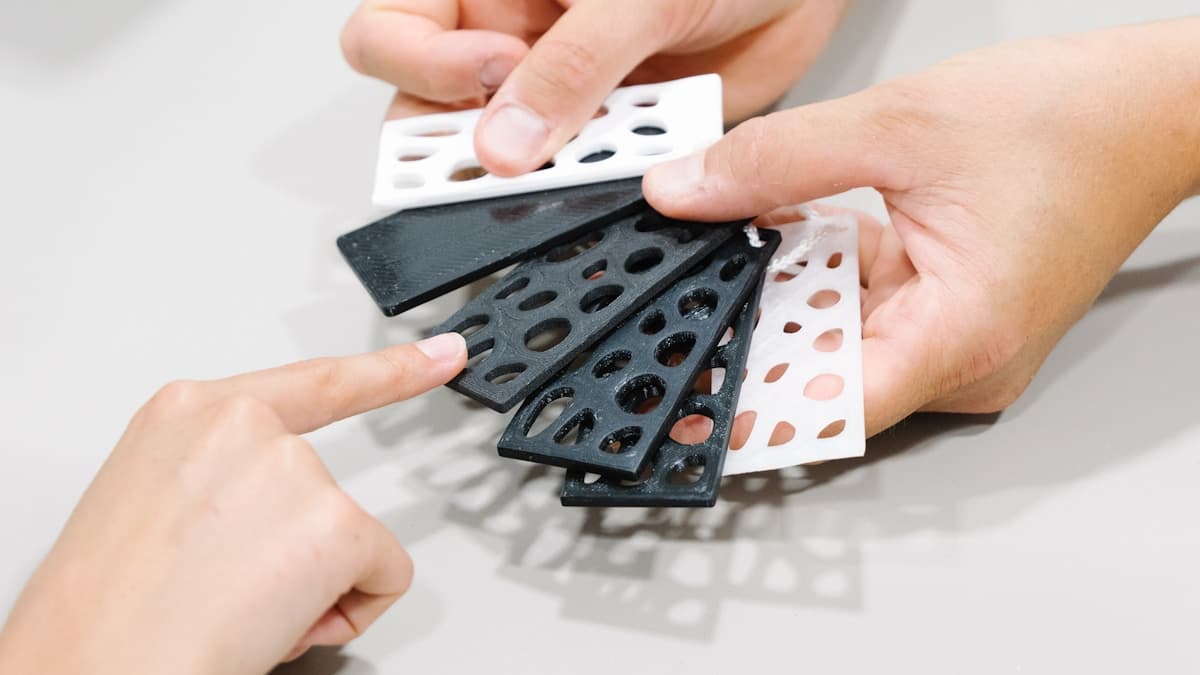
Hero photo by Tom Claes via Unsplash.
Ready to find a 3D printing service provider?
Browse 2,000+ verified providers across the United States and submit your quote request free.
Browse Providers