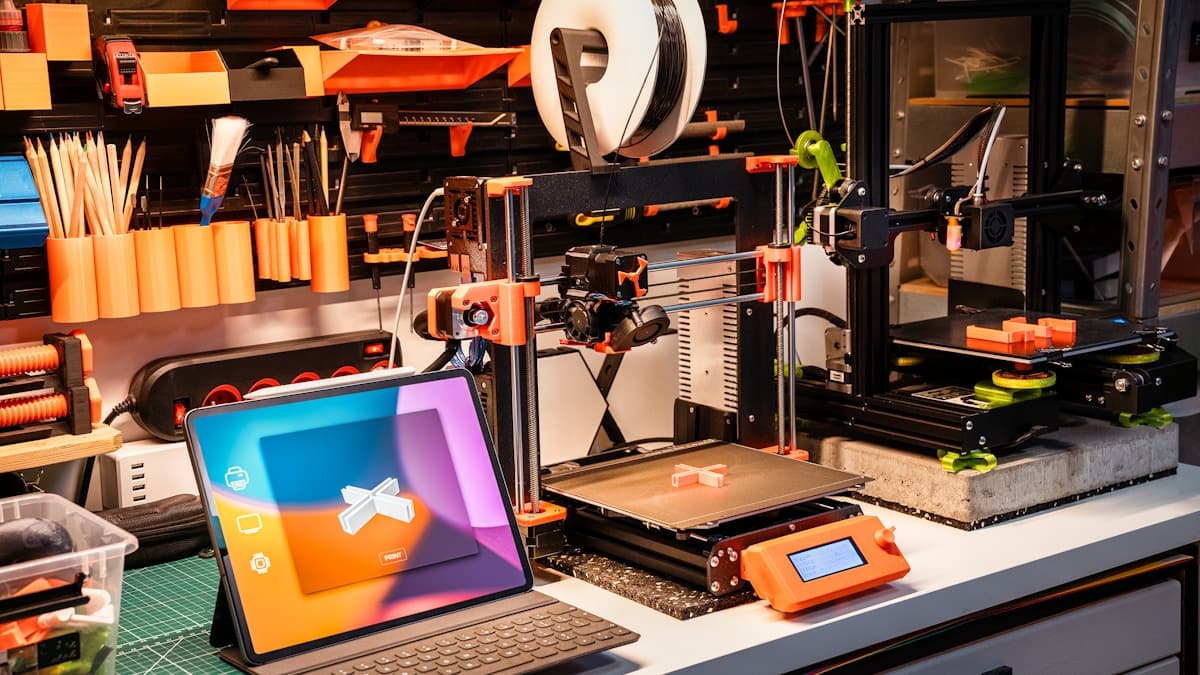
Every machine shop and production line runs on a hidden layer of custom tooling — the jigs, fixtures, and manufacturing aids that locate parts, guide tools, hold work, and catch defects. Traditionally these were machined from aluminum or steel: expensive, slow, and painful to revise. 3D printing flips that equation. It produces functional shop tooling in days instead of weeks, at a fraction of the cost, and makes iteration nearly free. This guide covers what can be printed, which process and material to choose, what it costs, and how to find a vetted provider.
What Counts as a Jig, Fixture, or Manufacturing Aid
The category is broad, but the common thread is that these are tools that support production rather than parts that ship to a customer. The most commonly printed types include:
- Drill and router guides — bushed templates that place holes accurately and repeatably without a marking-out step.
- Assembly and bonding fixtures — nests that hold components in the correct relationship while adhesive cures or fasteners are driven.
- Welding fixtures — positioning jigs that locate parts for tacking. (Printed polymer stays clear of the arc and heat-affected zone; it locates, it does not get welded.)
- Inspection and go/no-go gauges — quick checks that confirm a feature is in or out of spec on the line, no CMM required.
- Soft-jaw and vise-jaw workholding — custom jaws that grip odd-shaped parts without marring them.
- Line-side aids — bin organizers, part presenters, cable guides, and poka-yoke error-proofing checks.
Because these are functional, end-use printed parts rather than cosmetic prototypes, material choice and durability matter more than surface polish. A fixture that looks rough but locates a part within a tenth of a millimeter and survives a full production shift is doing its job. The design questions that matter are load path, wear at contact points, and how the aid is fixtured to the bench or machine table — not cosmetics.
Why 3D Printing Beats Machining Aluminum for Tooling
Machined aluminum tooling is precise and durable, and for high-wear cutting fixtures it still wins. But for the large majority of locating, holding, and checking aids, printing is the better business decision for four reasons.
Cost. A printed fixture consumes a few dollars of material and no machine-shop labor. The same aid in aluminum carries programming, setup, stock, and finishing costs that routinely run into the hundreds.
Lead time. Printing turns tooling around in days. Machining the same part competes for time on the same machines that make your revenue parts — so it waits in queue.
Iteration. This is the quiet advantage. When a fixture design is wrong, a reprint costs a few dollars and a night. Re-machining costs another full setup. Teams that print tooling revise it freely, and the tooling gets better fast.
Weight and geometry. Printed nylon and PLA aids are light enough to move by hand all shift, and additive geometry — internal channels, organic nests, conformal cavities — is often impossible or uneconomical to machine. A conformal nest that cradles a curved casting can be printed as one piece where machining would need multiple setups or a soft fixture built up by hand.
Where machining still wins is the high-wear cutting fixture that sees direct tool contact, heavy repeated clamping in the same spot, or elevated temperature. For everything that locates, presents, checks, or lightly holds, printing is usually the right call. For the fuller trade study of when to cut versus print, see our CNC machining vs 3D printing comparison.
Process and Material Comparison
| Factor | FDM (PLA / PETG) | FDM (CF-Nylon / PA) | SLS (Nylon PA 12) | Machined Aluminum |
|---|---|---|---|---|
| Typical cost/part | $15–75 | $75–300 | $50–400 | $200–800+ |
| Durability | Low–moderate; PLA softens with heat | High; stiff, wear-resistant | High, isotropic, chemical-resistant | Highest |
| Tolerance | ±0.3–0.5 mm | ±0.3–0.5 mm | ±0.3% (min ~±0.3 mm) | ±0.02 mm and tighter |
| Lead time | 1–4 days | 2–5 days | 5–7 days | 1–3 weeks |
| Best for | Low-stress jigs, gauges, templates | Shop-floor fixtures, soft jaws | Complex geometry, small batches | High-wear cutting fixtures |
Choosing the Process and Material
Start from the load and environment, not the process. Ask three questions: How much force does the aid take? Does it see heat, coolant, or solvents? How many do you need?
For low-stress, room-temperature aids — templates, simple gauges, presentation nests — FDM in PETG is cheap, tough enough, and fast. Avoid PLA anywhere near heat or sustained clamping load; it creeps.
For shop-floor fixtures that take real handling and clamping, carbon-fiber nylon is the default. It is stiff, dimensionally stable, and wear-resistant.
For complex geometry or a small batch of durable, uniform parts, SLS nylon is the strongest choice. It needs no supports, prints snap fits and captive features in one piece, and every face comes out with the same finish.
Tolerances and Durability Considerations
Printed tooling is dimensionally good, not perfect, and understanding that keeps you out of trouble. Typical FDM features land within ±0.3–0.5 mm and SLS within about ±0.3%. That is fine for locating and holding. It is not fine for a press-fit bore or a precision datum straight off the machine.
The fix is standard practice: print the feature slightly undersize and ream or bore it to final size, or design in a pocket and press in a hardened metal bushing at the wear point. For any fastener that will be torqued or cycled, design for heat-set threaded inserts rather than tapping plastic directly — they give you reusable, load-bearing threads. Read our deeper tolerances and accuracy in 3D printing guide before you commit critical dimensions.
One more FDM-specific point: printed parts are weakest between layers, so orient the fixture on the build plate with the layer lines running across the main load rather than along it. A bracket that fails in service usually failed at a layer boundary that was pointed the wrong way. A good service bureau will orient for strength if you tell them where the load comes from.
Durability is a material question. Carbon-fiber nylon and SLS PA 12 resist wear, mild coolants, and shop solvents well and hold up over long service. PLA is a prototyping material on the shop floor: it works for a light template but softens near heat and creeps under a clamp. Where steel slides on the fixture, add a metal wear plate.
In-House vs Service Bureau
Both models earn their place, and most shops end up running both.
Print in-house when the aid is simple, needed fast, and revised often — drill guides, bin organizers, first-pass assembly nests. The economics are compelling: a desktop FDM printer pays for itself in a handful of avoided machined fixtures. If you are choosing a first machine, our best FDM printers under $500 guide is a good starting point.
Use a service bureau when you need SLS geometry, larger build volumes, engineering materials you cannot process in-house, tighter and verified tolerances, or a batch of matched parts. A bureau also removes the maintenance and learning-curve overhead of running printers yourself. If you need a run of matched fixtures, our low-volume 3D printing services overview covers the bridge from one-off to small production.
What to Send a Service for a Quote
A clean quote package gets you a faster, more accurate price. Send:
- A STEP file (preferred) or a watertight STL of the fixture.
- Quantity — one-off, or a matched batch.
- Material and process, or a description of the load and environment so the bureau can recommend one.
- Critical dimensions called out on a drawing — bores, locating surfaces, and anything that must be held tight, plus a note on which features you plan to ream or bush after printing.
- Wear and insert details — where you want threaded inserts or metal bushings designed in.
Our how to choose a 3D printing service guide covers the broader vetting checklist for evaluating a provider's response.
Cost Expectations
Printed tooling is priced on part volume, material, and process, so treat these as typical ranges, not quotes. Small FDM jigs and gauges usually run $15–75. Larger or carbon-fiber-nylon fixtures typically land at $75–300. SLS nylon fixtures with complex geometry generally fall between $50 and $400 depending on how efficiently parts nest in the build. Against machined aluminum tooling — commonly $200–800 or more per fixture — the printed route is routinely a fraction of the cost, and the gap widens every time you revise the design. For a broader breakdown of what drives additive pricing, see how much does 3D printing cost.
Find a Vetted Provider and Request Quotes
When you are ready to source printed jigs, fixtures, or workholding, browse the 3D Prototyping Hub directory and request a quote. Filter for the process and materials you need — FDM, SLS, carbon-fiber nylon — send your STEP file and critical dimensions, and get direct quotes from verified US providers. No account required. Requesting quotes from two or three shops at once is the fastest way to compare price and lead time before you commit.
Hero photo by Jakub Żerdzicki via Unsplash.