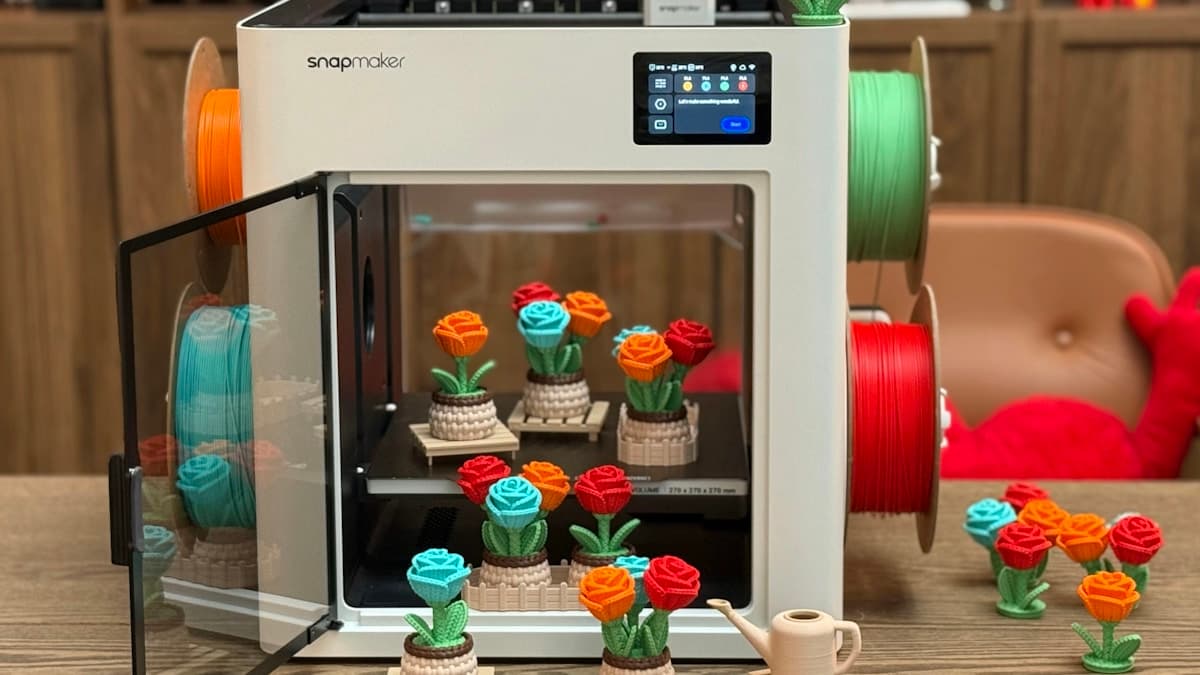
You read that enclosures are a strict upgrade, wrapped a tent round the printer or bought a cabinet, and the machine got worse. PLA that ran for a year now clicks and jams forty minutes into a print. Overhangs that were crisp come out drooped. Small features look soft and the whole surface has gone glossy. None of that is a coincidence or a faulty build: an enclosure is a thermal device, and PLA is the material that loses when you turn the chamber temperature up.
This post contains affiliate links. If you purchase through these links, 3D Prototyping Hub may earn a small commission at no extra cost to you.
This post also contains Amazon affiliate links. As an Amazon Associate I earn from qualifying purchases.
Read Which Enclosure Failure You Have
Four distinct failures hide behind "it got worse since I enclosed it", and they want different responses.
| What you see |
When it appears |
What it actually is |
| Clicking extruder, under-extrusion, then a hard jam |
20–40 minutes in, repeatably |
Heat creep — the hotend heatsink has run out of cool air |
| Drooping overhangs, sagging bridges, soft small features |
From the first layer that needs cooling |
Part cooling is now blowing warm chamber air |
| Prints stopping mid-job, layer shifts, odd error codes |
On long jobs, worse in summer |
Electronics and stepper drivers cooking inside the box |
| ABS and ASA suddenly printing cleanly |
Immediately |
The enclosure doing exactly what it is for |
The last row is the point. Nothing has broken. You changed the chamber temperature, and that change helps the materials that contract hard on cooling and hurts the one that does not.
An Enclosure Is a Thermal Device, Not a Quality Part
An enclosure does four things: it raises the air temperature around the part, it stops draughts, it contains noise and dust, and it holds emissions until you open it. Nothing in that list sharpens a corner or improves a layer line.
Raised ambient is worth a great deal to ABS, ASA, polycarbonate and filled nylons. Those materials shrink significantly as they cool, and when the bottom of a tall part is cold while the top is still hot, the difference pulls corners off the bed and splits layers apart — the mechanism laid out in why your printer can't print ABS or nylon. A warm chamber shrinks that gradient, and it is not retrofittable with a setting.
PLA has almost none of that problem, and it has an opposite requirement: it wants the extrudate frozen as fast as possible after it leaves the nozzle. So the same change that rescues ABS removes PLA's main advantage, and the enclosure that is a genuine upgrade for one material is a downgrade for the other. Draught exclusion is the one benefit both share — if the machine sits under an air-conditioning vent or beside a door, the walls earn their place with PLA too, which is the flip side of why a cold garage ruins your prints.
Heat Creep Is the PLA Failure, and It Runs on a Clock
This is the one that sends people hunting for a clog that is not there.
Every hotend has a cold side and a hot side, and a heat break between them whose job is to keep that transition sharp. The cold side stays cold because a small fan pushes air over a heatsink — air it takes from whatever is around the machine. Close a box around the printer and that air is now 35–45°C instead of 20°C. The heatsink has less temperature difference to work with, so it sheds less heat, so the softening point moves up out of the melt zone and into the heat break.
PLA softens at around 55–60°C, well below anything that counts as "melting", so it is first to swell into a soft plug where the filament should still be rigid. The signature is the timing rather than the symptom: clean prints for twenty to forty minutes while the chamber warms up, then a clicking extruder, thinning walls, and a jam that mysteriously clears once the machine has sat cold for an hour. If that pattern is familiar from before the enclosure went on, the other causes are separated out in why 3D printer nozzles clog.
What actually fixes it, in order of effort:
- Open the door for PLA. Free, immediate, and the thing most people will not try because it feels like admitting the enclosure was a mistake. It was not — it was bought for a different material.
- Vent the chamber. An inline duct fan pulling air out of the box gives you a chamber temperature you choose rather than one that climbs until it stops. This is also the honest version of fume control, which the walls do not provide on their own.
- Feed the heatsink cool air. A short duct from outside the enclosure to the hotend fan inlet keeps the one component that genuinely needs cold air supplied, even when the chamber is warm.
- Measure. Put a thermometer inside. Chamber temperature explains most enclosure complaints and is the number almost nobody has.
One thing that does not fix it: an all-metal hotend. It removes the PTFE liner so the machine can run above roughly 240–250°C, which unlocks materials rather than curing jams, and on PLA at low speeds a longer all-metal melt zone can make heat creep slightly worse. That trap is one of several in why printer upgrades don't fix print quality.
The Part Cooling Fan Is Now Breathing Warm Air
The second failure is quieter, because nothing jams — the parts just get worse.
A part cooling fan does not make cold air, it moves whatever air is nearby. At 20°C ambient it can pull a huge amount of heat out of a freshly laid bead; at 45°C it is moving warm air past warm plastic, and the bead stays soft for longer. Everything that depends on the extrudate freezing quickly degrades together: overhangs sag, bridges droop, small details round over, and tall thin features lose definition because each layer is still soft when the next lands on it. The same symptoms from the opposite cause are covered in why 3D print overhangs sag and why tall thin prints fail.
Partial recoveries that are worth doing: run the fan at 100% rather than the profile default, slow down the perimeters so each layer has more wall-clock time to cool, raise the minimum layer time, and fit a larger 5015 blower if the stock fan is a weak 4010. None of them change the temperature of the air being moved, so they recover some of the loss rather than all of it. The complete fix is a cooler chamber.
The Electronics Are in There With It
On a factory-enclosed machine, the control board and power supply sit outside the heated volume. On an open-frame printer with a tent round it, they usually sit under the bed — which is to say, inside the oven you just built.
Stepper drivers that were marginal at room temperature start skipping steps at chamber temperature, which shows up as layer shifts rather than as a heat warning. Power supplies derate as they warm. Some boards shut down on their own thermal protection and present it as a mid-print stop with no obvious cause, which is one of the possibilities in why 3D printers stop mid-print.
Three responses, cheapest first: cut a vent in the enclosure floor below the electronics bay so it is outside the sealed volume, fit driver heatsinks and make sure the board fan is not simply recirculating hot air, or relocate the power supply outside the box entirely. On a tent, the last one is usually a twenty-minute job and it removes the largest heat source from the chamber at the same time.
While the panels are off, deal with the safety side too. An enclosure wraps flammable material around a 250°C heater and hides the early warning signs you would otherwise see or smell, which is worth reading alongside why 3D printers catch fire. Smoke alarm in the room, extinguisher within reach, and no assumption that the box makes unattended printing safe.
Move the Spool Out, and Stop Treating the Box as a Dryer
For ABS, ASA and nylon, a spool inside the warm chamber is a small bonus — it is one more hour the filament is not sitting in room humidity. For PLA, move it out. A chamber in the 40s will not deform a spool, but warmer plastic is tackier plastic and a tightly wound loop that digs in binds more easily, which arrives at the nozzle looking like under-extrusion rather than like a spool problem.
The more common misconception is that a warm enclosure dries filament. It does not. It warms room air and keeps the moisture that was already in it; drying needs desiccant or a dedicated dryer. Keep the spools in a dry box outside the enclosure and feed through a port, and read why drying filament doesn't fix your prints before assuming moisture is the cause of anything here.
Run It as Two Machines
The workable arrangement, once the enclosure exists, is to stop treating it as one configuration.
Door open, vent on, for PLA and PETG. Chamber near room temperature, full part cooling, spool outside. You keep the draught protection, the noise reduction and the dust exclusion, and you give up nothing.
Door closed, vent off, for ABS, ASA, PC and nylon. Let the chamber climb, keep it climbing by printing a solid first layer and not opening the door mid-job, and run ABS or ASA where it was always going to work best. Filter or duct the air if the machine shares a room with people, because containment is not removal — an activated-carbon unit or an outside duct is what actually reduces exposure, as covered in why 3D printers smell.
Keep two slicer profiles rather than one, because the cooling and speed settings that suit a 20°C chamber are not the ones that suit a 50°C chamber. The profile is describing the chamber as much as the machine.
When the Chamber Should Have Been Designed In
There is a limit to what a tent around an open frame achieves, and it is worth recognising before spending another weekend on ducting. A purpose-built enclosed machine keeps the electronics outside the heated volume, actively manages chamber temperature instead of letting it drift, and ships cooling and filtration tuned to the chamber they sit in. A retrofit does none of those by default.
QIDI's enclosed machines publish a chamber temperature and a nozzle maximum per model, which are the two numbers that decide whether high-temperature materials are routine or a project — read them per model, since their entry machine is not an enclosed high-temperature printer. Flashforge's enclosed CoreXY machines sit lower in price without reaching polycarbonate territory. The category comparison, including build volume and filtration, is in our enclosed printer guide.
If what you have is a good open-frame machine and an occasional ABS job, an enclosure tent plus the door-open habit is the sensible answer, and it costs a fraction of a second machine.
When to Send the Part Out Instead
One polycarbonate bracket does not justify a heated chamber, and neither does a nylon part a year. The economics of an enclosure are about how often you need the materials it unlocks, not about whether it is a good idea in principle.
A bureau runs heated chambers as standard, with filtration and supervision built into the cost, and will produce a part in ABS, PC or filled nylon while you are still ducting a tent. Providers are listed by location and process in our directory, and what the high-temperature processes cost and where they fit is broken down in high-temperature 3D printing services.
For everything else: open the door, put a thermometer inside, and let the box do the job you actually bought it for.
Hero photograph by Snapmaker 3D Printer via Unsplash.