You set an eleven-hour job running before bed. In the morning the nozzle is parked somewhere over a half-finished part, the bed is cold, and the screen is either blank, showing an error nobody wrote for a human, or showing nothing wrong at all. 3D printers stop mid-print for about six unrelated reasons, and from across the room every one of them looks the same — which is why so many people replace a part that was never broken.
This post contains affiliate links. If you purchase through these links, 3D Prototyping Hub may earn a small commission at no extra cost to you.
This post also contains Amazon affiliate links. As an Amazon Associate we earn from qualifying purchases.
The diagnosis is worth ten minutes before the shopping is. The state the machine is sitting in when you find it — hot or cold, responsive or rebooted, still moving or frozen — narrows six causes down to one more reliably than any part swap.
Read the Stop Before You Fix Anything
Walk up to the machine and write down what it is doing, not what you think went wrong.
| What you find |
What it is |
Where to look |
| Screen reads THERMAL RUNAWAY, MINTEMP or MAXTEMP; heaters off |
Firmware killed the job because a temperature did not behave |
Thermistor and heater wiring at the hotend |
| Machine hot and responsive, nozzle parked, job just ended |
The file or the host, not the printer |
SD card, USB cable, or the network |
| Toolhead still moving, nothing coming out of the nozzle |
A jam — the printer does not know it happened |
Hotend heatsink fan, then the cold end |
| Screen shows the boot logo, bed cold, no job in memory |
Board or PSU reset — a brownout |
Mains supply and anything sharing the circuit |
| Halts at the same layer in the same file, every time |
G-code: an M600, a forgotten pause, or a corrupt line |
Re-slice, and write to a different card |
| An axis stopped moving but the rest continued |
Driver thermal shutdown, or a layer shift |
See why prints shift mid-print |
| Spool empty, tangled, or filament snapped at the entry |
Runout the machine could not detect |
The spool and the runout sensor |
Two of those rows are not really stops at all. A jam leaves the machine running perfectly while it draws your model in thin air, and a layer shift leaves a print that is still going and already ruined. Both get diagnosed as "it stopped" constantly, and neither one is.
The Stop That Is a Safety Feature
If the screen names a temperature, the firmware ended the job on purpose. It asked for a temperature, watched the reading, and saw something that should not physically happen — a heater drawing full power while the reading sat still, or a reading that fell when it should have climbed. That pattern is what a thermistor falling out of its block looks like from the inside, and the difference between catching it and not catching it is a fire on an unattended bench.
Fix the cause, in this order:
- Look at the hotend wiring where it flexes. Every layer bends that loom. Thermistor and heater leads break inside intact-looking insulation right at the strain point, and the fault is usually intermittent before it is permanent.
- Check that the thermistor is seated. It reads the block, not the air. A grub screw that has backed out by half a turn produces a reading that lags reality by enough to trip the check.
- Suspect the heater cartridge if the block heats slowly or not at all. They fail open with no visible damage.
- Look at where your part-cooling air is pointed. A duct blowing across the heater block instead of past the nozzle can stop the hotend holding temperature at speed — which trips protection on a print that ran fine slowly. A silicone sock removes the variable entirely.
A thermistor and heater cartridge kit costs a few dollars and both parts are consumables, so a spare of each is the difference between a ten-minute repair and a week of waiting. Run a PID tune after fitting either one — the firmware's heating model was calibrated to the old part.
Do not switch thermal protection off to clear the error. It appears as a firmware option, people find it in forum threads, and it converts a stopped print into an unattended heater with no supervision. There is no version of this that is worth a saved job.
The Jam That Looks Like a Stop
If the machine is still moving and nothing is coming out, the print died hours ago and nobody told you. On a long job the usual mechanism is heat creep: the small fan on the hotend heatsink is weak, dust-clogged or dead, heat climbs past the melt zone, and filament softens where it is supposed to stay rigid until it seizes in place.
The tells are consistent: it happens deep into a print rather than at the start, it is preceded by minutes of extruder clicking as the drive gear skips on immovable filament, and it is far more common in a warm room or an enclosure.
- Check the heatsink fan from the first second of the print, not by listening later. It should run constantly whenever the hotend is hot, unlike the part-cooling fan that ramps with the job.
- Replace it with something that does not slow down when warm. A Noctua 40mm fan is the usual upgrade, and the trap is voltage: most printers run a 24V supply while that fan family is 12V and 5V, so check your board and buy a buck converter or a 24V part rather than assuming.
- If it only jams above about 240°C, the PTFE liner inside a lined hotend is degrading and shedding into the melt zone. An all-metal hotend removes the liner, which is the real fix for PETG, ASA and nylon — it does not remove the need for a working fan, and installed on a machine with a tired fan it will jam just as reliably.
A jam that arrives with dust, wet filament or a worn nozzle is a different chain of causes with the same symptom; why 3D printer nozzles clog covers that side of it.
Filament: Runout, Tangle, Snap
Three separate failures with one appearance — the extruder is turning and the spool is not feeding.
Runout is the benign one, and only if the machine detects it. A printer without a runout sensor simply carries on printing air. Fitting a filament runout sensor turns a silent forty-hour loss into a pause you can walk up to. If your machine already has one, trigger it deliberately once so you know it works and know what the resume prompt looks like — a sensor nobody has ever tested is an assumption, not a feature.
A tangle stops the spool dead while the extruder keeps pulling, and the extruder wins for a while, grinding a flat into the filament until it can no longer grip. This is what an end that was tucked under a neighbouring wrap does days later.
A snap happens with brittle filament, usually where it bends tightest into the extruder or spool holder. Old PLA and moisture-damaged nylon do this, and if it has happened twice on the same spool it will happen again: why filament snaps on the spool covers drying and storage.
Power, Boards and Hosts
A machine that greets you with its boot logo did not stop — it restarted, and it has no memory of the job.
Brownouts are the common cause and the hardest to catch, because the dip lasts a fraction of a second and everything else in the house rides through it. If your stops correlate with a compressor, a kettle, a workshop tool or an air conditioner cycling, that is the answer. A small UPS between the printer and the wall removes the whole class of failure, and also buys you enough runway to end a long job deliberately rather than losing it.
Driver overheating stops one axis and leaves the rest running. Stepper drivers shut down when they hit their thermal limit, typically after hours in a warm room, and recover silently once they cool — which is why the fault has usually vanished by the time you investigate. A driver heatsink kit plus some airflow over the board is the standard fix. It is also worth ruling out before you accept an axis fault as mechanical.
The SD card deserves early suspicion because testing it is free. Aged cards develop read errors that surface only when a particular block is read, which is why a machine can run for hours and then stop without a word. Copy the file to a different card and reprint.
A host — USB from a laptop, or a Pi running a print server — trades the card for a cable and a network: USB stops when the laptop sleeps, network stops when Wi-Fi drops. That is the honest argument for keeping the card. What a host buys back is visibility, and our guide to 3D printer cameras and remote monitoring covers what you can actually see from another room — which is what turns a nine-hour failure into a nine-minute one.
When the Machine Is the Problem
Parts are cheap until they are not. A thermistor, a heater cartridge, a fan and a runout sensor come to less than a spool of decent filament, and on a machine that is otherwise sound they are obviously worth fitting.
The arithmetic turns when failures start arriving from different directions at once — a board that resets, a PSU whose fan has seized, corroded connectors, and no power-loss recovery to make any of it survivable. At that point you are paying in weekends as well as in parts. ELEGOO's current FDM printer range is one direct route to a replacement, and the specification that matters is not speed — it is that thermal protection, runout detection and power-loss recovery are standard now rather than upgrades.
Then there is the option that does not involve a printer at all. If the part is due, a service prints it on a machine somebody else maintains, with the failure rate as their problem rather than yours — usually the right call for a part you have already lost twice, or one in a material your machine fights. You can browse providers by location and process and put the same file in front of two or three shops before deciding whether you are buying a part or a printer. Worth reading why prints take so long first, too: on a job that has already failed twice overnight, the shop is rarely the slower route.
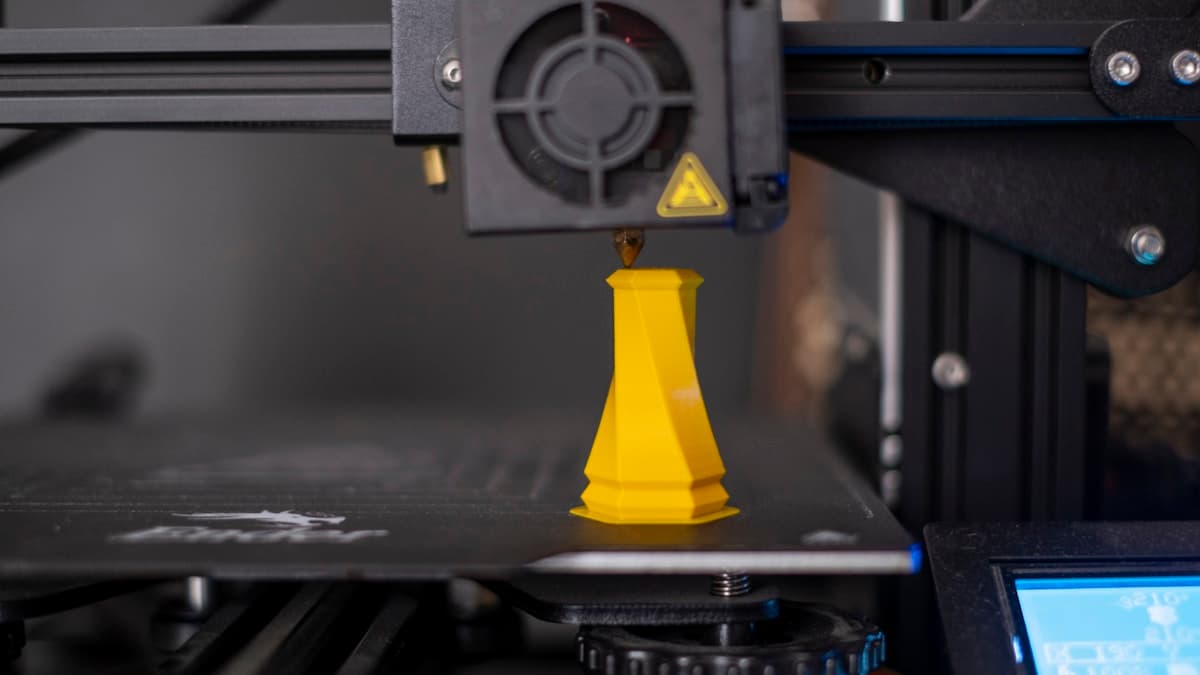
Hero photograph by Osman Talha Dikyar on Unsplash.
Ready to find a 3D printing service provider?
Browse 2,000+ verified providers across the United States and submit your quote request free.
Browse Providers