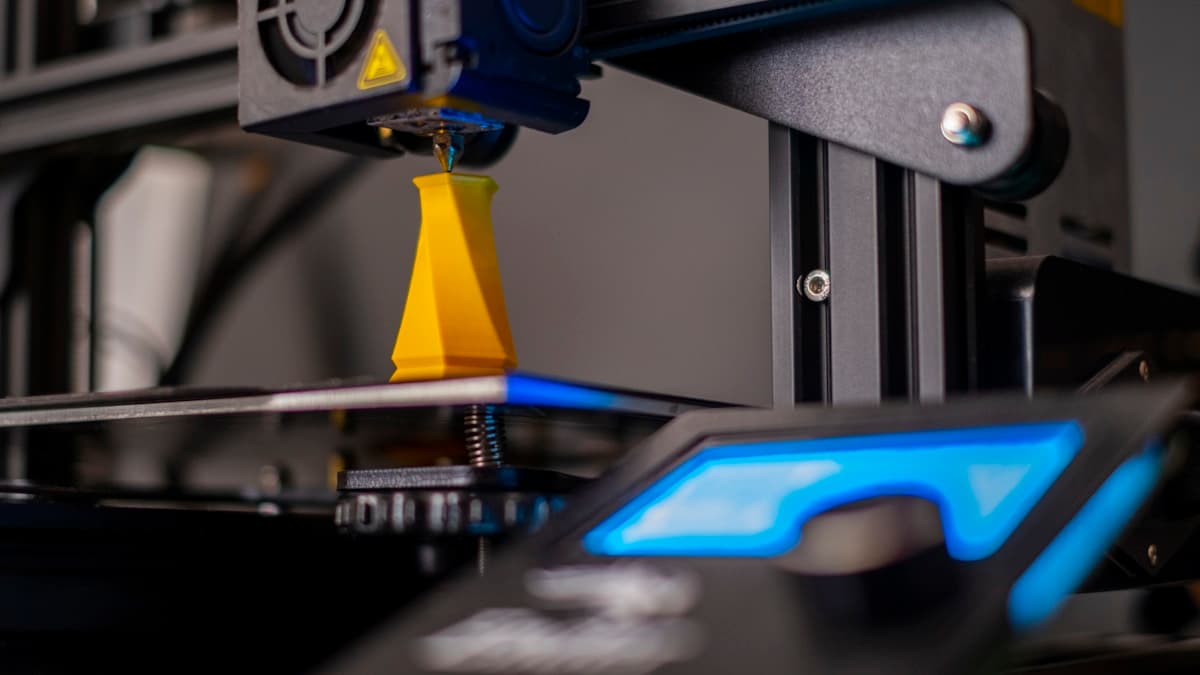
The first 40mm are perfect. Somewhere above that the surface goes glossy and soft, the tower starts leaning, the ringing that was invisible at the base turns into visible ripples — and at hour nine the whole thing is lying on the bed in a nest of filament. Tall, thin 3D prints fail in a way short ones never do, and it is not because the machine got worse halfway up the job. Height changes four separate physical conditions at once, each of them gradually, which is why the bottom of the part looks like a different print from the top.
This post contains affiliate links. If you purchase through these links, 3D Prototyping Hub may earn a small commission at no extra cost to you.
This post also contains Amazon affiliate links. As an Amazon Associate we earn from qualifying purchases.
Read the Failure Before You Change a Setting
Each of these has a different cause and an opposite fix, so identify yours first. Guessing between layer time and resonance costs a session every time, because the fix for one makes the other worse.
| What you see |
What it actually is |
Where it gets fixed |
| Top 20-30mm glossy, soft, detail slumped |
Layer time too short to cool |
Cooling, minimum layer time, more parts |
| Part snapped off the plate partway up |
Footprint too small for the bending moment |
Brim, surface, orientation |
| Ripples that only appear higher up |
Resonance — the part is the flexible bit |
Speed, belts, input shaping |
| Whole tower leans, or the top is offset |
Missed steps or accumulated wobble |
Acceleration, belts, Z-axis |
| Regular banding with a fixed vertical period |
Z wobble, which needs height to be visible |
Leadscrew, coupler, nut |
| Split along a layer line two-thirds up |
Uneven cooling in moving room air |
Enclosure, fan down for styrenics |
A Tall Part Is a Lever and the Plate Is the Fulcrum
This is the one that explains most of the others. A printed column behaves like a cantilever beam clamped at the build plate, and cantilevers get dramatically worse with length in a way that is easy to underestimate. Deflection under a given sideways force rises with the cube of the length, and the natural frequency falls with roughly the square of it. Triple the height of a part and the same sideways nudge moves the top about twenty-seven times as far, at about a ninth of the frequency.
Nothing about the printer changed. The part became a different mechanical object.
That matters most on a bed-slinger — a machine where the bed carries the part back and forth in Y. Every one of those direction changes accelerates the part sideways, and the moment that applies at the glued-down base is the force multiplied by how far up the mass sits. At 50mm that moment is trivial. At 250mm, on the same machine and the same model scaled up, it is the reason the base lets go.
Three things reduce it, in order of what they cost:
- Slow down and cut acceleration. Force is mass times acceleration; halving acceleration halves the force at every corner. On a tall part this costs you time and buys a finished print, which is the right trade on a ten-hour job.
- Decouple the machine from the bench. Anti-vibration feet or denser sorbothane pads stop the desk acting as a second spring. If your ringing changes when someone leans on the table, this is free money.
- Tension the belts properly. A slack belt lets the toolhead overshoot at every direction change, and overshoot is exactly what the flexible top of the part turns into visible ripples. A GT2 tensioner kit holds a setting; the eccentric nut on a budget frame drifts.
If the ripples themselves are the complaint rather than the collapse, the full diagnosis is in why 3D prints have ringing and ghosting — on a tall part you are seeing the same defect through an amplifier.
Layer Time Is the Cause Nobody Checks
A 60 × 60mm layer takes maybe fifteen seconds to draw. The same layer on a 12mm-wide spire takes two. The nozzle comes back around to a spot that is still molten, lays hot plastic onto it, and the shape slumps. You get a glossy, soft, swollen top section with the detail smeared out of it — and because the bottom of the same print is fine, it reads as the machine failing partway through.
It is not temperature. Dropping the nozzle 5°C changes very little here, because the problem is that the plastic was never given time to set.
Three fixes, and the third is the one that surprises people:
- Set a minimum layer time of 5-10 seconds. Every slicer has it; most ship it far too low for narrow geometry. The printer will slow down on the small layers and only those.
- Give it more air. Part cooling at 100% for PLA and PETG. If the stock blower is tired or undersized — common on anything sold before high-speed profiles were normal — a 5015 blower and a better duct is a genuine step change rather than a marginal one.
- Print more than one. Four copies of the spire means each layer gets four times as long before the nozzle returns to any individual part, at no extra total time. This is the exact inverse of the problem in why 3D prints fail when you print a full plate — there, too many parts starves each one of heat; here, too few starves each one of cooling. Both are the same variable read from opposite ends.
One caution on the slowdown: for ABS and ASA, aggressive cooling is what cracks the part. Those materials want the still, warm air of an enclosure rather than a fan, so on styrenics use the minimum-layer-time setting and the extra copies, and leave the fan low.
The Footprint Has to Hold for the Whole Print
Bed adhesion is a force per unit area. The load trying to peel the part off is a moment that grows all print. A 20 × 20mm base that holds a 40mm part comfortably can be nowhere near enough at 200mm, and the giveaway is a failure that happens hours in rather than in the first few layers.
Work through it cheapest first. A brim of 8-10mm adds bonded area exactly where the peel starts, and it is the single highest-value setting change for a slender part. Then the surface: a clean, degreased, textured PEI sheet grips a small first layer far better than bare glass, and a magnetic spring-steel plate also lets you release the finished tower by flexing the sheet instead of levering at the base, which is where a lot of successful prints actually break. For materials that simply do not want to bond, a bed adhesion spray raises the peel force without welding the part down permanently.
The other half of this family is not adhesion at all: the toolhead catches a curled edge higher up and knocks the part over. That is a cooling and warping problem wearing an adhesion costume, and the fix is upstream in why 3D prints warp.
Z Wobble Needs Height to Become Visible
A bent leadscrew, a misaligned coupler or a binding nut moves the toolhead in X or Y a fraction of a millimetre once per screw revolution. On a 30mm part that is one or two faint bands nobody notices. On a 200mm part it is a regular ribbed pattern with a fixed vertical period, and the period is the tell — measure it, and if it matches your leadscrew pitch you have found the cause without touching a setting. Why 3D prints have Z banding covers the teardown; the point for tall parts is only that height is what makes an old defect legible.
Draughts Reach the Top First
The bottom of a print sits in the thermal shadow of a heated bed. The top of a 250mm print sits in moving room air, next to a window or under a vent, for most of a working day. That is why a tall PETG or ABS part splits along a layer line two-thirds of the way up while the base is flawless — the layer below cooled too far before the next one landed on it, and the bond never fully formed.
An enclosure tent fixes this and is mostly just a draught shield; a sealed box of the printer's own waste heat typically runs 10-20°C above the room, which is enough. Built-in options are compared in the enclosed printer guide. If the part is cracking rather than slumping, read why 3D prints snap along layer lines next — the mechanism is layer adhesion, and height only decides where it shows up.
Design and Orientation Beat Every Setting Here
The fastest way to stop a tall thin print failing is to stop printing it tall and thin.
- Rotate it. Lying down, the part is short, stable, cools evenly and finishes sooner. The cost is support material and a change of strength axis — orient so the load crosses the layers instead of pulling them apart.
- Split it and join it. Two 100mm halves printed flat, glued or dowelled, beat one 200mm tower on almost every measure except the seam. The joint design matters more than the glue: there is a worked version in why 3D printed parts fail when you scale them up.
- Widen the base in CAD. A fillet or a small buttress at the bottom of a slender feature costs grams and removes the lever problem entirely.
- Add a sacrificial companion. A second object on the plate purely to buy cooling time is not a hack; it is the cheapest form of the minimum-layer-time fix and it does not slow the machine down.
What the Hardware Genuinely Changes
Be honest about the ceiling. On a bed-slinger with a 220mm Z height, a 200mm slender part is near the edge of what the kinematics can do well, and settings only move that edge a little.
The change that matters is CoreXY, and for one specific reason rather than general quality: the bed moves only in Z, so the part is never accelerated sideways. That removes the lever problem at its source instead of damping it. Most CoreXY machines are also enclosed and stiffer in the frame, which handles the draught and the resonance in the same purchase. QIDI's store and ELEGOO's US store both list enclosed CoreXY machines; Flashforge's store sits in the same bracket. Read three figures off the specification sheet rather than the brand: the Z height you actually get, whether the motion system is CoreXY or a moving bed, and whether the enclosure is a real panelled box or an optional cover.
If you would rather improve the machine you own, the highest-leverage change is input shaping. It measures your frame's actual resonant frequency with an ADXL345 accelerometer and cancels it in the motion planner, which is the only upgrade in this article that attacks the physics directly. Klipper and recent Marlin builds both support it, and on a bed-slinger printing tall parts it buys back a lot of the speed you would otherwise have to give away.
Work Through It In This Order
- Name the symptom from the table above. Melted top and snapped base need opposite changes.
- Add a brim, 8-10mm, and clean the plate properly. Free, and it resolves a surprising share of hour-nine failures.
- Set a minimum layer time of 5-10 seconds before you touch temperature.
- Drop acceleration, then speed. Measure the new print time before deciding it is too slow.
- Check belt tension and the Z leadscrew. Match any banding period against the screw pitch.
- Add still air if the material is PETG, ABS or ASA and the failure is a split rather than a slump.
- Then reorient or split the model. If steps 2-6 have not held it, the geometry is asking for something the machine does not have.
When a Tall Part Should Not Be a Desktop Job
There is a line, and it is worth recognising before the third failed overnight run. If the part has to be a single piece, is taller than roughly two-thirds of your Z height, and is in a material that needs a warm chamber, you are asking a desktop FDM machine to do the three things it is worst at simultaneously. A bureau running enclosed industrial machines treats that as ordinary work, and a powder-bed process has no layer-adhesion weak axis and no bed-adhesion problem at all, because the part is supported by the powder around it the whole way up.
Compare providers by location and process in the 3D printing directory, or start from large-format 3D printing services if the height is the whole problem. A quote takes a few minutes; a 14-hour print that fails twice has already cost more than one.
Hero photograph by Osman Talha Dikyar on Unsplash.