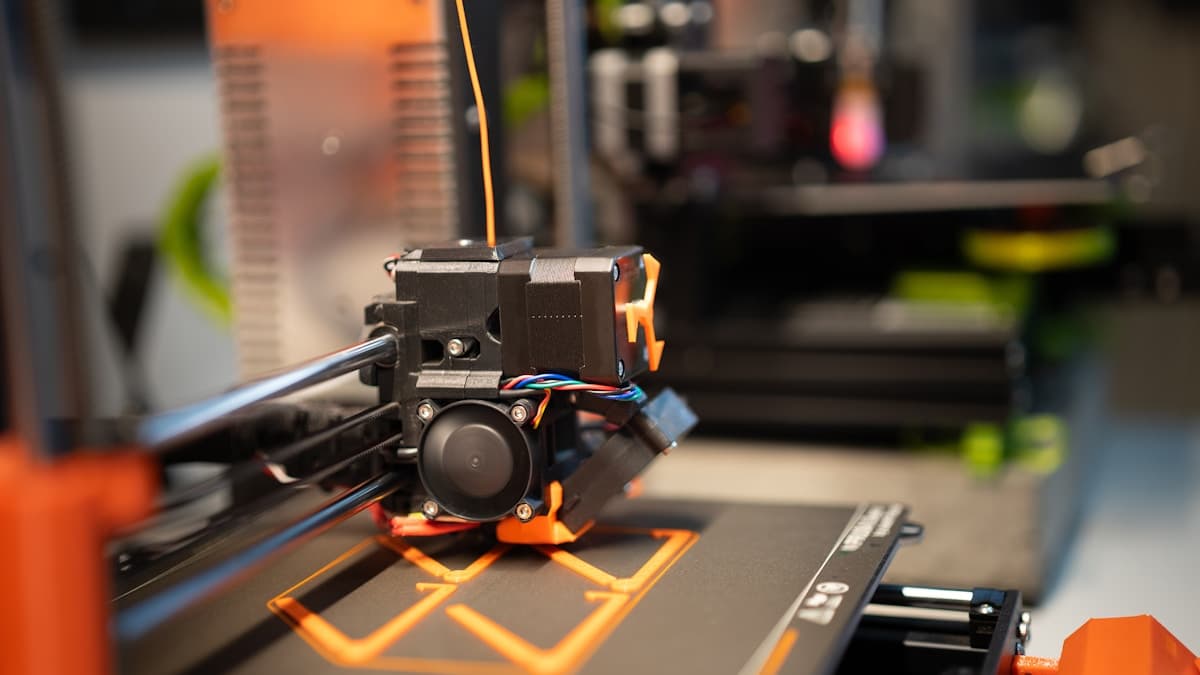
The all-metal hotend went on in March. The hardened nozzle, the stiffer bed springs and the glass plate followed. The parts drawer now holds more money than the printer cost, and the prints look the same as they did before any of it. This is the ordinary experience, not bad luck, because 3D printer upgrades fix the subsystem they replace and nothing else — and the subsystem people replace is rarely the one producing the defect.
This post contains affiliate links. If you purchase through these links, 3D Prototyping Hub may earn a small commission at no extra cost to you.
This post also contains Amazon affiliate links. As an Amazon Associate I earn from qualifying purchases.
Match the Symptom to the Subsystem First
Every print defect is produced somewhere specific. Find that first and the shopping list gets short, and usually cheap.
| What you see |
Where it is produced |
What actually addresses it |
| Echoes and ripples after every corner |
Frame rigidity, belt tension, acceleration |
Resonance compensation, belt tension, lower acceleration |
| Stringing, pocked surface, popping noises |
Moisture in the filament |
A dryer and dry storage |
| First layer lifts, or welds itself on |
Build surface and Z-offset |
Surface change, re-levelling, temperature |
| Walls thin, gaps, inconsistent extrusion |
Nozzle wear, extruder grip, flow calibration |
New nozzle, flow calibration, extruder |
| Repeating bands up the Z axis |
Leadscrew, couplers, Z wobble |
Alignment, coupler, lubrication |
| Layers shifted sideways mid-print |
Belt slip, lost steps, driver heat |
Tension, current, acceleration |
| Warped or cracked ABS, ASA, nylon |
Ambient and chamber temperature |
Enclosure, heated chamber, material change |
Read down the right-hand column and notice how few entries are an upgrade in the shopping sense. A hotend appears nowhere on it. Neither does a build plate, except for the one row that is explicitly about the first layer.
Why a Real Upgrade Can Change Nothing
A printer is a chain of subsystems, and output quality is set by whichever one is currently the worst. Upgrading any other link is invisible — not slightly beneficial, invisible — because the limiting link is unchanged.
That is why the all-metal hotend so often disappoints. It is a genuine improvement to a real component: it removes the PTFE liner from the hot zone so the machine can hold temperatures above roughly 240-250°C without the liner degrading. If your complaint is layer lines on PLA, none of that is relevant. An all-metal hotend is a materials upgrade, and the materials it unlocks also want a hot, enclosed chamber to print properly — which is covered in why your printer can't print ABS or nylon.
The second trap is subtler: an upgrade shifts a dimension your profile was tuned around. A new hotend or nozzle moves the Z-offset. A new plate moves it by its thickness difference. A new extruder changes steps-per-millimetre and so changes flow. Fit the part, skip the recalibration, and the prints get worse — which gets blamed on the part rather than on the profile that no longer describes the machine.
The Upgrades With the Highest Hit Rate
A filament dryer. The single highest-value purchase on this page, and the one treated as optional. Wet filament causes stringing, surface pocks, audible popping, inconsistent extrusion width and weak layer bonding at the same time, so it reads as four unrelated machine faults. A heated filament dryer that the printer can feed from, plus rechargeable indicating desiccant for storage, removes the variable everything else is being tuned against. The options are compared in our dry box round-up, and the symptom set is in why a new spool of filament prints worse.
An accelerometer, on firmware that can use it. Ringing is a resonance problem, and the instinctive fix — more metal, stiffer brackets, heavier base — is the expensive route to a partial result. An ADXL345 accelerometer measures the frequencies your specific machine actually rings at, and the firmware then shapes the motion to avoid exciting them. It costs a few dollars, changes nothing mechanically, and does more for surface finish than any bracket. Check first that your firmware supports input shaping or resonance compensation; the full diagnosis is in why 3D prints have ringing and ghosting.
A new nozzle, and occasionally a different one. A worn nozzle widens slowly, so extrusion width drifts and nothing announces it. Replacing it restores the machine rather than improving it — which is still the fix when the complaint is "it used to print better". Go hardened if you print filled filaments, because abrasive fibre eats brass. Going up to 0.6mm is a throughput and strength decision with a genuine cost in fine detail, not a quality upgrade. The wear pattern is in why 3D printers get worse over time.
Belts, if yours are old. Tension drifts as a belt beds in, and a slack or worn belt produces ringing, rounded corners and a part that measures differently in X than in Y. A GT2 tensioner turns thumb-feel into a repeatable setting, and fresh belt is a few dollars against a symptom that otherwise looks like a frame problem. This is also the first thing to check for prints that shift mid-print.
The Ones That Rarely Earn Their Money
Not useless — misapplied. Each of these fixes something real that is probably not your problem.
- Stepper dampers. They reduce motor noise. They also reduce holding torque, which is how a quiet printer starts shifting layers. Buy them for noise, knowing the trade.
- Driver heatsinks. Worth having if a board runs hot and drops steps on long prints. They do nothing for surface finish.
- Glass plates. Flat, and glossy underneath. They usually need glue, and being rigid, parts must be released by cooling rather than by flexing a sheet. The surface comparison is in our build plate guide.
- Anti-vibration feet. Excellent at stopping a printer transmitting noise into the desk and the room below. Decoupling the machine from the bench does not stop the toolhead exciting the machine's own frame, which is where ringing comes from.
- A bigger part-cooling blower. A genuine upgrade for overhangs and small PLA parts, and actively harmful on ABS and ASA, where fast cooling is what cracks the part.
- Dual-drive extruders. Real grip improvement over a single-gear lever extruder, and the right call for flexibles or persistent under-extrusion. Irrelevant if your machine already has one. Check which you have before ordering — see why 3D prints under-extrude.
The Free Changes That Beat Most Parts
Work through these before the next order. Each costs an evening at most, and together they move more than the parts drawer does.
- Calibrate extrusion flow. Print a single-wall cube, measure the wall with calipers, adjust the multiplier until the measurement matches the setting.
- Run a temperature tower on the actual spool. Material temperature ranges are per-brand and per-colour, not per-material.
- Tune pressure advance or linear advance. This fixes corner bulging and under-filled line starts — the defects most often blamed on the extruder.
- Lower acceleration on outer walls. The slowest, most effective ringing fix, and it costs minutes rather than money.
- Re-level and set the Z-offset against a known reference, with a feeler gauge rather than a folded sheet of paper whose thickness you do not know. Most first-layer complaints end here — see why 3D prints don't stick to the bed.
- Clean the nozzle and check for a partial clog before concluding the hotend is inadequate. Partial clogs imitate almost every extrusion fault there is.
Measure, or You Are Guessing
The reason bad upgrades keep their reputations is that almost nobody measures. Print a test part before and the same part after, on the same spool and the same profile, and measure both. Change one thing at a time. Three upgrades fitted in one evening and one print afterwards tells you that something changed — and the credit lands on the most expensive part rather than on the belt you happened to re-tension while the gantry was apart.
Choose a test part that exercises the thing you changed: a cube with a hole for dimensional accuracy, a tall thin tower for ringing and Z banding, an overhang fan for cooling. A benchmark boat tells you about a boat.
When the Machine Really Is the Ceiling
Some limits are not retrofittable, and recognising them early saves the parts drawer. Frame rigidity sets the floor on ringing. The motion system sets the speed you can actually use. Chamber temperature decides whether ABS, ASA and filled nylon are routine or a weekend project — and you cannot bolt an actively heated chamber onto an open frame honestly.
The rule of thumb that holds up: once the parts list passes about half the price of a current machine, the current machine usually wins, because it brings the three things above with it. QIDI's enclosed machines publish a chamber temperature and a nozzle maximum per model, which are the two numbers to compare on when materials are the limit — read them per model, since their entry machine is not an enclosed high-temperature printer. ELEGOO's US store and Flashforge sit lower in price for enclosed FDM without reaching polycarbonate territory, and the category is compared in our enclosed printer guide.
When the Answer Is Not a Printer at All
There is a case that no upgrade and no replacement answers: you need a small number of parts, to a tolerance or in a material a desktop machine does not reach, and the time spent tuning is worth more than the parts. Powder-bed nylon has no weak layer plane; a machined part holds a tolerance a printer cannot. Shops are listed by process and location in the 3D printing directory, and two or three quotes cost nothing but tell you quickly whether the upgrade you were about to buy was ever the cheaper route.
For everything else: find the subsystem, fix that one, and measure it.
Hero photograph by Jakub Żerdzicki on Unsplash.
Ready to find a 3D printing service provider?
Browse 2,000+ verified providers across the United States and submit your quote request free.
Browse Providers