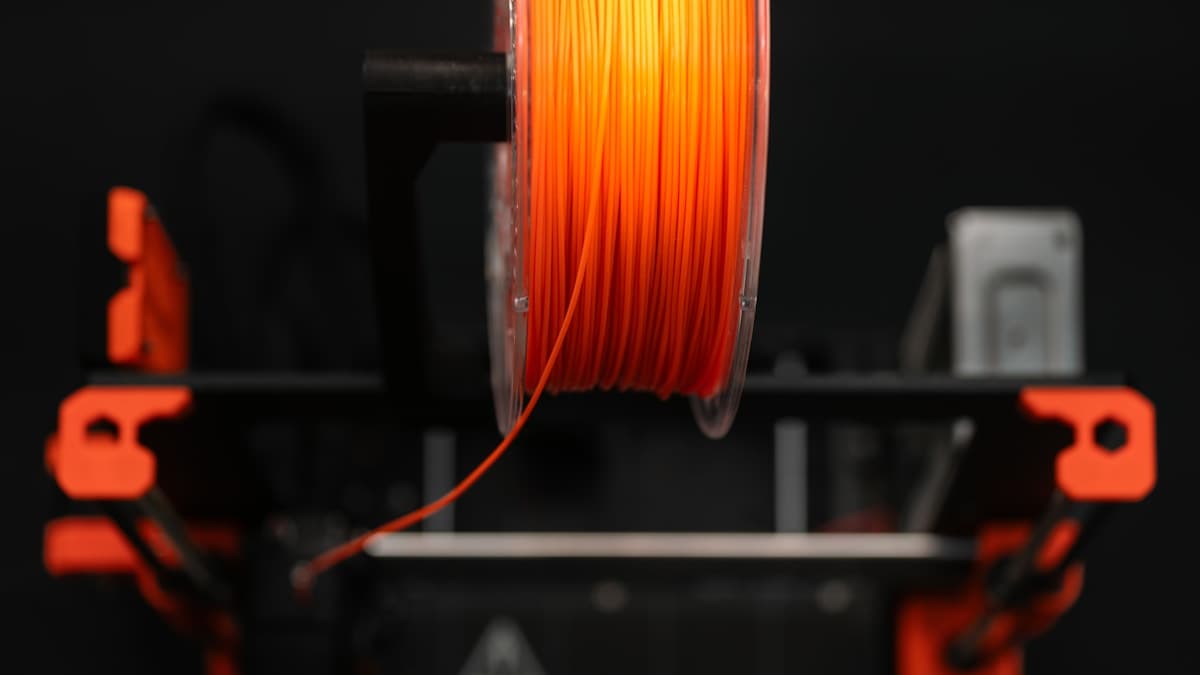
You levelled the bed, you loaded the spool, you sliced the same file that has come off this machine twenty times in PLA. What came out is hairy with strings, has blobs at the start of every perimeter, and is welded to the plate hard enough that you are now worried about the plate. Nothing is broken. PETG prints worse than PLA on a printer that was tuned for PLA because it is a different polymer being asked to follow PLA's rules — and four of those rules have to change.
This post contains affiliate links. If you purchase through these links, 3D Prototyping Hub may earn a small commission at no extra cost to you.
This post also contains Amazon affiliate links. As an Amazon Associate I earn from qualifying purchases.
Find Your Symptom First
Most first PETG prints fail in one of six ways, and each one points at a different setting. Work from what the part looks like rather than from a settings list.
| What you see |
What it is |
What to change |
| Fine hairs between every feature |
Oozing during travel — the signature PETG failure |
Dry the spool, then drop nozzle temperature in 5°C steps |
| Popping or hissing at the nozzle, matte rough surface |
Moisture boiling out of the filament |
Dry at 60-70°C for 4-6 hours, then keep it sealed |
| Blobs and zits at the start of each perimeter |
Pressure not controlled at the seam, made worse by ooze |
Lower temperature, enable coasting/wipe, tune retraction slowly |
| Layers split or peel on a tall part |
Too much part cooling |
Fan down to 30-50%, not up |
| Part will not come off, or lifts PEI with it |
PETG bonded chemically to the plate |
Release layer, higher first layer, let the plate cool |
| Droopy overhangs and failed bridges |
The same low fan speed that fixed your layer bonding |
Accept supports, or raise fan only over bridges |
Two of those six are not really PETG problems at all — they are the reader's PLA profile still being in charge. That is the useful frame for everything below.
PETG Is Not Hot PLA
The temptation is to treat PETG as PLA with the nozzle turned up. The published numbers look that way: PLA runs roughly 190-220°C with a 50-60°C bed, PETG roughly 230-250°C with a 70-85°C bed. Change two numbers, print.
What that misses is that PETG behaves differently after it leaves the nozzle. It stays soft and tacky across a wider band of temperature on the way down, and it gives up its heat more slowly. Everything in this article follows from that one sentence:
- Material keeps flowing during travel moves, because it has not set yet. That is the stringing.
- It welds to the layer below extremely well, provided you do not blast it with a fan. That is why PETG parts resist splitting along layer lines in a way PLA ones do not — and why too much cooling destroys the main advantage you switched for.
- It needs longer to freeze over open air, so bridges sag and steep overhangs droop at fan speeds that are fine for PLA.
- It bonds to smooth surfaces chemically rather than just mechanically. Hence the build plate problem.
It also softens around 80°C rather than 60°C, which is the reason most people move to it in the first place — the car, the attic, the sunny window. The material comparison across the common filaments is in our guide to choosing a 3D printing filament.
Moisture Is the One That Impersonates Everything Else
Before changing a single setting, deal with water. PETG is a polyester and takes moisture out of the air steadily, and a wet spool produces symptoms that look like four different problems: strings, popping at the nozzle, a surface that has gone from glossy to chalky-matte, bubbles in the bead, and weak layers. People spend a weekend on retraction tuning to fix a drying problem.
The tell is time rather than appearance. If a spool printed cleanly a month ago and strings now, with nothing else changed, it is wet. Makers typically publish 60-70°C for four to six hours; a heated filament dryer box that you can print directly out of removes the re-absorption problem entirely, and a small hygrometer inside the box tells you whether it is actually working. Our dry box guide compares the formats; the broader pattern of a spool that changes behaviour without you changing anything is in why a new spool of filament prints worse.
Dry first. Then tune. In that order, or you will tune around a moving target.
Turn the Fan Down, Not Up
This is the setting most PLA users get backwards, because every instinct from PLA says more cooling is better.
PETG develops its layer bond while it is still hot. A fan at 100% chills each bead before the next one can fuse into it, and the result is a part that looks fine and splits along a layer line under light load — which is the exact weakness you switched away from PLA to avoid. Most PETG profiles sit somewhere between 30% and 50%, and some tall thin parts do better still lower.
The price is honest and worth stating: less cooling means worse bridges and droopier overhangs. If your model has both a tall section and a long bridge, raise the fan only over the bridge layers rather than globally, and expect to support overhangs you would have printed unsupported in PLA. The mechanics of that trade are in why 3D print overhangs sag.
Stringing and Blobs Are One Problem Wearing Two Hats
Both come from material leaving the nozzle when you did not ask it to. Fix them in this order, one change at a time:
- Dry the filament. Stated again because it is still the most common cause.
- Lower the nozzle temperature in 5°C steps until the strings thin, stopping before layer bonding or extrusion consistency suffers. Temperature does more here than any retraction value.
- Travel faster. Less time in the air is less time to ooze.
- Retract longer and slower. PETG responds differently to PLA's short fast retraction — too fast and the drive gear grinds a flat on the filament, which turns one problem into two.
- Enable coasting or a wipe move at the end of each perimeter, which is what removes the blob at the seam.
The general method, including the retraction test tower, is in why 3D prints are stringy, and the seam-specific version is in why 3D prints have blobs and zits. Both apply to PETG with the temperature band shifted up.
One more thing worth owning: strings on PETG are easy to remove. A quick pass with a heat gun or even a lighter held well back shrinks them away. That is cosmetic cleanup, not a fix — but it is the reason a nearly-tuned PETG profile is usually good enough to use while you finish tuning it.
The Bed Problem Runs the Opposite Way
With PLA you fight to make parts stick. With PETG you fight to get them off, and the failure costs money rather than time.
PETG bonds chemically to PEI and to glass. A first layer pressed in hard on a smooth PEI sheet can fuse to the point where removing the part tears the PEI coating off the spring steel, and that sheet is then finished. The fixes are all cheap:
- Put a release layer down. A plain disappearing-purple glue stick wiped over the plate is the standard answer, and it works by stopping the bond rather than by helping it.
- Raise the first layer slightly instead of squashing it. PETG does not need the squish PLA profiles use, and extra squish is what welds it.
- Let the plate cool completely. Most torn sheets happen when someone flexes a warm plate because the part would not pop.
- Prefer textured PEI for PETG. It holds well, releases cleanly, and has far less surface area in intimate contact. Keeping a spare smooth PEI sheet for the parts that need a glossy bottom is cheaper than replacing the one you damaged.
The same mechanism and the full removal routine are covered in why 3D prints get stuck on the build plate. PETG also welds itself to supports, so increase the support Z gap by a layer or two before blaming the slicer.
Your High-Speed PLA Profile Does Not Transfer
A fast machine with a well-tuned PLA profile is running close to what the hotend can melt. PETG needs more energy per millimetre of extrusion and gives it back more slowly, so the same speed produces under-extrusion, clicking from the extruder, and gaps between walls that look like a flow problem.
Start at roughly half your PLA speed. If the extruder clicks, raise the nozzle temperature before raising flow. Keep the first layer slow regardless. Printer manufacturers publish separate maximum flow rates per material precisely because this is not transferable, and a quick check of the actual extrusion width with digital calipers on a single-wall cube tells you whether flow is right far faster than staring at the part. Where that shows up as gaps rather than stringing, see why 3D prints have gaps between the walls.
A Starting Profile, Written Down
Not a recommendation tuned on your machine — a sane place to begin, from published material ranges.
| Setting |
PLA habit |
PETG starting point |
| Nozzle |
200-215°C |
235-245°C, then tune down for strings |
| Bed |
55-60°C |
75-85°C |
| Part cooling |
100% |
30-50% |
| Print speed |
Whatever your machine does |
About half of it |
| Retraction |
Short and fast |
Slightly longer, distinctly slower |
| First layer |
Squashed |
Barely squashed, slow, over a release layer |
| Support Z gap |
Default |
One to two layers more |
Change one at a time and print a small test each time. A profile arrived at by changing five settings at once is a profile nobody can debug later.
When It Is the Spool and Not You
Some PETG is genuinely harder to print, and the variable that matters is diameter consistency. A spool whose diameter wanders produces extrusion-width variation that reads exactly like a flow or retraction problem and cannot be tuned out.
Buy on two published facts: the stated diameter tolerance, and whether the spool ships vacuum-sealed with desiccant. Overture's High Speed PETG is sold direct by the maker with its tolerance on the product page, which is the number to compare against anything else you are considering; a general PETG filament in 1.75mm search covers the rest of the field, and the brands that behave are compared in our PETG filament guide.
When PETG Is the Wrong Answer
It is not a universal upgrade, and three cases are worth naming:
- Fine detail and crisp text. PLA prints sharper. A display model with small lettering is a PLA part, for the reasons in why 3D printed text and logos come out mushy.
- Sustained sunlight. PETG is adequate outdoors but is not UV-stable in the way ASA is, so an exterior part in full sun belongs in ASA.
- Anything structural, repeatable and due to someone. Desktop FDM has a weak axis whatever you feed it. When the part has to be right the first time, in quantity, or to a tolerance, printing it on a service shop's machine in a process without that weak plane is usually faster than a third tuning weekend. Shops are listed by location and process in the 3D printing directory, and two or three quotes cost nothing.
For everything else — brackets, housings, clips, mounts, anything that gets handled — PETG earns its place. It just will not do it on PLA's settings.
Hero photograph by Jakub Żerdzicki on Unsplash.