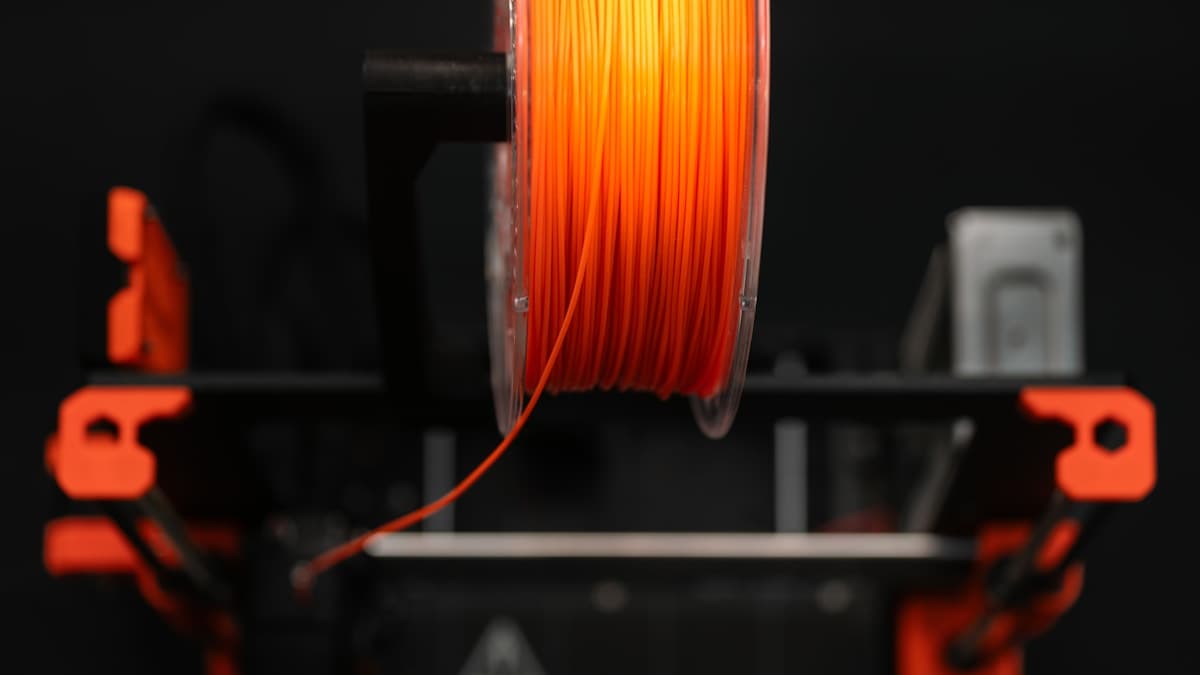
Standing in front of a wall of filament spools, the choice feels bigger than it is. In practice, almost every part comes down to four materials — PLA, ABS, PETG, and TPU — and picking the right one is a two-minute decision once you know what each is actually for. This guide gives you that decision without the chemistry lecture.
The single most useful idea to hold onto: match the material to how the part will live. Where will it be, how hot will it get, how much force will it take, and does it need to bend? Answer those and the filament chooses itself.
This post contains affiliate links. If you purchase through these links, 3D Prototyping Hub may earn a small commission at no extra cost to you.
This post also contains Amazon affiliate links. As an Amazon Associate we earn from qualifying purchases.
The Two-Minute Decision
Start here. Most parts are answered by these questions in order:
- Is it just for display, prototyping, or light indoor use? → PLA. Easiest to print, cleanest detail, cheapest. Don't overthink it.
- Does it need to survive heat, moisture, or outdoor use, or take real stress? → PETG. The best all-round tough material, and far easier than ABS.
- Does it specifically need high heat resistance or acetone smoothing, and do you have an enclosure? → ABS (or ASA if it's going outdoors).
- Does it need to bend, stretch, or grip? → TPU. The flexible option — gaskets, cases, feet, straps.
If you're still unsure, the honest default for a new printer is PLA+ to learn on, and PETG as your first "serious" material. That pair covers the overwhelming majority of what people actually print.
The Four Materials at a Glance
| Material |
Best for |
Ease of printing |
Heat resistance |
Toughness |
Enclosure? |
| PLA |
Display, prototypes, indoor parts |
Easiest |
Low (~60°C) |
Brittle |
No |
| PETG |
Functional parts, outdoor, moisture |
Moderate |
Good |
High |
No |
| ABS |
Heat-resistant functional parts |
Hard |
High |
High |
Yes |
| TPU |
Flexible parts, gaskets, grips |
Moderate–hard |
Moderate |
Flexible |
No |
PLA — The Default Starting Point
PLA is the material almost everyone starts on and the one most prints should stay on. It prints at low temperatures with no enclosure, warps very little, holds crisp detail, and is the most forgiving filament of imperfect settings. Its limits are heat (it softens around 60°C — a hot car will deform it) and brittleness under stress. For display models, prototypes, jigs, organizers, and indoor parts, PLA is simply the right answer. Start with an enhanced PLA+ like eSUN PLA+, and see our best PLA filament guide for the full picks.
PETG — The Everyday Workhorse
PETG is the material to graduate to when PLA isn't enough. It's tougher and more impact-resistant than PLA, resists heat and moisture, holds up outdoors far better, and — crucially — doesn't need an enclosure like ABS does. The trade-off is that it's a bit more finicky to dial in (it likes slower speeds and can string), but once tuned it's a reliable workhorse for functional parts. For most people, PETG is the best single "tough" filament to own. Try Overture PETG, and see our best PETG filament guide for more.
ABS — Heat Resistance, at a Cost
ABS is strong, heat-resistant, and post-processes beautifully (it sands, glues, and acetone-smooths), which is why it's used for functional parts that live in hot or demanding environments. The catch is that it warps and cracks without a warm, draft-free enclosure, making it the hardest of the four to print reliably. Choose ABS when you specifically need its heat resistance and you have a controlled machine — otherwise PETG gives you most of the durability with none of the headache. If the part goes outdoors, use ASA instead. See our best ABS filament guide for picks and printing tips.
TPU — When the Part Has to Bend
TPU is the odd one out: it's flexible. Where the other three make rigid parts, TPU makes parts that stretch, compress, and grip — phone cases, gaskets, seals, feet, wheels, and straps. It's nearly unbreakable in the sense that it bends instead of snapping. The trade-offs are printing quirks: it prints best slow, on a direct-drive extruder, and doesn't like retraction-heavy models. When you need flex, though, nothing else will do. SUNLU TPU is a common starting point.
A Few Rules That Save Spools
- Learn on PLA. Don't try to master your printer on ABS or TPU. Get reliable on the easy material first.
- Keep filament dry. Every material on this list except PLA is noticeably moisture-sensitive; PETG, TPU, and ABS all print poorly when wet. A sealed box with desiccant fixes it — see our filament dry box guide.
- Update your slicer profile per material. The single most common beginner mistake is printing PETG or TPU on a PLA profile. Use the right temperature and speed settings.
- Match the machine to the material. Any of these needs a solid printer; ABS also needs an enclosure. A capable machine like one from Anycubic's FDM lineup handles PLA, PETG, and TPU out of the box.
When to Skip the Decision Entirely
If you only need a single part — especially in a demanding material, a large size, or a tight tolerance — buying the right filament, the right printer, and the hours to learn them rarely beats simply ordering the finished part. The material decision is only worth making when you print often enough to amortize the setup. For one-off or specialty parts, browse the 3D Prototyping Hub directory and let a provider who already runs the right material print it for you.
Related Resources
Hero photo via Unsplash. This post contains affiliate links — 3D Prototyping Hub may earn a commission if you purchase through them, at no cost to you. As an Amazon Associate, we earn from qualifying purchases.
Ready to find a 3D printing service provider?
Browse 2,000+ verified providers across the United States and submit your quote request free.
Browse Providers