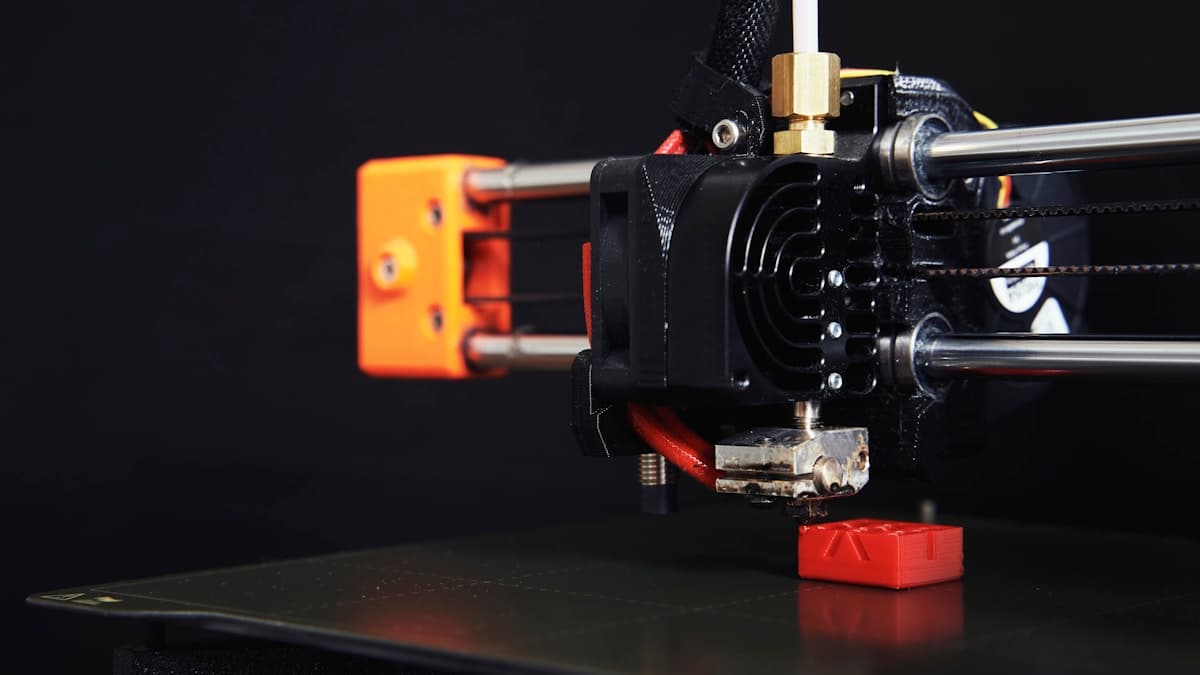
You lift the print off the plate and it is wearing a beard. Fine hairs stretched between every tower, a web across the gap between two walls, a fuzz that clogs your snips before you are halfway round. 3D print stringing is not a sign that your printer is worn out — it is molten plastic doing the only thing it can do when the nozzle moves through open air while there is still pressure behind it. There are exactly three things that decide whether that happens, and one print will tell you which of them you are fighting. This guide reads the symptoms first, fixes them in the cheapest order, and ends with the case where the honest answer is to have the part printed by a service.
This post contains affiliate links. If you purchase through these links, 3D Prototyping Hub may earn a small commission at no extra cost to you.
This post also contains Amazon affiliate links. As an Amazon Associate we earn from qualifying purchases.
What Stringing Actually Is
Filament in the melt zone is under pressure. The extruder has pushed a column of solid plastic into a heated chamber that is smaller than the plastic wants to be, and the only way out is the nozzle. When the extruder stops, that pressure does not stop — it keeps pushing molten polymer out of the hole for as long as it takes to equalise. If the print head is travelling across open space at that moment, the ooze becomes a thread.
So three variables decide the outcome:
- How fluid the melt is. Hotter plastic is thinner, flows for longer after the extruder stops, and strings more.
- How much pressure is left. Retraction pulls filament back to relieve it. Too little and the nozzle keeps drooling; too much and you get gaps at the start of the next path.
- How much water is dissolved in the filament. Water absorbed from the air flashes to steam at print temperature and blows plastic out of the nozzle under its own pressure. No retraction setting can pull back against steam.
Everything below moves one of those three. Nothing else does anything.
Read the Print Before You Change a Setting
The three causes produce different-looking failures, and the fixes point in different directions — so guessing costs you an evening.
| What you see and hear |
Most likely cause |
First thing to change |
| Popping or crackling at the nozzle, rough matte surface, hairs even inside the part |
Moisture |
Dry the spool |
| Fine wispy strings, glossy over-melted detail, drooping overhangs, corners bulging |
Nozzle too hot |
Drop 5°C and reprint |
| Clean surface finish, strings only in open air between separated features |
Retraction |
Retraction distance, then speed |
| Stringing that comes and goes mid-print, with inconsistent extrusion |
Partial clog or worn PTFE |
Cold pull, then inspect the hotend |
The classic test model is two or four thin towers separated by a gap. Print it, change one variable, print it again. A single print with three variables changed tells you nothing, which is the most common reason people conclude their machine "just does this".
Fix It in This Order
The order is deliberate: the free fixes resolve most cases, and tuning retraction to compensate for a wet spool is an evening spent making a symptom slightly smaller.
1. Dry the filament. Before anything else, and before you touch a slicer setting. Details in the next section.
2. Drop the nozzle temperature in 5°C steps. Print a temperature tower and take the lowest value that still gives you clean layer bonding and full extrusion. Do not chase the strings below that — weak layers are a worse defect than hairs, and they fail later, in use, rather than on the plate.
3. Set retraction distance for your extruder type. Direct drive typically wants 0.5-2mm; Bowden typically wants 3-6mm, more with a longer tube. Start in the middle of the range, move in 0.5mm steps, and change nothing else.
4. Then retraction speed, around 25-45mm/s. Faster clears the pressure quicker but grinds the filament if the extruder cannot grip it. If you see shaved dust in the extruder gear, you have gone too fast or too far.
5. Raise travel speed. The thread has less time to form if the head crosses the gap faster. This is free and often visible immediately.
6. Turn on combing or "avoid crossing perimeters". Routing travel moves over already-printed infill rather than across open air means the ooze lands somewhere it does not show.
7. Only now, coasting and wipe. Both clean up the last few hairs. Both also hide the cause and add their own artefacts, so they belong at the end of the list rather than the start.
Z-hop deserves a warning of its own. It is often recommended for stringing and it frequently makes it worse: lifting the nozzle gives the ooze a clean run of air to hang in rather than smearing it into the layer below. If you have Z-hop on and you are stringing, try turning it off.
Moisture Is the Step Everyone Skips
Filament is hygroscopic to varying degrees, and a spool that printed perfectly in June can be unusable in September without looking any different. Nylon and PVA are the worst offenders, then TPU, then PETG, then ABS and ASA, with PLA the most forgiving. PETG is the one that catches people out — it absorbs enough water to string dramatically while still producing parts that basically work, so it gets blamed on retraction for months.
A heated filament dryer box is the fix, and it is the highest-value purchase on this page because it addresses the one cause that settings cannot touch. Broadly: PLA around 45-55°C for 4-6 hours, PETG at 60-65°C, TPU at 50-55°C for 6-8 hours, nylon at 70-80°C for 8-12 hours and ideally with the dryer feeding the printer during the print. Stay below each material's glass transition or you will fuse the spool solid.
Drying is only half of it. A dried spool left open on a shelf is wet again within days, so vacuum bags with fresh desiccant are what makes the drying stick. Our filament dry box guide compares the sealed-box and active-dryer approaches, and how to choose 3D printing filament covers which materials this matters most for.
When It Is the Hardware, Not the Settings
If stringing appeared suddenly on a profile that used to work, stop tuning and look at the hotend.
A partial clog changes the pressure in the melt zone unpredictably, which looks exactly like bad retraction and cannot be tuned away. A nozzle cleaning kit with needles and cold-pull filament rules it out in ten minutes.
A worn or damaged nozzle widens the orifice and rounds its edge, so the melt no longer breaks off cleanly. Brass wears fast on anything filled with carbon fibre, glass or glow powder; if you print those, a hardened steel nozzle is the part that stops the problem recurring. We covered the trade-offs between materials and sizes in 3D printer nozzles explained.
A scorched PTFE liner is the quiet one. On hotends where the tube runs down to meet the nozzle, heat cycling shortens and deforms it, leaving a small void above the nozzle where plastic pools and then oozes out on the next travel move. Replacing the PTFE tube and re-seating it hard against the nozzle fixes a class of stringing that no slicer setting will.
Extruder grip matters too. A worn drive gear or a slack tensioner means the retraction you commanded is not the retraction that happened.
The Machine-Level Answer
Bowden setups string more than direct-drive ones, and no amount of tuning erases the difference — a metre of PTFE tube between the gear and the nozzle absorbs part of every retraction, and flexible filament turns that from a nuisance into a wall. If you print TPU or engineering materials regularly and you are buying a machine anyway, buy direct drive. ELEGOO's direct-drive FDM machines and Anycubic's FDM range and hotend spares both sit at the price point where that is a sensible default rather than an upgrade.
The second machine-level factor is the chamber. A material that absorbs water from the room also absorbs it during a twelve-hour print, which is why nylon that started dry can finish hairy. Flashforge's enclosed machines keep the air around the spool and the part warmer and drier for the duration, which is the same argument the warping guide makes for a different failure mode. The two problems share a cause more often than they look like they should.
Cleaning Up What You Already Printed
Strings on a finished part come off with a deburring tool and a set of flush cutters faster than with fingernails, and without the surface scarring. A brief pass with a heat gun on low, kept moving and kept well back, shrinks fine hairs away — but it will also soften detail and round edges if you linger, so treat it as a finishing trick for display parts rather than a routine step on anything dimensional.
When It Is Not Worth Fixing
Stringing that only shows up on nylon, polycarbonate or a filled engineering filament is usually the machine telling you the truth: those materials need conditioned filament, a hot chamber and a repeatable environment, and a desktop printer in a spare room supplies none of those reliably. You can get there with a dryer feeding the machine and an enclosure around it, and plenty of people do — but if the part is going in front of a customer, or if you need ten of them identical, the arithmetic changes.
A service bureau treats material conditioning as process rather than as a project. Browse providers by location and process and send the same STL to two or three of them; if the quote is close to what the spools and the failed prints cost you, the decision makes itself.
Hero photograph by Christian Englmeier on Unsplash.