The printer has not moved. The file is the one you printed four times last month. The profile is the profile you spent a weekend tuning. You loaded a new spool of the same brand, same material, one shade different — and the first layer is patchy, the walls have gaps, and there is stringing across a gap that used to print clean. Nothing is broken, which is exactly why this is maddening. A new spool of filament prints worse because a tuned profile is a match between your machine and one specific spool, and at least four things changed when you swapped it.
This post contains affiliate links. If you purchase through these links, 3D Prototyping Hub may earn a small commission at no extra cost to you.
This post also contains Amazon affiliate links. As an Amazon Associate we earn from qualifying purchases.
Read the Symptom First
The failure tells you which variable moved. Start here rather than in the slicer.
| What you see on the new spool |
What changed |
First move |
| Gaps between walls, thin top layers, no other change |
Diameter running under nominal |
Measure with calipers, set the real average |
| Blobs, elephant foot, parts a touch oversized |
Diameter running over nominal |
Same measurement, same correction |
| Popping or hissing at the nozzle, new stringing, rough surface |
Moisture in the spool |
Dry it before touching settings |
| Clicking extruder that comes and goes with spool position |
Winding, flange drag or a tangle |
Unmount and roll the spool by hand |
| Dull surface, weak layer bonding, worse overhangs |
Pigment or additive load for this colour |
Temperature tower, 5°C steps |
| Rough surface after a few hundred grams, creeping over-extrusion |
Abrasive additive widening a brass nozzle |
Hardened nozzle, then recalibrate flow |
| Intermittent under-extrusion days after a material change |
Residue from a higher-temperature filament |
Cold pulls or cleaning filament |
A Profile Belongs to a Spool, Not a Printer
Slicer profiles are stored under the printer's name, which quietly teaches everyone the wrong model of what calibration is. What you actually tuned was a system: this hotend, at this temperature, pushing this plastic at this diameter with this pigment load. Change the last part and the tune is approximate again.
Manufacturers do not hide this. A spool is sold with a nominal diameter of 1.75mm and a tolerance — commonly ±0.05mm, ±0.03mm on better lines, ±0.02mm on the ones that advertise it. Every spool inside that band is a spool that was made correctly. It is also a spool that can hand your extruder measurably more or less plastic than the last one did, entirely within spec.
Measure the Filament Before You Touch a Setting
Flow follows the square of the diameter, so the error is bigger than it looks. Filament averaging 1.70mm against a profile that assumes 1.75mm delivers about 5.6% less plastic — which is exactly what gappy walls and translucent top layers look like.
Take ten readings over about two metres with a set of digital calipers, rotating 90 degrees at each point because extruded filament is slightly oval rather than round. Record the average and the spread.
- A shifted average is free to fix. Enter the measured figure as the filament diameter in the slicer and the flow maths corrects itself.
- A wide spread is not fixable. If readings swing 1.68 to 1.79 within two metres, no single number is right for the whole spool and you will chase it all the way to the end of the roll. That is a spool to use for draft parts, and a brand to stop buying.
This measurement is also the only evidence that distinguishes a bad spool from a tired machine, which matters before you start replacing parts over what turns out to be a tolerance problem. The wider version of that diagnosis is in our guide to why 3D prints under-extrude.
Colour and Finish Are Material Changes
The most common version of this problem is swapping colour within one product line and expecting nothing to change. Pigment is a filler suspended in the melt, and it changes viscosity, heat transfer and surface behaviour:
- Black and white typically carry the heaviest pigment loading in a line.
- Matte finishes are mineral-filled. They look superb, print slightly hotter, and are mildly abrasive.
- Silk filaments contain copolymer additives for gloss. They string more and bond between layers noticeably worse — a silk part is a decorative part.
- Carbon-fibre, glow-in-the-dark and glitter are genuinely abrasive. Glow pigment is strontium aluminate, which is a ceramic.
For the abrasive group a hardened steel nozzle is a requirement rather than an upgrade. A brass nozzle does not fail cleanly on those materials; it widens gradually, so the print degrades over weeks in a way that looks like a tuning drift. Note that steel conducts heat less well than brass, so expect to print around 5-10°C hotter after the swap.
If the new spool is a lower-temperature material than the last one — PLA after PETG or ABS — the residue left in the melt zone will degrade at your new temperature and seed partial clogs days later. Two or three cold pulls, or a run of cleaning filament, is the whole fix and takes ten minutes.
New Does Not Mean Dry
A vacuum bag does not dry filament. It preserves whatever humidity was sealed in at the factory, and the sachet inside may have been saturated long before the spool reached you. PLA and PETG both absorb moisture from ordinary room air; TPU and nylon do it fast enough to ruin a print in an afternoon.
Dry first, diagnose second — roughly 45-50°C for PLA, 60-65°C for PETG, 70-80°C for nylon, four to twelve hours by material. Stay under PLA's glass transition: a spool that fuses to itself in a hot dryer is scrap. A heated dryer box you can print directly out of is the version of this that survives contact with real workshops, because it removes the question permanently instead of once per spool. We compared the enclosed options in the filament dry box guide.
For storage between jobs, colour-indicating rechargeable desiccant is worth the small premium over plain beads for one reason: spent desiccant and fresh desiccant are visually identical unless the beads change colour. Moisture is also the usual culprit behind filament that snaps on the spool and a large share of stringing complaints.
The Spool Itself Is a Mechanical Part
Two spools of identical filament can feed differently:
- Winding. A crossed wind binds when the layer above traps the strand below, usually between a third and half way through the roll. Unmount the spool and roll it off by hand — if the resistance is intermittent and position-dependent, it is a tangle, not the extruder.
- Flange width and bore. Brands vary, and a spool that binds on a narrow holder adds drag that increases as the roll empties.
- Cardboard spools shed fibre into the feed path and the extruder gear teeth.
Drag is the sneaky one, because the symptom — clicking and intermittent under-extrusion — reads as a clog. A bearing spool holder removes a variable the slicer has no way of compensating for.
The Twenty-Minute Re-Qualification
Run this at every spool change of a product you have not characterised. It is faster than one failed eight-hour print.
- Measure. Ten caliper readings, two metres, average and spread. Enter the average in the slicer.
- Dry if in doubt. Always for nylon and TPU, for any PETG that has been open more than a few weeks, and for any spool that has lived outside a sealed box.
- Temperature tower. 5°C steps across the manufacturer's range. Pick for layer bonding and surface, not for the prettiest single band.
- Flow check. Single-wall cube, no top layers, measure the wall at several heights and scale flow by the ratio to your target.
- Retraction, only if stringing survives steps 2 and 3.
- Save the profile under brand, material and colour — and write the lot number from the spool label into the profile notes. That is what makes the next spool of the same product a known quantity rather than a fresh argument.
When It Is Cheaper to Buy Consistency Than to Chase It
At some point the tuning time costs more than the filament. What you are buying when you pay more per kilogram is a published tolerance figure, a lot number on the label, and a manufacturer who sells the same formulation next year.
Buying direct from the maker rather than through a marketplace listing helps for a mundane reason: a marketplace listing can change supplier behind the same photograph and the same title, and you find out through your prints. Overture's High Speed PLA is sold direct with its diameter tolerance published on the product page, which is the specification that decides most of what this article is about. ELEGOO's US store lists its filament beside the machines, which is useful when you want the same vendor's profile recommendations for the printer you already own. If you are choosing a material rather than a brand, start from our filament buying guide.
Neutral, checkable things to compare before you commit to a case of one product: the published tolerance (±0.02mm is a real difference from ±0.05mm), whether a lot number appears on the spool, whether the spool is cardboard or plastic, and whether the brand sells the same line in the colours you actually use.
When the Part Matters More Than the Spool
Spool-to-spool variation is a hobby problem when you are printing brackets for yourself, and a business problem when a customer is waiting. If the part has a tolerance on a drawing, a deadline, or a material requirement you cannot verify in your own workshop, that is the point to stop owning the variable. A service provider quotes against a specified material and a stated tolerance, and the consistency is their problem rather than yours — browse providers by location and process in the 3D printing directory, or read how to choose a 3D printing service first if you have not ordered before.
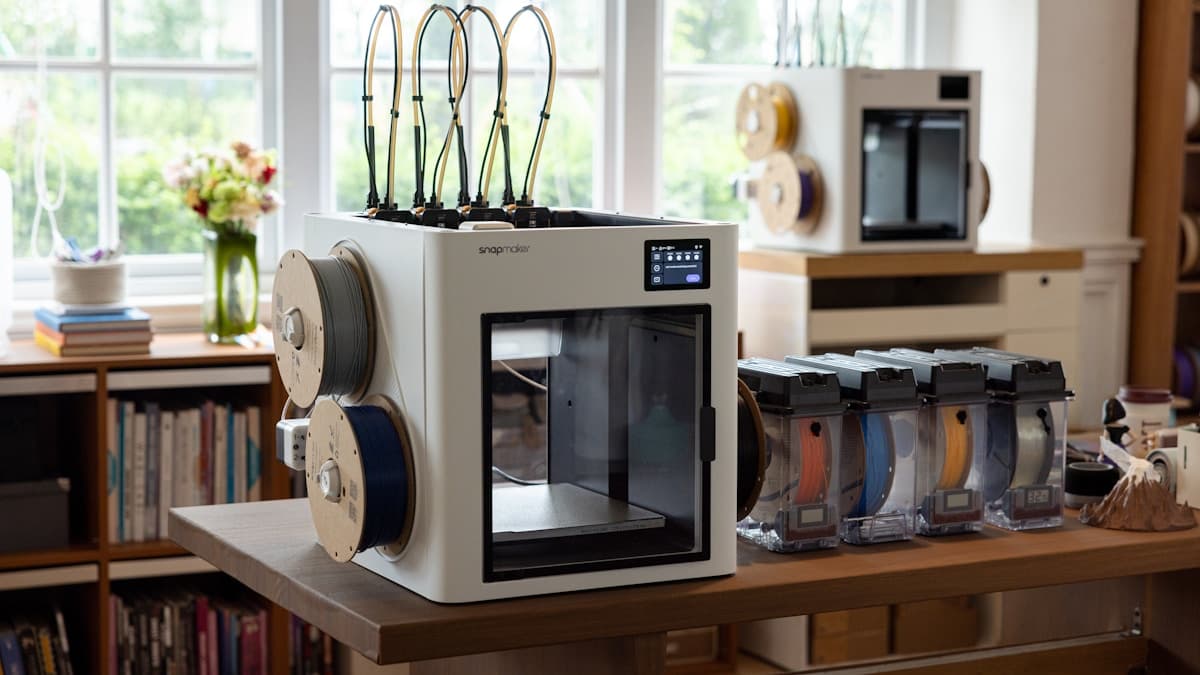
Hero photograph by Snapmaker 3D Printer on Unsplash.
Ready to find a 3D printing service provider?
Browse 2,000+ verified providers across the United States and submit your quote request free.
Browse Providers