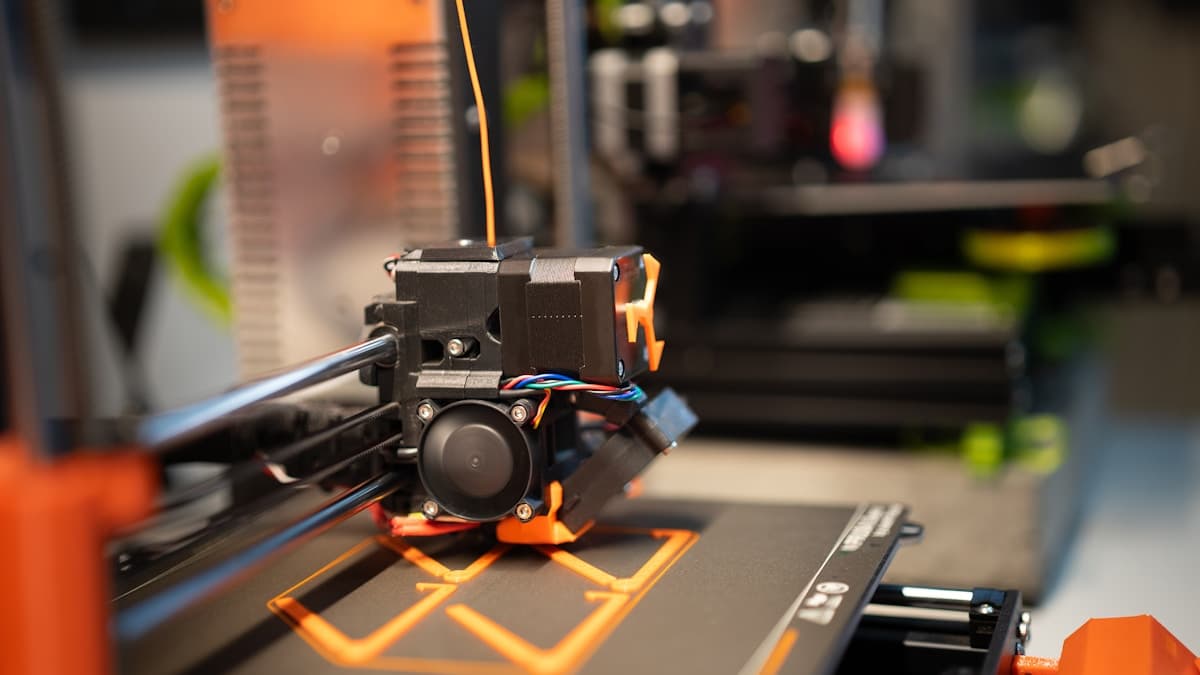
The short version: the best dual extruder 3D printers in 2026 are the enclosed IDEX machines, because two independent nozzles inside a heated chamber are the only straightforward way to print soluble supports under ABS or ASA. Flashforge's enclosed dual-extruder line is the mainstream version of that machine. The Sovol SV04 is the cheapest honest entry to IDEX, the Snapmaker J1s is the one to buy if duplication mode is the point, and the Raise3D Pro series is where it stops being a desk upgrade and becomes a workshop tool.
Before any of that, the thing worth being blunt about: a second nozzle is not a colour feature. If you want four colours in one model, a four-slot filament changer does it better and cheaper. Two nozzles exist so that two genuinely different polymers can be printed in one job without ever sharing a melt zone — a model in PLA and its supports in PVA, a rigid frame with a TPU gasket, ABS held up by HIPS. Buy on that basis or you will overpay for the wrong mechanism.
This post contains affiliate links. If you purchase through these links, 3D Prototyping Hub may earn a small commission at no extra cost to you.
This post also contains Amazon affiliate links. As an Amazon Associate I earn from qualifying purchases.
Four architectures, and which one you are actually buying
Every machine sold as "dual" or "multi" is one of these four, and the mechanism decides the waste, the failure modes and the price.
| Architecture | Materials | Purge waste | Idle nozzle | Typical cost |
|---|---|---|---|---|
| Single-nozzle changer (AMS-style) | 4–16 | Very high | n/a | $150–350 on top of the printer |
| Shared-carriage dual extruder | 2 | Low | Rides over the part | Built into mid-range machines |
| IDEX (independent carriages) | 2 | Near zero | Parks and wipes at the side | $350–1,500 |
| Toolchanger | 4–5 | Near zero | Docked | $2,000+ |
The row that matters most is the third column. A single-nozzle changer has to flush the previous material completely out of the melt zone on every swap and throw it away, and on a part with supports on hundreds of layers that discarded purge can outweigh the model. Two separate nozzles have nothing to flush. That is the whole structural argument for dual extrusion, and it is why soluble supports are practical on an IDEX machine and expensive on a changer.
The fourth column is the argument for IDEX specifically over a shared carriage. When both nozzles sit on one gantry, the hot idle nozzle travels over your part for the entire print, and hot plastic drips. Machines manage it with wipe walls and standby temperatures, but they are managing a problem IDEX does not have — an independent carriage parks off the bed, gets wiped, and comes back clean.
The picks
Best overall — Flashforge's enclosed dual-extruder machines
The combination to buy is two independent nozzles plus a closed, heated chamber, and this is where you find it at a price a workshop will actually approve. The enclosure is not a comfort feature: ABS and ASA warp and delaminate in open air, and HIPS — the support material those two require — prints at 230–245°C on a 100°C bed, which an open frame cannot hold. A dual extruder without an enclosure simply cannot do the ABS half of the job.
Flashforge has built this class of machine for longer than most of the market, which shows up as mature slicer profiles and calibration routines that assume two nozzles rather than treating the second as an add-on. Check the current spec sheet before ordering — the lineup moves, and the difference between the shared-carriage and fully independent models is the one specification worth confirming.
Browse Flashforge's dual-extruder range
Best budget IDEX — Sovol SV04
The cheapest way to find out whether you actually want two nozzles. The SV04 is an open-frame bed-slinger with two independent X carriages and a large build area, usually landing in the $300–450 range — roughly what a good single-nozzle machine costs, which makes the IDEX part close to free.
What you pay instead is time. Nozzle offset calibration is a hands-on routine here rather than a wizard, bed levelling matters more than on a self-calibrating machine, and the open frame limits you to PLA, PETG and TPU in practice — so PVA supports yes, HIPS under ABS no. As a first IDEX machine that is a fair trade, and if two nozzles turn out not to suit your work you have lost very little.
Best for duplication mode — Snapmaker J1s
Buy this one for throughput rather than materials. The J1s is a rigid, fast IDEX machine that ships calibrated, and its headline feature is that both carriages can print the same model at the same time on two halves of the bed. For anyone producing small parts in quantity — brackets, enclosures, market-stall stock — duplication mode halves wall-clock time in a way no amount of print-speed tuning does.
Mirror mode is the same trick applied to symmetrical pairs: a left and a right version built simultaneously. It sits at roughly $1,000–1,400 depending on bundle, so it is competing with strong single-nozzle machines; the case for it is that you want two outputs per run, not two colours. If you are cross-shopping at that level, our guide to the best 3D printers under $1,000 puts the single-nozzle competition next to it.
Best professional — Raise3D Pro series
This is the tier where dual extrusion stops being a feature and becomes infrastructure: a heated chamber, filament runout and jam detection, dual extruders rated for engineering polymers, and the enclosure and airflow to run them. Nylon, polycarbonate and carbon-fibre blends need chamber temperature to reach their published strength, and their soluble support partners need the same environment.
Price it as a capital purchase in the several-thousand range, not a desk upgrade, and justify it on utilisation. If it is not running most days, a service bureau costs less over three years. Our polycarbonate and carbon-fibre filament guides cover the materials this class of machine exists to print.
Best alternative — a four-slot changer, if you wanted colour all along
A real share of people searching for a dual extruder want a multicoloured model, and for that job a second nozzle is the wrong purchase: two nozzles give you two colours, while a changer gives you four or more for less money. Anycubic's Kobra line with the ACE Pro unit and ELEGOO's current FDM range are the two combos worth pricing, and our multi-colour printer guide is the full comparison from that direction.
Accept the purge waste as the cost of entry and it is the better buy for colour work. Just do not expect it to make soluble supports cheap — it will not.