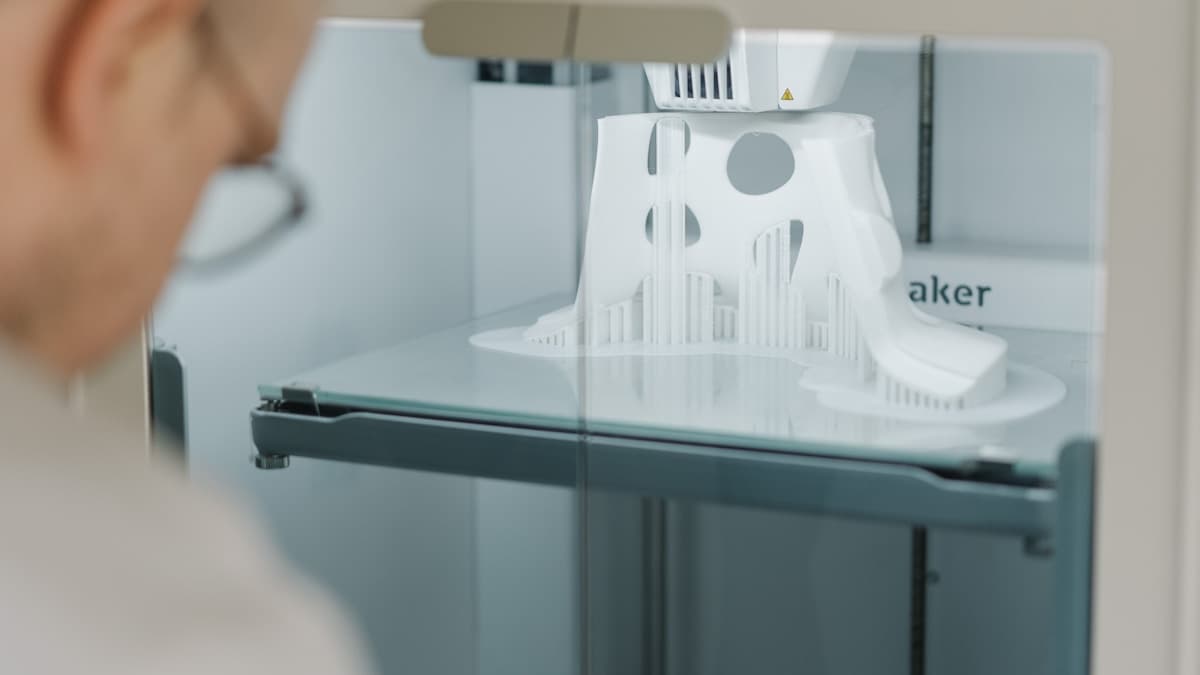
The direct answer: the Bambu Lab P1S is the best 3D printer under $1000 for most engineers and product teams in 2026 — an enclosed CoreXY machine with fast, reliable output and optional multi-color printing. The Prusa MK4S is the better pick if open-source serviceability and long-term support matter more than raw speed, and the Creality K1 Max is the choice when you need the largest enclosed build volume in this range.
This tier — roughly $500 to $1000 — is where a 3D printer stops being a hobby machine and becomes a dependable working tool: enclosed chambers for engineering materials, better motion systems, and multi-material options. If your budget is tighter, see our guide to the best FDM printers under $500. If you still aren't sure whether to buy at all, the FAQ at the bottom covers the buy-vs-service bureau trade-off directly.
This post contains affiliate links. If you purchase through these links, 3D Prototyping Hub may earn a small commission at no extra cost to you.
This post also contains Amazon affiliate links. As an Amazon Associate I earn from qualifying purchases.
The Five Best 3D Printers Under $1000
1. Bambu Lab P1S — Best Overall
Price range: ~$700 | Build volume: 256×256×256mm | Motion: CoreXY (enclosed)
The P1S is the machine most engineering teams should buy in this range. The enclosed CoreXY design holds temperature well enough for consistent ABS, ASA, and PETG, and it prints fast without the quality loss cheaper machines show at speed. Add the AMS and it becomes a four-color, multi-material system with automatic soluble-support handling for complex geometry.
Who it's for: Product teams and engineers who want a reliable daily driver with room to grow into multi-material work.
Where it falls short: It's a comparatively closed ecosystem, and heavy customization is easier on open-source machines. If you want to modify firmware or hardware deeply, the Prusa is friendlier.
2. Prusa MK4S — Best for Reliability and Serviceability
Price range: ~$799 kit / ~$1099 assembled | Build volume: 250×210×220mm | Motion: Cartesian (open-frame)
The MK4S is the machine you buy when uptime and long-term support matter more than top speed. Prusa's documentation, spare-parts availability, and open-source design mean a printer you can maintain for years — the reason it's a fixture in engineering labs and universities. Print quality is excellent and consistent, if not the fastest in this list.
Who it's for: Teams that value serviceability, repairability, and a machine that will still be supported and fixable years from now.
Where it falls short: Open-frame, so it needs an add-on enclosure for reliable ABS and nylon. It's also slower than the CoreXY machines here.
3. Creality K1 Max — Best for Large Parts
Price range: ~$900 | Build volume: 300×300×300mm | Motion: CoreXY (enclosed)
The K1 Max delivers the largest enclosed build volume in this range. If you print big brackets, full enclosures, or want to batch many parts in one job, the 300mm cube is the differentiator. It's fast, enclosed, and includes an AI camera for failure detection.
Who it's for: Teams whose main constraint is part size — large functional prototypes and full-enclosure housings that won't fit a 220–256mm machine.
Where it falls short: The large chamber and high speeds demand good tuning, and it can be louder and more maintenance-sensitive than the P1S. For small parts, the extra build volume is capacity you're paying for but not using.
Check Creality K1 Max pricing →
4. Anycubic Kobra S1 Combo — Best Value Multi-Material
Price range: ~$500–600 | Build volume: 250×250×250mm | Motion: CoreXY (enclosed)
The Kobra S1 Combo brings enclosed, multi-color printing to the bottom of this price tier. With the ACE multi-color system it handles up to four filaments, and the enclosed chamber makes it capable with engineering materials — all while leaving budget for filament and upgrades. It's the value pick for teams that want multi-material capability without paying flagship prices.
Who it's for: Buyers who want enclosed multi-color printing on a budget and don't need the polish of the pricier machines.
Where it falls short: Ecosystem and software maturity trail Bambu's, and tuning takes a bit more hands-on time. For pure single-material engineering work, a simpler machine may serve you just as well.
Browse Anycubic Kobra printers →
5. Flashforge Adventurer 5M Pro — Best Budget Enclosed
Price range: ~$449 | Build volume: 220×220×220mm | Motion: CoreXY (enclosed)
Technically under $500, the Adventurer 5M Pro earns a spot here as the value floor for enclosed CoreXY printing. It's quiet, consistent, and strong on ABS and PETG — a genuinely capable engineering machine that leaves most of a $1000 budget for materials, spare nozzles, and a second printer. If you want enclosed printing at the lowest defensible price, this is it.
Who it's for: Teams that want reliable enclosed FDM output and would rather spend the remaining budget elsewhere.
Where it falls short: The 220mm build cube is the smallest here, and it's single-material. For large parts or multi-color work, move up the list.
View Flashforge Adventurer 5M Pro →
How to Choose Between Them
Work backward from your constraint:
- Prioritizing reliability and support? Prusa MK4S.
- Want the best all-around machine? Bambu Lab P1S.
- Printing large parts? Creality K1 Max.
- Need multi-color on a budget? Anycubic Kobra S1 Combo.
- Want enclosed printing for the least money? Flashforge Adventurer 5M Pro.
All five handle the core FDM materials. The real questions are build size, whether you need enclosed printing (yes for ABS, ASA, and nylon), and whether multi-material is worth the added cost — our FAQ below covers that last one. If you print PLA and PETG only and rarely, revisit the best FDM printers under $500 instead. If you're outfitting a company workspace, our best 3D printers for small business guide weighs total cost of ownership.