The short version: the Bambu Lab A1 with AMS lite is the best multi-color 3D printer for most people at roughly $459–559 for the combo, because it is the cheapest machine that does genuine four-color printing without a tuning project. The Anycubic Kobra line with the ACE Pro unit is the main alternative and frequently the cheaper combo. And if your color changes only happen at flat layer boundaries, you need no special hardware at all — a slicer pause and a manual spool swap does the same job for free.
Before the picks, the thing nobody tells you at the point of sale: a single-nozzle color changer flushes the old color out of the hotend on every swap and throws it away. On a model with frequent changes, that discarded purge can weigh more than the part, and the print can take two or three times as long as the single-color version. Multi-color printing is not a free upgrade — it is a trade of filament and time for appearance. This guide is organized around how each machine performs the swap, because that mechanism determines the waste, the cost, and whether the thing will annoy you in six months.
This post contains affiliate links. If you purchase through these links, 3D Prototyping Hub may earn a small commission at no extra cost to you.
This post also contains Amazon affiliate links. As an Amazon Associate I earn from qualifying purchases.
What "multi-color" actually has to do
Strip away the marketing and there are only four mechanisms, and the one you choose determines everything else.
| Mechanism |
Colors |
Purge waste |
Typical cost |
Best for |
| Manual swap at layer change |
Unlimited, banded |
None |
$0 |
Flat color boundaries, signage, two-tone parts |
| Single-nozzle filament changer |
4–16 |
High |
$150–350 on top of the printer |
Logos, patterns, models, in-layer color |
| Dual extruder / IDEX |
2 |
Very low |
Built into pricier machines |
Dissolvable supports, two-material parts |
| Toolchanger |
4–5 |
Very low |
$2,000+ |
Production multi-material, low-waste volume work |
Most buyers asking for a multi-color printer want the second row. But a real share of them only need the first, and the difference is worth thirty seconds of thought: does your color change within a layer, or only between layers? A sign with raised lettering changes color at a flat horizontal boundary — that is free. A face, a logo, or a pattern changes color inside a single layer — that needs hardware.
Best overall: Bambu Lab A1 with AMS lite
At around $459–559 for the combo, the A1 with the four-slot AMS lite is the machine most people should buy for color work. It is a full-size bed-slinger with a 256×256×256mm build volume, it auto-calibrates, and the color unit is integrated rather than bolted on — the swap, purge, and resume sequence is handled by firmware that was designed alongside it. That integration is the entire reason to pay for a first-party combo instead of assembling one.
The honest limitation: the A1 is open-frame, so it prints PLA and PETG well and ABS and ASA badly. For multi-color work that is rarely a problem, because almost all multi-color printing is PLA. If you need an enclosure as well, the P1S with the full AMS at roughly $949–1099 adds the heated chamber — but be clear with yourself that you are buying the enclosure, not the color. Our Bambu Lab lineup comparison breaks down the rest of that range.
Best value alternative: Anycubic Kobra with ACE Pro
Anycubic's ACE Pro is a four-slot filament changer built for the Kobra line, and it is the most direct competitor to AMS lite — same idea, same four slots, usually a lower combo price, and it adds active filament drying in the unit itself, which matters more than it sounds when four spools sit loaded for weeks at a time.
It is the right pick if you are price-sensitive or already inside the Anycubic ecosystem. Browse Anycubic's current FDM lineup and check which Kobra models ship as an ACE combo, because the pairing changes between generations and buying the printer and unit separately is usually the more expensive route. If you are cross-shopping at this price, our guide to the best 3D printers under $1000 puts these machines next to their single-color competition.
Flashforge's Adventurer line is the third mainstream option, built around the same fast core as the widely-used 5M with multi-color-capable variants — check the current spec sheet for which one ships with the color unit, as the lineup moves quickly.
Best for low waste: IDEX and dual-extruder machines
If purge waste is what bothers you — and after a few multi-color prints, it will be — a dual-nozzle machine solves it structurally rather than by tuning. Two independent hotends mean there is no shared melt zone to flush: one head parks, the other prints. Waste drops to near zero, and you can print genuinely different polymers together, which is what makes dissolvable PVA or BVOH supports practical.
The cost is flexibility. You get two materials, not four, and nozzle-to-nozzle calibration becomes something you actually have to care about. This is the correct choice if your goal is soluble supports on complex geometry rather than four colors in one model — those are different jobs that get lumped together under "multi-material."
At the top end, toolchangers like the Prusa XL carry a separate full toolhead per material, which delivers the low waste of IDEX with the color count of a changer. At $2,000 and up, it is a production tool, not a desk upgrade.
Best budget option: the one you already own
A slicer pause is free, wastes nothing, adds no print time, and works on any printer made in the last decade. In any modern slicer you insert a color-change command at a chosen layer height; the printer parks, you swap the spool, you resume. Layer-banded color — a colored base, contrasting text on a flat top face, striped vases, two-tone enclosures — comes out clean and uses the full filament you paid for.
Where it stops working is the moment two colors need to exist side by side in the same layer. If that is 90% of what you want to print, buy the changer. If it is 10%, buy a better single-color printer and a set of finishing tools instead, because sanding and painting will beat four-color PLA on any display piece. That is also the usual answer for miniatures and display models, where resin detail plus a brush outstrips anything an FDM color changer produces.
What else you need to budget for
The printer is not the whole cost, and this is where multi-color buyers get caught out.
- Filament, in quantity. A four-slot changer with one spool loaded is a single-color printer. Budget for a multi-color PLA bundle up front, and expect to buy more than a single-color workflow would need because of purge.
- Dry storage. Four spools sitting loaded for weeks absorb moisture, and wet filament makes color bleed measurably worse. A sealed multi-spool dry box is closer to required equipment than an accessory here. Our PLA filament guide covers which brands hold diameter tolerance tightly enough to feed a changer reliably.
- Time. Plan on multi-color prints taking two to three times as long as the single-color equivalent. That is the swap and purge cycle, not a slow machine.
- A plan for the purge. It accumulates fast. Some people grind and re-extrude it, most people bin it. Either way, know it is coming.
When to skip the machine entirely
Buying a color changer to make a handful of parts is usually the wrong economics. If you need multi-color or multi-material parts occasionally, in a material your desk machine cannot run, or at a size beyond a 256mm bed, a service bureau is cheaper and better — and full-color processes like binder jetting and polyjet produce results no FDM changer approaches. Browse local 3D printing providers to compare quotes against the cost of a combo you would use twice a year.
Buy the changer if you print visual and presentation parts routinely, want soluble supports for complex geometry, or produce colored parts for customers. Skip it if your work is functional prototyping in one material — the money is better spent on a stronger single-color machine and good filament.
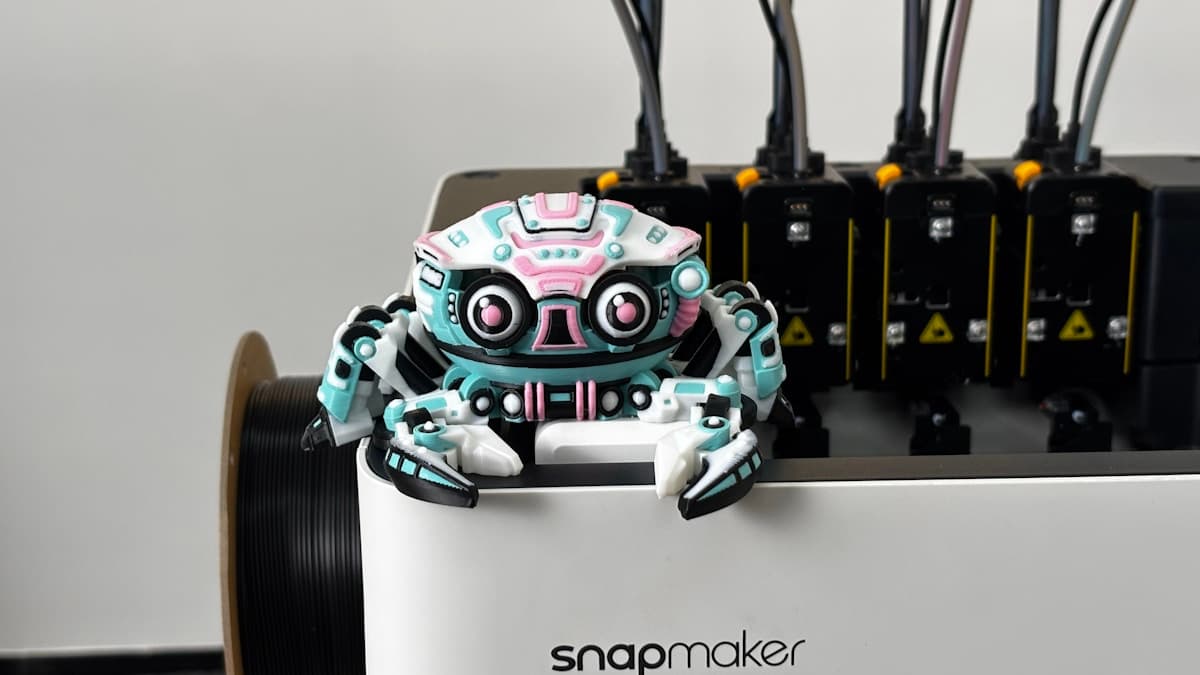
Hero photograph by Snapmaker 3D Printer via Unsplash.
Ready to find a 3D printing service provider?
Browse 2,000+ verified providers across the United States and submit your quote request free.
Browse Providers