The direct answer: the Bambu Lab X1-Carbon Combo is the best 3D printer under $2000 for most buyers in 2026 — enclosed, fast, hardened enough for filled filaments, and shipped with a four-slot filament changer rather than an upsell. The Prusa Core One is the better machine if you intend to keep it for five years and fix it yourself. And if colour changing is irrelevant to you, an enclosed Flashforge or a fully-equipped ELEGOO resin bench does more useful work per dollar than either.
This tier is unusual because the obvious upgrade — better looking parts — is the one thing it does not really deliver. A well-tuned $700 machine already prints a beautiful PLA part. What the second thousand dollars buys is repeatability under harder conditions. If you are cross-shopping downward, our guide to the best 3D printers under $1000 covers the tier below this one, and it is genuinely enough for a lot of people.
This post contains affiliate links. If you purchase through these links, 3D Prototyping Hub may earn a small commission at no extra cost to you.
This post also contains Amazon affiliate links. As an Amazon Associate I earn from qualifying purchases.
What the second thousand dollars actually buys
Four things, and it is worth knowing which of them you need before you spend:
- Chamber temperature you can rely on. ABS, ASA, polycarbonate, and filled nylons warp and split when the ambient air around the part cools unevenly. A passive box helps; an enclosure designed as part of the thermal system helps much more. This is the single biggest functional difference between the tiers.
- A flow path that survives abrasives. Carbon- and glass-filled filaments chew through brass nozzles and soft extruder gears in tens of hours. Machines in this range ship with hardened steel or ruby-tipped nozzles and hardened drive gears as standard, so filled material is a slicer profile rather than a hardware project.
- Calibration that removes you from the loop. Automatic flow calibration, resonance compensation, and first-layer scanning matter most on long prints. A twenty-hour job that fails at hour eighteen costs more in wasted time than the price difference between tiers.
- Multi-material capacity as standard. Four slots included rather than bolted on later. If you want the detail on how the changers differ in waste and speed, we compared them in the guide to the best multi-color 3D printers.
What it does not buy: a bigger build volume than you can get for less, SLS or metal capability, or an escape from filament drying.
Best overall: Bambu Lab X1-Carbon Combo
The X1-Carbon has been the default recommendation in this range for long enough that the interesting question is what would displace it, and the answer at the moment is "nothing at the same price." It is an enclosed CoreXY machine with a hardened extruder and nozzle path, lidar-based first-layer inspection and flow calibration, and the four-slot AMS included in the combo. Street price with the changer generally sits in the middle of this tier, which leaves real budget behind it.
The practical case for it is that it removes the two failure modes that waste the most time — a bad first layer you did not catch, and under- or over-extrusion on a material you have not tuned. It will print carbon-filled PA and PET-CF out of the box with the supplied hardened parts.
The honest case against it is ecosystem lock-in: cloud-connected slicing by default, proprietary parts, and a repair path that mostly means ordering a module. If that bothers you, read the next section before buying. You can check current X1-Carbon Combo pricing on Amazon — the combo and the bare printer are often listed close enough together that the changer is nearly free, and sometimes they are not, so compare before you add to cart.
Best for serviceability: Prusa Core One
Prusa sells direct and we have no affiliate relationship with them, which is exactly why it is worth saying plainly: if you want a machine you can still fix in 2031, the Core One is the one to buy. It is an enclosed CoreXY design with published exploded diagrams, individually orderable parts down to the bracket, open firmware, and documentation written for someone holding a screwdriver rather than a support ticket.
It is not the fastest machine at this price and its multi-material story is weaker than the X1-Carbon's. What it offers instead is a fifteen-year track record of parts availability and a resale value that reflects it. For a school, a shared shop, or anyone who has been burned by an orphaned machine, that is worth more than a speed benchmark. For a two-machine shop, the common pairing is a fast changer for output and a Prusa for the jobs that have to work.
Most machine per dollar: Anycubic's Kobra combos
If the budget is a hard ceiling and you would rather spend $1,000 on the printer and $1,000 on everything else, this is the section for you. Anycubic's Kobra line covers the value end of this tier with large build volumes and the four-slot ACE filament changer, which also dries spools in the unit — a genuinely useful feature when four rolls sit loaded for weeks.
The trade-off is consistency: you will spend more time on profiles than an X1-Carbon owner, and the fit and finish is a step down. In exchange you get more bed and more slots for the money. Browse Anycubic's current lineup and check which Kobra ships as a combo this generation — the pairing changes between models, and buying the printer and the changer separately is usually the more expensive route.
Best enclosed workhorse: Flashforge
A large share of buyers in this tier do not want colour at all. They want to print ABS brackets, ASA housings that live outdoors, and nylon jigs, one material at a time, without a single failure. That job does not need a changer, and money spent on one is money not spent on the enclosure and the hotend.
Flashforge's enclosed CoreXY machines are the steady answer here — contained heated chambers, quiet enough for an office, and a straightforward single-material workflow with no cloud account required. Flashforge's current collection spans most of this price band; check the maximum hotend temperature and whether a hardened nozzle is included if filled materials are in your plan. Our roundup of the best enclosed 3D printers goes deeper on why the chamber matters more than the headline speed number.
Best if detail beats strength: a complete resin bench
Under $2,000 you can buy an entire resin workflow rather than a compromised one: a high-resolution masked-SLA printer, a wash-and-cure station sized to its build plate, several litres of resin, nitrile gloves, and a proper extraction plan — with change left over. For miniatures, jewelry patterns, and any part where a 50-micron feature is the point, nothing FDM does at this price comes close.
Be clear-eyed about the cost that is not money. Every print ends in a wash, a cure, and a disposal decision, and uncured resin is a skin sensitiser you do not want casually around a home office. ELEGOO's resin printer range covers the standard high-resolution sizes, and pairing it correctly matters — our guides to the best resin 3D printers and wash-and-cure stations cover which combinations actually match.
What else the $2,000 has to cover
Assume the printer takes 70–80% of the budget and plan the rest deliberately:
- Filament, in quantity. A machine in this tier will get through more material than you expect in its first month, and running out mid-project is how momentum dies.
- Dry storage. Nylon, TPU, PETG, and every filled material are hygroscopic, and wet filament shows up as popping, stringing, and parts that snap at the layer line. A sealed multi-spool dry box is closer to required equipment than an accessory; the dry box guide covers what to look for.
- A hardened nozzle set and a spare hotend. Even on a machine that ships hardened, keep spares. A hardened steel nozzle pack costs less than one wasted weekend, and nozzle sizing and material changes what the machine can print.
- A second build plate. One printing while you remove parts from the other roughly doubles practical throughput on short jobs — see the build plate guide for which surface suits which material.
- Ventilation. Enclosed does not mean sealed. ABS, ASA, and resin all want the air going somewhere other than your desk.
When this budget is the wrong spend
Three cases where the money is better spent elsewhere. If you print only PLA and PETG, buy a sub-$1,000 machine and put the difference into materials and time — the upgrade buys you capability you will never use. If you need one or two parts a month, ownership never pays back against ordering them. And if your parts need SLS nylon, metal, a bed larger than a 300mm cube, or documented material traceability, no desktop machine at any price under $2,000 gets you there.
That last case is not a compromise. Browse local 3D printing providers and compare a quote against the true cost of a machine you would run a few times a year — for one-off SLS or metal parts, the shop is cheaper on the first order, let alone the tenth. The pattern that works for most teams is iterate in-house in FDM, then send the final geometry out in the production material.
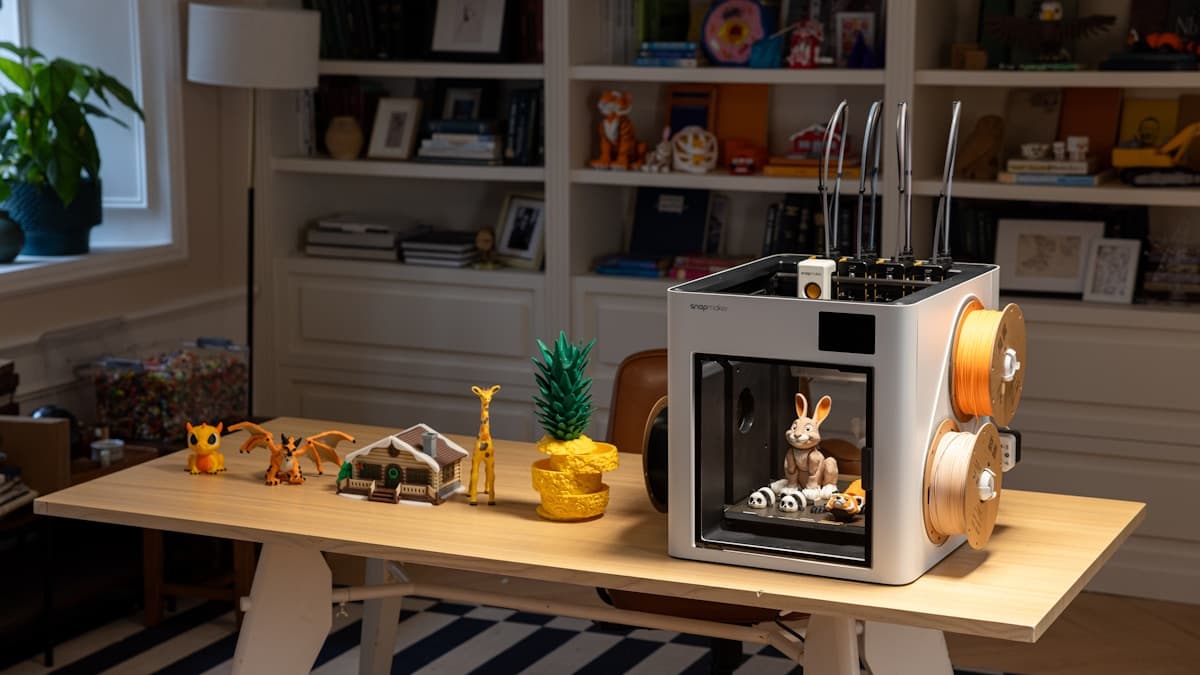
Hero photograph by Snapmaker 3D Printer via Unsplash.
Ready to find a 3D printing service provider?
Browse 2,000+ verified providers across the United States and submit your quote request free.
Browse Providers