You uploaded the model, the instant quote engine said forty dollars, and the quote that came back from an actual shop said a hundred and ninety. A 3D printing quote that lands far above the instant calculator is not a bait-and-switch and it usually is not negotiable in the way you are hoping — the two numbers were priced against different jobs. The calculator priced geometry. The shop priced the work. This guide breaks down exactly which line items sit in the gap, which of them you control, and how to write an RFQ that makes the two numbers converge. If you want the comparison across several shops rather than one surprise, browse the 3D printing provider directory and send the same package to each.
What an Instant Calculator Can Actually See
An automated quoting engine reads your mesh and derives a small number of things reliably: the bounding box, the part volume, the projected support volume at a default orientation, and an estimated machine time. It multiplies those against a rate card and returns a number in four seconds. That number is genuinely useful — it tells you whether your part is a twenty-dollar problem or a two-thousand-dollar problem, and it is accurate enough to budget against.
What it cannot see is everything that is not in the mesh:
- Your tolerance requirements, which live in a drawing the engine never parsed, or in your head.
- Which surfaces are cosmetic, so it assumes none of them are.
- The finish level you actually need, so it quotes as-printed by default.
- Whether your quantity justifies a dedicated build or has to wait to be nested into someone else's.
- Your need-by date, which is the single largest multiplier in the entire business.
A bare STL contains none of that. STL does not even carry units — see STL vs STEP files for 3D printing for how much ambiguity that one gap introduces. The engine fills every blank with its cheapest defensible assumption, which is exactly what you would do if you had to return a price in four seconds.
The Six Line Items That Live in the Gap
| Line item |
Why the calculator missed it |
Rough share of the gap |
Can you control it? |
| Support removal and finishing labour |
Priced as material volume, not as hand time |
Often the largest single item |
Yes — specify a finish level |
| Minimum order value |
Calculator prices per part; shops price per job |
Dominates on 1–3 part orders |
Yes — add quantity |
| Tolerance and inspection |
No drawing was parsed |
Moderate, and it compounds |
Yes — tolerance only what matters |
| Orientation forced by a requirement |
Engine assumed the cheapest orientation |
Can double machine time |
Partly |
| Expedite and schedule |
Default is "whenever it nests" |
25–100% on genuine rush |
Yes — plan earlier |
| Material grade and certification |
Engine priced the family, you need the grade |
Varies widely |
Rarely |
Read down the right-hand column before you read the price. Four of the six are specification decisions you are making, often without realising you made them.
Support Removal Is Labour, Not Material
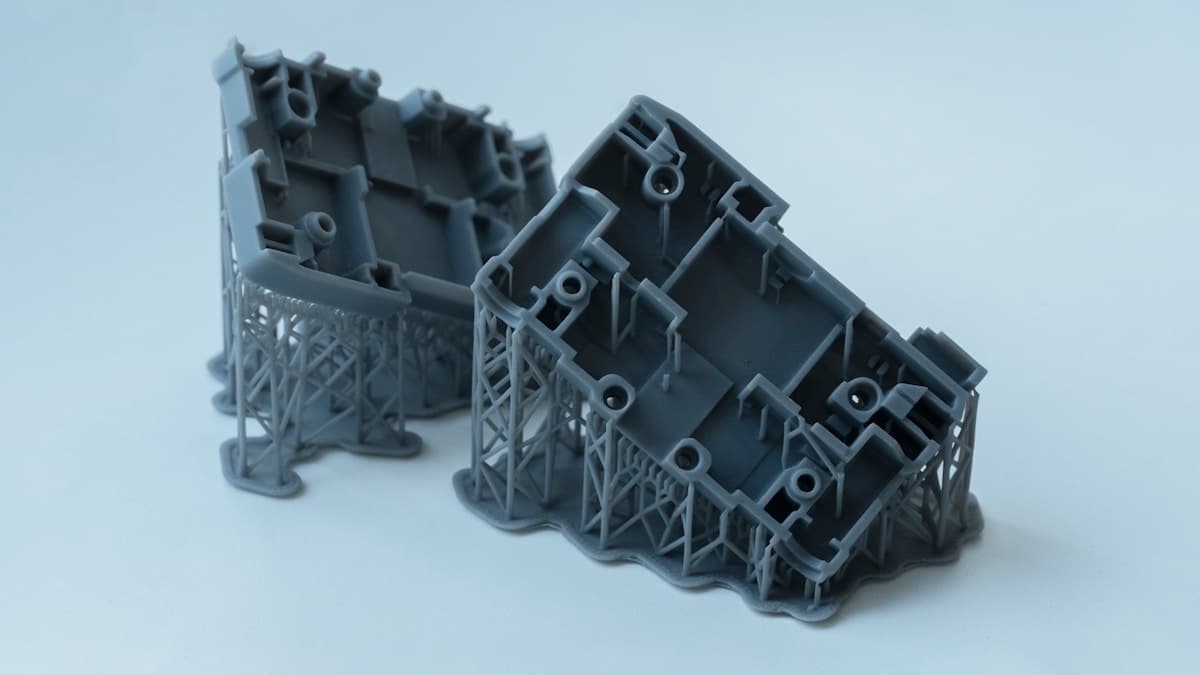
This is the one buyers underestimate most consistently. An engine prices supports as a volume of material, which on a resin part might be two dollars' worth. Removing those supports and sanding the witness marks back to a clean surface is twenty minutes of a technician's hands on a single part, and nobody has automated it.
The gap scales badly with geometry. A simple block costs almost nothing to de-support. A part with internal channels, overhanging bosses or a lattice section can take longer to clean than it took to print — and if a cosmetic surface was face-down in the build, the technician is also sanding out the contact scars the supports left behind.
Three finish levels, three prices, and most RFQs never say which one is wanted:
- As-printed. Supports snapped off, nubs still present, layer lines visible. This is what you are quoted if you say nothing.
- Supports removed and witness marks sanded. The honest default for a functional part. Adds real hand time.
- Finished. Sanded through grits, filled, primed, sometimes painted or vapour-smoothed. A separate operation with its own price, covered in post-processing and finishing services.
If your quote came back high and you cannot work out why, ask which of those three the shop quoted. Half the time the answer resolves the whole gap.
Why One Part Costs Almost What Five Parts Cost
Every build carries fixed costs that do not shrink: file prep and slicing, machine setup and levelling, the operator starting and unloading the job, cleaning, packing, and raising the invoice. That is commonly twenty to sixty minutes of skilled time whether the plate holds one part or forty.
Shops recover it through a minimum order value. Instant calculators usually apply theirs quietly at the end, or not at all until checkout — which is where a lot of the surprise comes from on prototype-quantity orders.
The practical move is to ask for a price at quantity one, five and ten in the same RFQ. The curve is often flatter than you expect over the first few parts, and finding that out costs you one sentence. If you are regularly ordering in the handful-of-parts range, low-volume 3D printing services covers how shops structure pricing at that scale and where the real breakpoints sit.
Orientation Is the Variable You Are Fighting Without Knowing It
The calculator orients your part to minimise support volume, because that is the cheapest assumption available to it. A shop orients it to meet your requirement — and those two orientations are frequently not the same part.
If a bore has to be round, it generally wants its axis vertical. If a feature has to be strong, the load should not run across the layer lines. If a face has to look good, it should not be the face sitting on supports. Each of those constraints can force a taller build, more support material and more cleanup, and on a tall part the machine time can comfortably double.
You usually cannot have all three on one part. What you can do is decide which one matters and say so, rather than letting the shop guess — and that decision belongs upstream, in the model. Design for 3D printing guidelines covers the geometry changes that remove the conflict entirely, which is always cheaper than paying for it.
Tolerance Is Where Quotes Quietly Double
Nothing moves a quote like a tolerance band, because a toleranced feature has to be inspected, and a tight one may have to be machined or reamed after printing. That is a second setup on a second machine, with its own minimum.
The discipline is to tolerance two or three features and explicitly state that the rest are nominal. Tolerancing a whole part is how you buy an expensive part slowly, and it is also how you get a slow quote, because a careful shop will not price a blanket callout without working out whether it can hold it. Tolerances and accuracy in 3D printing sets out what each process holds as standard, which is the reference that tells you whether you need a callout at all — a lot of specified tolerances are inside the process capability anyway and are costing you inspection time for nothing.
How to Make the Two Numbers Converge
Send a package instead of a file. Shops quote complete packages fast and cheap because there is nothing left to guess, and guesses are priced as risk:
- STEP, not STL. Solid geometry, real units, no scale ambiguity.
- A drawing marking only the critical dimensions, with everything else called nominal.
- The material by grade, not by family — PA12, not "nylon".
- The finish level, named as one of the three above.
- Quantity, with a break request at one, five and ten.
- A real need-by date. Not "ASAP", which every shop prices as rush.
How to prepare your files for a 3D printing quote has the full checklist. Send that identical package to two or three shops and the quotes become comparable, which is the thing a single instant estimate can never be.
When the Higher Quote Is the One to Take
Sometimes the gap is the point. A quote that includes supports removed, critical dimensions inspected, a named material grade and a committed ship date is describing a different deliverable than a cheaper one that promises a printed shape in an unspecified number of weeks.
The question to ask is not "why is this more expensive" but "what does this include that the other does not". If the answer is inspection and finishing you actually need, the expensive quote is the cheap one — you were going to pay for that work anyway, in your own hours, after the parts arrived. The qualifying questions in how to choose a 3D printing service are the ones that surface scope differences before you commit, and online vs local 3D printing services covers where the two models' pricing genuinely diverges rather than just appearing to.
Get a Real Quote Instead of an Estimate
Take the package above — STEP file, two toleranced features, material grade, finish level, quantity break, a date you actually need — and put it in front of three shops. Browse 3D printing providers and send the same brief to each. The number that comes back will be higher than the calculator said, and it will be the number you actually pay, which is the only one that was ever worth comparing.
Related Resources
Hero photo: EnCata PD via Unsplash.