The short version: a compact 3D printer is not the one with the smallest build volume — it is the one whose parts stay inside its own outline. That distinction is the whole guide. An enclosed cube occupies exactly the rectangle it stands on; a cheap open-frame machine throws its bed forward and back through the entire depth of the Y axis and needs roughly double the desk you measured for. Get the shape right and a 3D printer fits on a bookshelf. Get it wrong and a "small" printer takes over a desk and knocks things off it at 200mm/s. If you have no space at all, a service bureau owns the machine and ships you the part.
This guide covers the footprint maths, what a shared room demands beyond size, the four compact categories worth buying in 2026, and how to measure your space before you spend anything.
This post contains affiliate links. If you purchase through these links, 3D Prototyping Hub may earn a small commission at no extra cost to you.
This post also contains Amazon affiliate links. As an Amazon Associate we earn from qualifying purchases.
Footprint Is Not Build Volume
Every listing leads with build volume. Almost none tells you the number that decides whether the machine fits: the floor area it needs while it is running.
There are two mechanical layouts on the desktop, and they behave completely differently in a small room.
- Bed-slingers. The bed moves in Y, so the plate and whatever is printed on it travel forward and backward through the full depth of the build volume. A 220mm-deep bed sweeps roughly 220mm beyond the machine's own body over the course of a print. On a 600mm desk against a wall, that is the difference between a working setup and a printer that shunts your keyboard onto the floor.
- CoreXY and enclosed cubes. The bed only moves in Z, straight down. Nothing crosses the outline of the shell, so the footprint on the spec sheet is the footprint on the desk — and you can put the machine on a shelf with 50mm to spare on each side.
Then add the things nobody counts:
| What you forgot |
Space it takes |
| Filament spool |
100–200mm behind or above the machine, unless the spool sits inside |
| Door or lid swing |
200–300mm of front clearance to open it and lift parts off the plate |
| Bowden tube / cable arc |
Room for the loop to flex without catching on a wall |
| Service access |
Enough room to reach the nozzle and the belts without lifting the printer down |
| Vibration |
A slab, paver or mat under the machine, which adds a little height |
The practical rule: clear depth = machine depth + bed depth (bed-slingers only) + 100mm. Measure that before you compare a single price.
What a Small Room Demands Beyond Size
A printer in a garage is a machine. A printer in a bedroom is a housemate.
- Noise travels through the desk, not the air. Stepper whine and part-cooling fans are the obvious sources, but the loudest thing in most setups is a hollow desktop acting as a soundboard. A concrete paver or a dense mat under the machine does more than any firmware tweak. If the printer runs overnight next to where you sleep, start with the quiet printer guide.
- Emissions concentrate. Concentration is emission divided by air changes, and a closed bedroom has very few air changes. PLA in a ventilated room is a low-concern case; ABS or ASA in a small room is not. If the machine lives indoors, read the air purifier and filtration guide before you print anything styrene-based.
- Heat and smell accumulate. An enclosed machine running for eight hours warms a small room noticeably and holds the smell inside the chamber, which is a feature rather than a bug.
- Filament storage is part of the footprint. Spools stacked on a shelf absorb moisture. A single sealed box that doubles as the feed point solves storage and drying in the same square foot — see the dry box guide.
- Power and cable routing. Long jobs and a shared extension lead are a bad combination. Give the printer its own outlet, and route the cable where a chair cannot roll over it.
The Best Compact 3D Printers in 2026
| Category |
Best for |
Real desk depth needed |
Trade-off |
| Compact enclosed CoreXY |
Desks, apartments, shared rooms |
Shell depth + door swing |
Costs more than open-frame |
| Small open-frame FDM |
Lowest cost, garages, spare desks |
Machine + full bed sweep |
Swing clearance, noise, no containment |
| Compact resin MSLA |
Miniatures, jewellery, fine detail |
Small — but add a wash bench |
Ventilation, gloves, cleanup |
| Toy-class mini printer |
Children, classrooms, curiosity |
Almost none |
~100mm bed, often unheated |
1. A Compact Enclosed CoreXY — Best for Most Small Spaces
If the printer shares a room with you, buy the cube. A sealed CoreXY machine keeps every moving part inside its own shell, so it slots onto a shelf or a desk corner and stays there; it damps a large share of its own noise; it holds heat, which is what ABS and ASA need to print without warping; and it keeps emissions inside a chamber where a filter can actually reach them. Flashforge's Adventurer range is the clearest example of the shape — a single box with the spool, the motion system and often the filtration all inside the outline. Anycubic's enclosed models compete directly at the same shape.
The cost is money and build volume. You pay a premium over an open-frame machine with the same bed size, and the shell steals interior space, so an enclosed cube with a 250mm exterior gives you well under 250mm of printable area. That is the correct trade in a bedroom, an office or a dorm. If the machine lives in a garage where swing space is free, it is not.
2. Small Open-Frame FDM — Cheapest, If You Have the Swing
The budget end of the market is almost entirely open-frame bed-slingers, and they are genuinely good printers now: auto bed levelling, direct-drive extruders, clean PLA and PETG straight out of the box. Anycubic's Kobra line is the reference point for the category, and the wider compact open-frame category on Amazon is where the sharpest prices sit.
Just do the depth maths honestly before you buy. This is the layout that needs its bed depth again in clear space, plus spool clearance behind, and it broadcasts noise in every direction because there is no shell. On a deep workbench, none of that matters and you have saved real money. On a 500mm desk against a wall, it is the wrong machine at any price. For the value picks in this shape, see the sub-$300 buyer's guide.
3. Compact Resin MSLA — The Smallest Real Capability
A Mars-class MSLA printer is roughly a shoebox on end, and it will out-detail every FDM machine in this guide regardless of price. For miniatures, jewellery patterns, dental-style models and anything where surface finish is the point, that is an enormous amount of capability in almost no space. ELEGOO's resin range and accessories is the default starting point, with the widest supply of consumables to match.
The honest caveat is that the printer is the small part of a resin setup. You also need somewhere to wash parts in isopropyl alcohol or water, somewhere to cure them under UV, a lidded container for waste, gloves, and a surface you do not mind getting resin on. Add a wash-and-cure station and the total bench requirement is larger than a compact FDM machine's, and it needs ventilation rather than merely benefiting from it. Worth it if detail is why you are buying. See the resin printer guide for the machine comparison itself.
4. Toy-Class Mini Printers — Know What You Are Buying
There is a real category below all of this: printers with roughly a 100mm bed, often unheated, sometimes with a cartridge instead of a standard spool. They are genuinely small, genuinely cheap and genuinely fine for a child printing keyrings and dice towers.
Be clear-eyed about the limits before buying one as your only machine. A 100mm cube rules out most functional objects; an unheated bed limits you to PLA and to prints that stay stuck; proprietary filament cartridges cost several times the price of standard spools, which is where the money goes over a year. If the buyer is an adult who wants working parts, a compact enclosed machine is a better use of the same money over any timeframe longer than a month.
Measure Before You Buy — A Five-Minute Check
- Measure clear depth, width and height of the actual spot, with the printer's door or lid open.
- Identify the layout. Bed-slinger or CoreXY? If the bed moves in Y, add its full depth to the space required.
- Find the spool. Internal, top-mounted or rear-mounted, and how much clearance the rear mount needs.
- Check the height above. You need to lift a finished plate out, and on some machines you need to reach in over the gantry.
- Mark it out in tape on the desk before ordering. Every printer looks smaller in a product photo than it does on a table.
What Else You Need in a Small Space
- A vibration mat or paving slab — the highest-value $20 in a shared room. It decouples the machine from a resonant desk and drops perceived noise substantially.
- A sealed dry box that feeds the printer — storage and drying in one footprint, instead of a shelf of spools absorbing humidity.
- A room purifier with a real carbon layer — if the printer shares a room you sleep or work in, this matters more than any upgrade to the printer.
- A small tool roll — scraper, flush cutters, deburring tool, hex keys. In a compact setup, a tool roll that hangs on the wall beats a toolbox that needs a drawer.
- A shelf above the desk, if the printer is a cube. Vertical space is the free space in every small room, and an enclosed machine is the only kind you can safely put on a shelf.
Buyer Recommendation Summary
- Printer shares your bedroom, office or dorm → compact enclosed CoreXY, on a mat, PLA or PETG.
- Deep workbench or garage, tight budget → small open-frame FDM. Do the swing maths, then enjoy the savings.
- Miniatures, jewellery, maximum detail → compact resin MSLA, plus a wash bench and ventilation.
- Buying for a child → toy-class mini printer, with realistic expectations about build volume and cartridge costs.
- You need parts, not a hobby → browse the provider directory and skip the footprint problem entirely.
When a Service Beats Any Compact Machine
Space is the constraint that outsourcing removes most completely. If you need one part a month, no printer is small enough to justify the desk it stands on, the spool storage beside it, the ventilation it wants and the hours of tuning it will ask for. That is also true of the occasional oversized part: splitting and bonding a large model on a 180mm bed is a legitimate technique, but it is slow, and the seam always shows on a cosmetic piece.
Browse the 3D Prototyping Hub directory to have parts made on machines you do not have to house — and keep the compact printer for the iterations you want in your hands tomorrow morning.
Related Resources
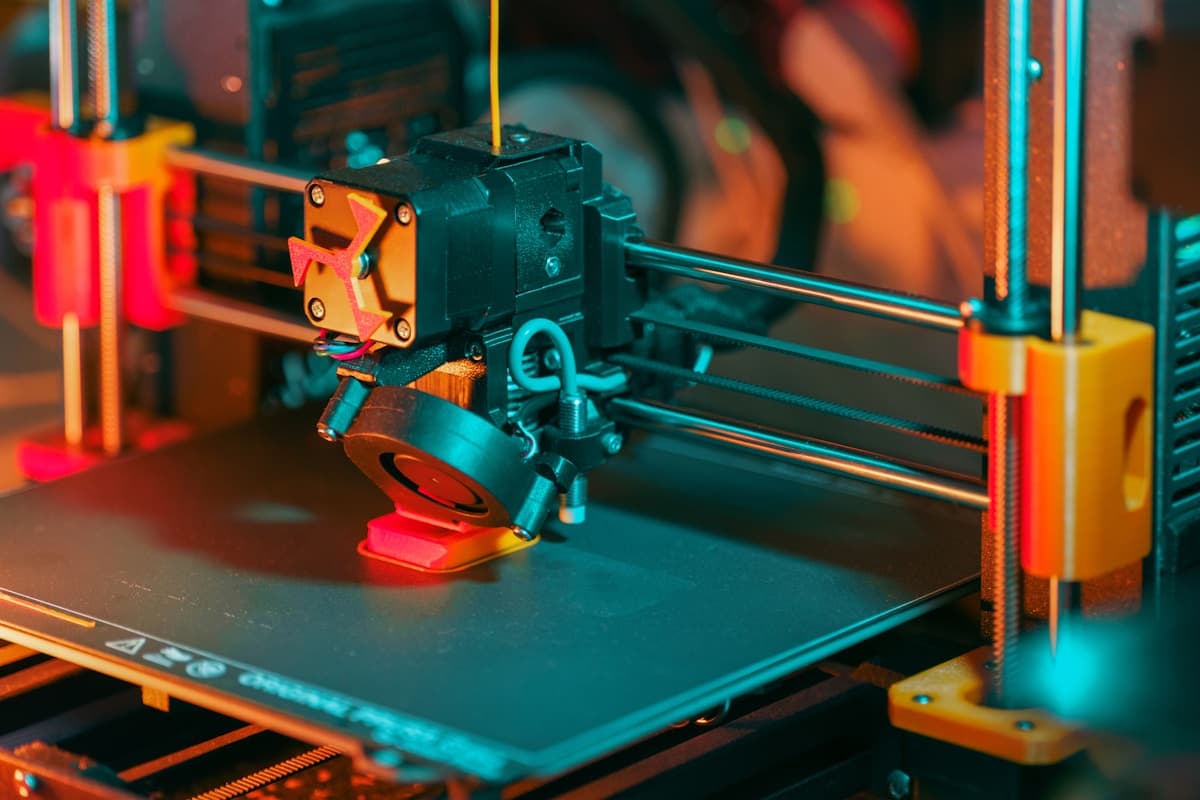
Hero image from the 3D Prototyping Hub library (legacy asset, photographer unattributed). This post contains affiliate links — 3D Prototyping Hub may earn a commission if you purchase through them, at no cost to you. As an Amazon Associate, we earn from qualifying purchases.
Ready to find a 3D printing service provider?
Browse 2,000+ verified providers across the United States and submit your quote request free.
Browse Providers