Every buyer guide on this site eventually runs into the same complaint: the printer is fine, the prints are fine, but the waiting is the problem. A 14-hour bracket you needed this afternoon is a design bottleneck, not a hobby inconvenience. The best high-speed 3D printers in 2026 fix that — but not in the way the boxes claim, because the number on the box is close to meaningless. This guide explains what actually makes a machine fast, gives our picks by category, covers the consumables that decide whether speed produces good parts or fast garbage, and marks the point where you should stop printing and order from a provider instead.
This post contains affiliate links. If you purchase through these links, 3D Prototyping Hub may earn a small commission at no extra cost to you.
This post also contains Amazon affiliate links. As an Amazon Associate I earn from qualifying purchases.
The Headline mm/s Number Is Not the Speed
Manufacturers quote maximum toolhead velocity. That figure is reached on long straight infill lines and essentially nowhere else, because a real model is a sequence of short moves with a corner at the end of each one. Four specs decide your actual print time, and only one of them appears in the marketing:
| Spec |
What it actually controls |
Why it matters more than mm/s |
| Acceleration (mm/s²) |
How quickly the head reaches speed before the next corner |
On typical geometry the head never reaches top speed at all |
| Volumetric flow (mm³/s) |
How much plastic the hotend can melt per second |
The hard ceiling. No motion system out-runs the melt rate |
| Part cooling |
How fast a layer solidifies enough to build on |
Under-cooled fast prints sag, droop and lose overhangs |
| Vibration compensation |
Whether speed produces ringing on vertical edges |
Without it you must slow down to get an acceptable surface |
The practical version: a 600mm/s machine with a 12mm³/s hotend loses to a 300mm/s machine with a 30mm³/s hotend on almost any real part. Flow is the ceiling; everything else is how close you get to it.
What a Genuinely Fast Machine Needs
- A rigid frame, ideally CoreXY. A bedslinger accelerates the entire part and bed on every Y move, so it must slow down as the print gets heavier. CoreXY moves a light toolhead only, so its accelerations do not degrade as the part grows.
- A high-flow hotend. Longer melt zone, more surface area, more grams per minute. This is the single spec that separates fast machines from fast-sounding ones.
- Serious part cooling. Speed removes the time a layer had to cool. Ducted blowers that put real airflow on the extrusion are what make overhangs survive.
- Input shaping / vibration compensation. Measures the machine's own resonance and cancels it in the motion planning. It is why modern machines print at speeds that used to guarantee ghosting.
- Automatic bed levelling and flow calibration. At speed, a first layer that is 0.05mm out fails immediately rather than eventually.
Our Picks by Category for 2026
Best all-round: an enclosed CoreXY
If you want one machine and you want it to be quick, buy an enclosed CoreXY. The Bambu Lab P1S remains the default recommendation, and the reason is not its top speed — it is that the stock profiles are already tuned, so the speed is available on day one instead of after a tuning weekend. Enclosed also means ABS and ASA are on the menu. Our full Bambu Lab breakdown covers where the rest of the range sits.
Flashforge's enclosed Adventurer machines compete on the same ground and are worth a look if you value quick-swap nozzles — being able to move between a 0.4mm and a 0.6mm in under a minute changes how often you actually trade detail for time, which is a bigger real-world speed gain than most spec differences.
Best value: fast without the enclosed-machine premium
The interesting shift over the past two years is that a rigid CoreXY frame with a high-flow hotend now sells for what an open-frame bedslinger cost in 2023. ELEGOO's current printer range is the clearest example — the Centauri line put an enclosed CoreXY in the budget tier, and the older Neptune machines still cover the open-frame end. Anycubic's Kobra range made the same jump, adding high-flow hotends and vibration compensation across the line rather than reserving them for a flagship.
At this tier, read the flow-rate figure and ignore the velocity figure entirely. If a listing quotes 600mm/s and does not quote mm³/s anywhere, assume the hotend is the bottleneck. For the wider budget picture, see printers under $1,000.
Best fast bedslinger
Bedslingers are no longer automatically the slow option. The Bambu Lab A1 is the clearest case: open-frame, cheaper than the enclosed machines, and quick enough on PLA and PETG that most people never feel the architecture. The limits are real but narrow — no chamber heat means ABS and ASA are impractical, and very tall heavy parts will still force the machine to slow down. If your work is prototypes and functional PLA/PETG parts, this is where the money goes furthest.
Best fast and large
Speed and plate size solve different problems, and if you have both you can stop slicing big parts into glued sections. The Creality K1 Max is the common answer here — enclosed CoreXY with a 300mm-class build volume. Be realistic about the trade: a large fast machine still prints one large part at a time, and the failure cost of a 20-hour print is much higher than of a two-hour one, so bed adhesion and first-layer discipline matter far more at this size.
Best for engineering materials at speed
If the plan is ABS, ASA, nylon or carbon-fibre-filled filament, prioritise chamber temperature and hotend hardening over motion specs. Filled filaments are abrasive enough to widen a brass nozzle in hours, and the first symptom is dimensional drift rather than an obvious clog. Our enclosed printer picks cover this category properly, and the nozzle guide explains which sizes and materials to keep on the shelf.
The Consumables Decide Whether Speed Works
A fast printer running slow-printer supplies produces worse parts than a slow printer. Three things matter:
- High-speed PLA — reformulated to melt and set faster than standard PLA. On a high-flow hotend this is the cheapest genuine upgrade to your print times, and ordinary PLA is the single most common reason a fast machine produces poor fast prints. Compare formulations in our PLA filament guide.
- A 0.6mm hardened nozzle — the biggest time saving available for about ten dollars. Thicker extrusions and taller layers typically cut functional-part print times by a third or more. Keep the 0.4mm for display pieces.
- A filament dryer — high flow is unforgiving of damp filament, because absorbed water flashes to steam in the melt zone. You hear it popping before you see the stringing and the weak layers.
Where Buying Speed Stops Paying
Be honest about which problem you have. If it is iteration — you want three revisions of a bracket in a day instead of one — a fast printer is the correct purchase and it will change how you work. If it is volume, it is usually not. A fast machine still prints one part at a time and still needs a human to clear the plate between jobs, so fifty parts is fifty sequential prints plus fifty interventions.
That is the point where a service bureau wins on wall-clock time as well as on tolerance and material range, because they run banked machines and industrial processes. Compare quotes from 3D printing providers in the directory before you buy a second printer to solve a throughput problem — and if the parts are for a business rather than a workshop, our small-business printer guide covers the in-house-versus-outsourced maths in more detail.
The Short Version
Buy on volumetric flow, acceleration and part cooling. Treat the mm/s figure as advertising. Fit a 0.6mm nozzle and run filament formulated for high flow, because those two changes cost around thirty dollars and beat most of the difference between machines. And keep printing for iteration while sending volume out — speed on the desktop and speed in production are two different purchases.
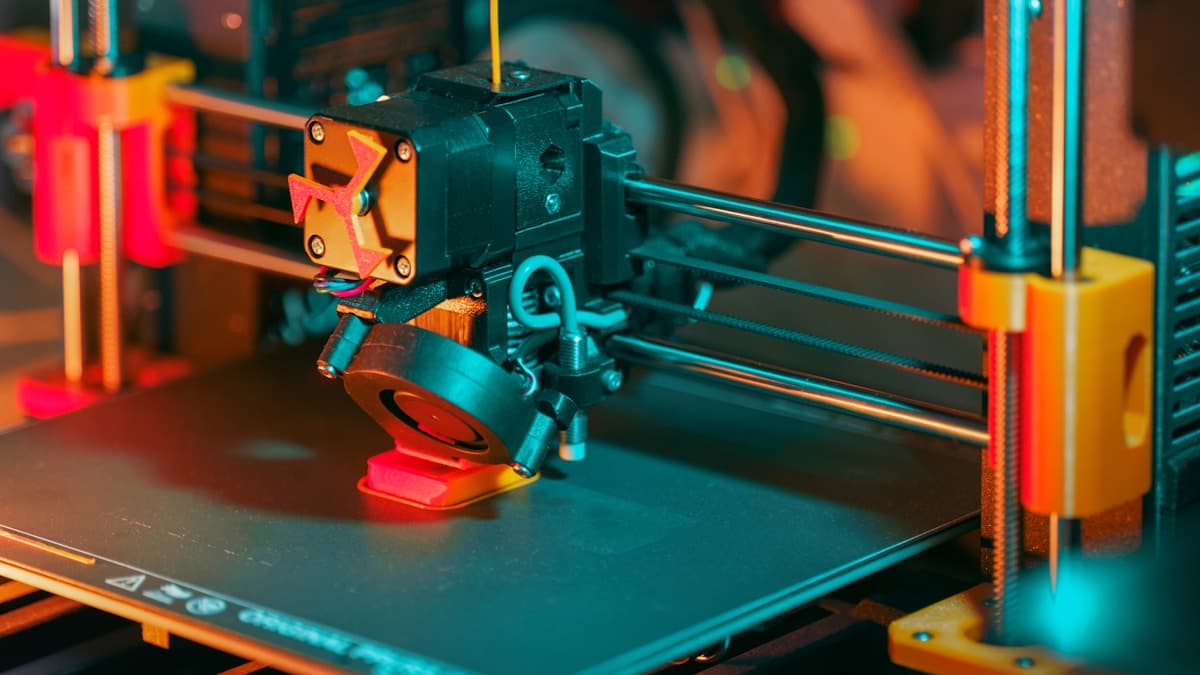
Hero photograph by Jakub Żerdzicki via Unsplash.
Ready to find a 3D printing service provider?
Browse 2,000+ verified providers across the United States and submit your quote request free.
Browse Providers