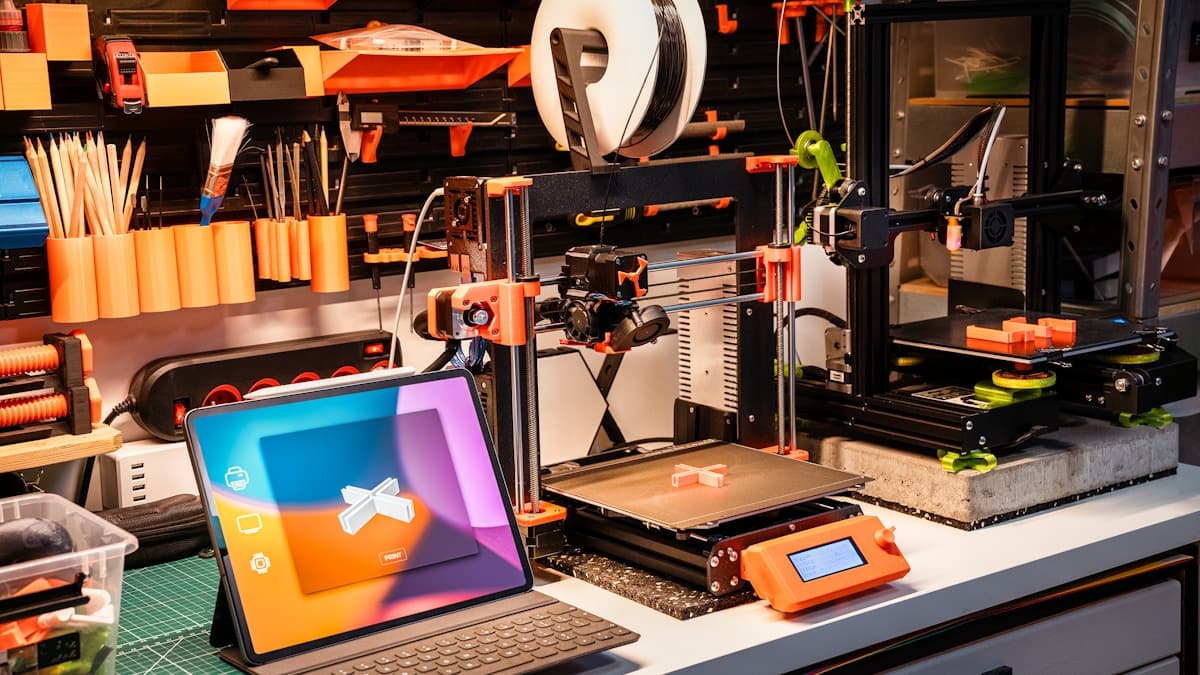
The direct answer: the Bambu Lab A1 is the best Bambu for most people in 2026 — a fast, quiet, full-size machine with optional four-color printing at around $349–459, ideal for PLA and PETG. The P1S ($699) is the better pick for engineers who need an enclosed chamber for ABS, ASA, and nylon, and the X1 Carbon ($1199–1399) is the flagship for anyone who wants lidar inspection and factory-ready abrasive-material printing. If you just want the cheapest way in, the A1 mini at around $199 is a genuinely capable starter.
Bambu Lab earned its reputation on one thing: machines that work reliably out of the box, with auto-calibration and fast output that used to require hours of tuning. This guide breaks the current lineup down by who each model is actually for. If your budget is open, our broader guide to the best 3D printers under $1000 cross-shops Bambu against Prusa and Creality.
This post contains affiliate links. If you purchase through these links, 3D Prototyping Hub may earn a small commission at no extra cost to you.
This post also contains Amazon affiliate links. As an Amazon Associate I earn from qualifying purchases.
Bambu Lab A1 — Best Overall Value
At roughly $349–459 (more with the AMS lite combo), the A1 is the machine most people should buy. It's a full-size bed-slinger — 256×256×256mm build volume — with fast, quiet output, automatic calibration, and flow-rate compensation that produces clean prints with almost no tuning. Add the four-color AMS lite and it handles multi-color work without the price of an enclosed machine.
The catch is materials: as an open-frame printer, the A1 is at its best with PLA, PETG, and TPU. If you rarely touch ABS or ASA, that's no limitation at all — and it's why the A1 is the right pick for most hobbyists, makers, and schools. Check the A1 combo on Amazon.
Bambu Lab P1S — Best for Engineers and Product Teams
At around $699, the P1S is where Bambu becomes a working engineering tool. It's an enclosed CoreXY machine, and that enclosure is the whole point: the heated, contained chamber lets it print ABS, ASA, and nylon without the warping and delamination those materials suffer on open-frame printers. Motion is fast, and the optional AMS adds multi-color and multi-material printing.
For a product team iterating on functional prototypes in engineering materials, the P1S is the sweet spot in the lineup — most of the X1 Carbon's real-world capability at roughly half the price. Check the P1S combo on Amazon.
Bambu Lab X1 Carbon — The Flagship
At $1199–1399, the X1 Carbon is Bambu's top enclosed CoreXY machine. Over the P1S it adds lidar-based first-layer inspection, a full-color touchscreen, and factory readiness for abrasive carbon-fiber-filled filaments with a hardened path. If you print filled nylons and CF composites regularly, or you want the most hands-off, best-monitored printing Bambu offers, it's worth the premium.
For most buyers, though, the P1S delivers the capability that matters for less. The X1 Carbon earns its price when abrasive materials or top-tier monitoring are genuine requirements, not nice-to-haves.
Bambu Lab A1 mini — Best Starter
At around $199, the A1 mini is the cheapest way into the Bambu ecosystem and a genuinely good first printer. Its 180×180×180mm build volume is smaller, and it's best kept to PLA and PETG, but it inherits the same auto-calibration and reliability that make Bambu machines easy to live with. For a first printer, a classroom, or anyone printing small models, it's hard to beat. Check the A1 mini on Amazon.
How to Choose
| If you… |
Buy the… |
Approx. price |
| Print PLA/PETG and want the best value |
Bambu Lab A1 |
$349–459 |
| Print ABS/ASA/nylon or need an enclosure |
Bambu Lab P1S |
$699 |
| Print carbon-fiber filaments or want lidar/monitoring |
Bambu Lab X1 Carbon |
$1199–1399 |
| Want the cheapest reliable starter |
Bambu Lab A1 mini |
$199 |
Two questions settle most decisions: do you need an enclosure (for ABS/ASA/nylon — if yes, P1S or X1 Carbon), and do you need multi-color (if yes, add the AMS combo). Everything else is build volume and budget. If you want to cross-shop against other brands before deciding, our guides to the best 3D printers under $1000 and the best budget 3D printers under $300 put Bambu next to Prusa, Creality, and Anycubic.
Buy a Printer, or Use a Service Bureau?
A Bambu is the right buy if you print standard FDM parts frequently and want fast iteration on your own desk. But it doesn't replace a service bureau: SLA, SLS, and metal printing, parts larger than the build volume, and anything needing certifications or inspection reports still belong with a provider. Most serious teams run both — a Bambu for quick FDM turnaround and a 3D printing service for everything else. Whatever machine you start with, pair it with a reliable eSUN PLA+ filament for consistent first results.
Related Resources
Hero photo by Jakub Żerdzicki on Unsplash. This post contains affiliate links — 3D Prototyping Hub may earn a commission if you purchase through them, at no cost to you. As an Amazon Associate, we earn from qualifying purchases.
Ready to find a 3D printing service provider?
Browse 2,000+ verified providers across the United States and submit your quote request free.
Browse Providers