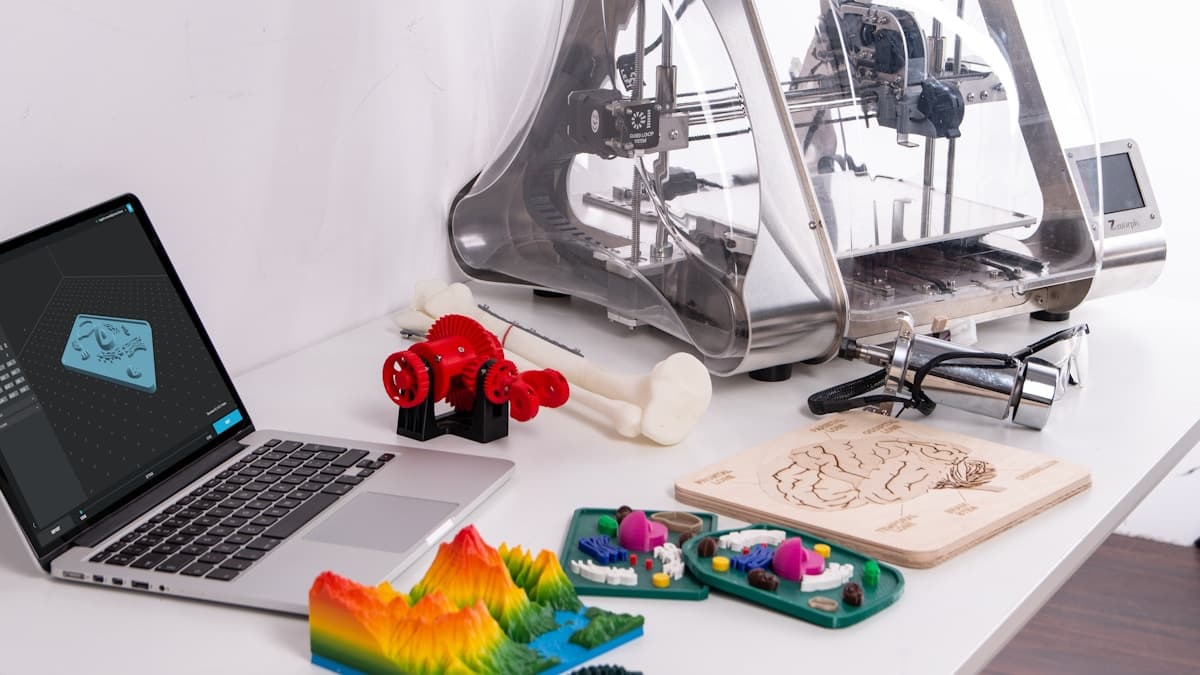
A 3D printer can be one of the highest-ROI tools a small business buys — or an expensive paperweight, if it's the wrong machine for the work. The best small-business printers in 2026 aren't the ones with the flashiest specs; they're the reliable, low-fuss machines that run job after job without babysitting. This guide covers what to prioritize, our category picks, and when outsourcing still wins.
This post contains affiliate links. If you purchase through these links, 3D Prototyping Hub may earn a small commission at no extra cost to you.
This post also contains Amazon affiliate links. As an Amazon Associate I earn from qualifying purchases.
What to Prioritize
For a business, the ranking is simple: reliability → ease of use → running cost → speed → peak specs. A printer that completes 95% of jobs unattended is worth more than a faster one that needs constant tuning. Look for:
- An enclosure for consistent results and engineering materials (ABS, ASA)
- Auto bed leveling to remove the most common source of failed prints
- A hardened-nozzle option if you'll run carbon-fiber or abrasive filaments
- Available spare parts and real support
- A mature slicer your team can actually learn
Picks by Business Type
There is no single "best small-business 3D printer" — the right machine depends on what you make and how often. Below are the four buyer segments we see most, with a pick and the reasoning for each. Match the one that sounds like your shop.
Best Overall for a Small Shop — Enclosed FDM Workhorse
For most businesses printing functional prototypes, jigs, fixtures, and end-use parts, a modern enclosed FDM printer is the productivity sweet spot: fast, forgiving, and able to run engineering materials when you need them. Flashforge's enclosed lineup, including the Adventurer 5M series, is built for exactly this — quick setup, minimal tuning, and reliable results job after job. Bambu Lab machines compete strongly here too if multi-color and top-end speed matter to you. The enclosure is the key feature: it stabilizes chamber temperature for ABS and ASA and keeps results consistent, which is what a business actually pays for. Pair it with an enclosure upgrade if you buy an open-frame machine and later expand into engineering materials.
Best for a Design or Product Studio — Detail and Material Range
If your work is cosmetic models, jewelry, dental, miniatures, or anything where surface finish and fine features decide the sale, an MSLA resin printer beats FDM outright. Resin captures detail FDM can't, at the cost of a wash-and-cure workflow you'll need to budget time for. Studios often run both — an FDM machine for structure and fit, a resin machine for presentation parts. Start with our roundup of the best resin 3D printers in 2026, and plan for the wash & cure station that goes with it. For a lower-commitment way to run both processes, Anycubic's desktop FDM and resin lineup covers both under one brand.
Best Budget to Start a Service — Under-$500 Crossover
If you're testing whether in-house printing pays before committing real money, a capable sub-$500 FDM printer proves the model with minimal risk. It covers the majority of everyday PLA, PETG, and light ABS jobs, and if demand grows you scale up having lost almost nothing on the trial. Our best FDM printers under $500 guide narrows the field to reliable machines with auto-leveling and real support — the two features that separate a business tool from a frustration. This is also the right entry point for a solo operator or side business validating a printing service before buying production-grade equipment.
Best for Scaling to Small Production — The Print-Farm Angle
Once you're running the same parts repeatedly, uptime beats peak specs, and the smart move is often two affordable reliable machines instead of one expensive one. A second printer doubles throughput, gives you redundancy when one is down for maintenance, and lets you run two materials in parallel. Standardize on one machine you trust — the enclosed workhorse above is a common choice — and add units as volume grows. A small farm of consistent, low-fuss printers is how many shops bridge from prototyping into genuine low-volume production without a capital-equipment purchase.