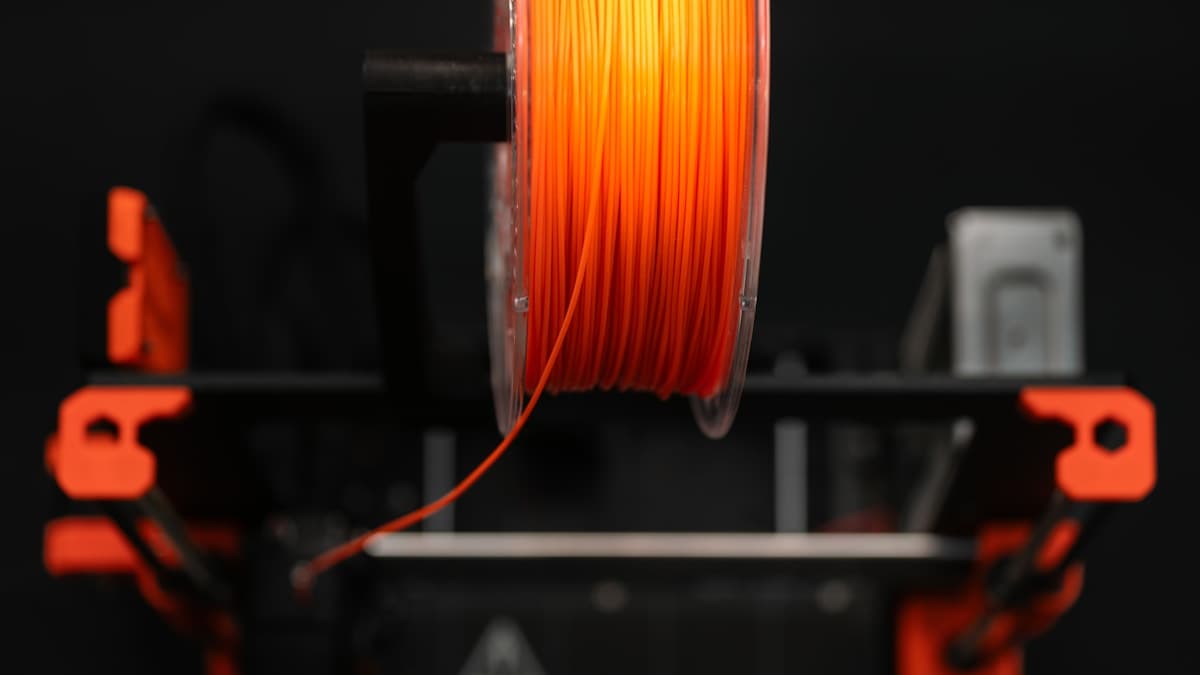
The short version: PLA+ is the best filament to start with and the right choice for most prints — easy, reliable, and detailed. PETG is the best all-around upgrade for functional parts that need toughness, heat, or moisture resistance. TPU is for anything that needs to flex. ABS and nylon are stronger still but demand an enclosure and more skill — and for those, a service bureau is often the smarter call than buying the gear to print them yourself.
Filament choice matters more than most beginners expect: the same model can be a crisp display piece or a load-bearing bracket depending entirely on what it's printed in. This guide covers the five materials worth knowing, what each is for, and where the line is between printing it yourself and ordering the part from a provider.
This post contains affiliate links. If you purchase through these links, 3D Prototyping Hub may earn a small commission at no extra cost to you.
This post also contains Amazon affiliate links. As an Amazon Associate I earn from qualifying purchases.
How to Choose a Filament
Don't pick by price or color first. Pick by what the part has to do, then by what your printer can actually run. Three questions settle most decisions:
- What does the part need to survive? Indoor display, outdoor exposure, mechanical load, heat, flexing — each points to a different material. This is the most important question and the one beginners skip.
- What can your printer handle? An open-frame machine prints PLA, PETG, and TPU well. ABS and nylon need a heated, enclosed chamber to come out reliably. Match the material to the hardware before you buy a spool.
- How much fuss are you willing to tolerate? PLA is forgiving; PETG is slightly fussier; ABS and nylon are genuinely demanding. If you just need a working part and not a new hobby, that matters.
A note on quality: cheap filament with inconsistent diameter causes more failed prints than almost anything else. Consistent diameter and good moisture packaging are worth paying a little more for, regardless of material.
The Best 3D Printer Filaments in 2026
| Filament | Strength | Ease of printing | Heat resistance | Enclosure | Best for |
|---|---|---|---|---|---|
| PLA / PLA+ | Low–medium | Easiest | Poor | No | Display models, prototypes, indoor parts |
| PETG | Medium–high | Moderate | Good | No | Functional & outdoor parts |
| TPU | Flexible | Moderate–hard | Fair | No | Gaskets, grips, dampers |
| ABS / ASA | Medium–high | Hard | Very good | Yes | Heat-exposed, durable parts |
| Nylon | Highest | Hardest | Excellent | Yes | Mechanical & wear parts |
1. PLA / PLA+ — Best for Beginners and Detail
PLA is where almost everyone should start and where most prints should stay. It melts at low temperatures, barely warps, needs no enclosure, and produces the crispest detail of any common filament. Its weaknesses are real but specific: it's brittle under impact and goes soft in heat — a PLA part left in a hot car will sag. An enhanced PLA+ adds meaningful toughness over basic PLA without changing how easy it is to print, which is why it's the spool to keep on hand. eSUN PLA+ is a reliable default — consistent diameter means fewer failed prints while you're dialing in a machine.
2. PETG — Best All-Around Functional Filament
PETG is the upgrade most people reach for once PLA's brittleness or heat softening becomes a problem. It's tougher, takes an impact without shattering, and resists heat, moisture, and UV well enough for outdoor use — all while still printing on an open-frame machine. The trade-offs are minor: it's a little fussier to tune and can string if your settings aren't dialed. For functional brackets, enclosures, outdoor parts, and anything that takes stress, PETG is the best balance of capability and printability on the market.
3. TPU — Best for Flexible Parts
When a part needs to bend, compress, or grip, you need a flexible filament, and TPU is the standard. It prints rubber-like parts — gaskets, phone cases, grips, vibration dampers, and seals — that no rigid material can replace. It's more demanding to print than PLA: go slow, and a direct-drive extruder helps a lot versus a Bowden setup. For the specific jobs that need flex, nothing rigid substitutes, which makes a spool of TPU worth keeping for when a project calls for it.
4. ABS / ASA — Best for Heat and Impact Resistance
ABS is durable, machinable, and holds up to heat and impact far better than PLA — it's the material behind a lot of automotive and functional parts. ASA is its UV-stable cousin, better for sustained outdoor exposure. The catch is printability: both warp badly as they cool, so a heated, enclosed chamber is close to mandatory for reliable results, especially on larger parts. If your printer is open-frame, this is the point where printing it yourself gets hard — and where a service bureau starts to look attractive.
5. Nylon — Strongest and Toughest
Nylon is the strongest and toughest of the common filaments, with excellent wear resistance — the right material for functional gears, mechanical components, and parts that take repeated stress. It's also the hardest to print: it absorbs moisture from the air quickly (a wet spool prints poorly and pops), and it needs an enclosure and often active drying. For most users, nylon is the clearest case for sending the job to a provider rather than fighting it at home — the difficulty and equipment requirements rarely justify the occasional part.