You said yes to forty parts. The machine that printed every hobby project you ever asked of it without complaint is now the reason you are apologising to a customer, and nothing about it has broken. This is the point where your 3D printer can't keep up with orders — and the cause is almost never the thing people reach for first, which is print speed.
This post contains affiliate links. If you purchase through these links, 3D Prototyping Hub may earn a small commission at no extra cost to you.
This post also contains Amazon affiliate links. As an Amazon Associate I earn from qualifying purchases.
Capacity is arithmetic. Once you write the arithmetic down, it tells you exactly which hour you are losing and what the cheapest way to buy it back is — and the answer is a $30 part roughly as often as it is a second machine.
Work Out Your Real Number First
Three figures decide everything, and only one of them is on the machine's spec sheet.
Parts per plate. Not how many fit, but how many you can fit without the failure risk climbing — the arrangement that survives, which is its own subject in why full-plate prints fail.
Cycle time. The print time, plus the time the plate sits finished before you start the next one. That second half is the one nobody counts and it is usually the larger of the two.
Cycles per day. This is the ceiling, and it is set by your schedule, not the printer's. A 14-hour plate started at 9am finishes at 11pm. If you reload it at 8am, the machine was idle for nine hours and you have used 14 of the day's 24 available hours. One cycle a day.
Nine parts a plate at one cycle a day is nine parts a day. The same machine running the same file at a theoretical 24 hours would give you 15. You just lost 40% of your capacity without a single failed print, and no faster printer on the market recovers it — a machine that halves your print time to seven hours still only completes one cycle, because the bottleneck was the nine idle hours, not the printing.
Buy the Changeover Back Before You Buy Anything Else
The fix for that idle gap is not a machine. It is spare spring steel build plates, and it is the highest-return purchase in this entire article.
With one plate, a finished job occupies the printer until you have cleared it, part by part, and cleaned the surface. With three, you lift the finished plate out, drop a clean one in, and start the next job inside a minute — the parts get removed at the bench while the machine is already working on the next order. On a 14-hour cycle that single change recovers an hour or two a day. On short cycles it can recover several.
It also changes the shape of your evening. A plate you can start in sixty seconds gets started at 11pm. A plate that needs twenty minutes of scraping and cleaning first does not, and that is the real reason the machine idled overnight.
Pair it with the other half of the same problem: batch your post-processing instead of interleaving it. Clipping supports and brims off forty parts in one sitting with flush cutters is substantially faster per part than doing nine at a time, and more importantly it happens while the printer is running rather than instead of it.
At Order Volume, a Failure Costs the Slot
As a hobbyist, a failed print costs you some filament and your patience. Against a deadline, it costs a machine-day — a plate that dies at hour ten has consumed ten of the hours you had, and the replacement cycle has to come from somewhere.
Run the numbers on your own success rate. Forty parts across five plates at a 95% per-plate success rate expects about a quarter of a failed plate, which is noise. At 85% it expects three-quarters of one, which is a day. The difference between those two rates is not skill — it is whether the predictable failures have been engineered out:
- Filament runs out mid-plate. At volume you will eventually start a long job on a nearly empty spool. A runout sensor turns that from a dead plate into a pause.
- The power dips. The outage lasts four seconds and costs fourteen hours. A small UPS covers the dips and the generator cutovers, which is most of what actually happens.
- The filament got damp. Bulk buying only pays while the material stays dry, which is what a sealed multi-spool box is for — stored dry and fed directly from the box, with no drying cycle standing between you and the next plate.
- The machine drifted. Consumables wear on a schedule you can predict and ignore, and the symptoms arrive as "it just prints worse now" — the full list is in why your printer prints worse than it used to. At a hundred print-hours a week that schedule arrives roughly four times faster than it did when this was a hobby.
One more that is not about throughput: if the machine runs while you sleep, there is a photoelectric smoke alarm in that room, or the machine does not run while you sleep.
Settings That Buy Hours Without Buying a Machine
Two levers move throughput meaningfully, and one of them is not speed.
Parts per plate beats everything. Going from six parts to nine on the same plate is a 50% capacity increase for zero cost and zero risk to the machine. Re-orienting a part so it packs tighter, or so it no longer needs supports, often buys more than any hardware on this page.
Nozzle diameter beats print speed. A 0.6mm nozzle lays roughly 1.5× the cross-section of a 0.4mm at the same layer height, and lets you run 0.3mm layers where you were running 0.2mm — together, close to twice the material down per minute, at a flow rate the hotend can actually sustain. Pushing the same 0.4mm nozzle faster instead runs into the melt rate and gives you under-extrusion.
What you trade is resolution. Small text, thin ribs and tight internal corners all suffer, and features below about 1.2mm stop resolving — the mechanism is the same one described in why printed text and logos come out mushy. For functional parts this is a straight win. For detailed display pieces it is not, and that split is a large part of why shops end up with two machines rather than one.
While you are there, buy the material the way a production operation does. A bulk multi-pack gives you one batch to qualify and enough of it to finish the run, instead of a new batch to re-qualify every few days in the middle of a customer's order.
When the Answer Really Is a Second Machine
Add a machine when the arithmetic says you are out of cycles — when plates are packed, changeover is already a minute, and you are still short. Then the question is duplicate or diversify.
Duplicate when you need hours. Two ordinary machines beat one fast machine for order throughput in four separate ways: cycles per day double, a failure costs half your capacity instead of all of it, maintenance stops being downtime, and spares and profiles are interchangeable. Buying the same model you already run matters more than it sounds — a transferable profile means the second machine makes sellable parts on day one instead of after a week of tuning. ELEGOO's US store and Anycubic's store both sit at the tier where a second or third machine is a sensible purchase rather than a commitment.
Diversify when the constraint is the material, not the hours — when the orders you are turning down are the ABS, ASA and filled-nylon ones. That is a chamber problem rather than a capacity problem, and it is covered in detail in why your printer can't print ABS or nylon. QIDI's enclosed machines publish nozzle and chamber temperatures per model, which is the specification that decides this — read it per model rather than per brand. A machine bought this way adds a product line, not just hours.
The speed route is the narrower case: it wins when a single part is too large to split, or when a job genuinely has to finish on one plate inside one window. If that is your situation, the high-speed machine comparison is the right page, and the wider small-business shortlist is in best 3D printers for small business.
The Overflow Does Not Have to Be Yours
There is a case that no purchase fixes: the spike you did not plan for, the material you do not own, the tolerance your hardware cannot hold. Buying a machine for a one-week surge leaves you with a machine that is idle in week two, and tuning it eats the very days the deadline needed.
Outsourcing the overflow is capacity bought by the part. It carries no capital cost, no tuning time and no risk of a new machine failing its first real job, and a shop running the process you are missing quotes against a material and a tolerance you specify. Our directory lists 3D printing providers by location and process, and for the shape this usually takes — a few hundred parts, once — the economics are set out in low-volume 3D printing services.
The orders are the thing you worked for. Missing them to protect a decision about hardware is the expensive way to find out that capacity was arithmetic all along.
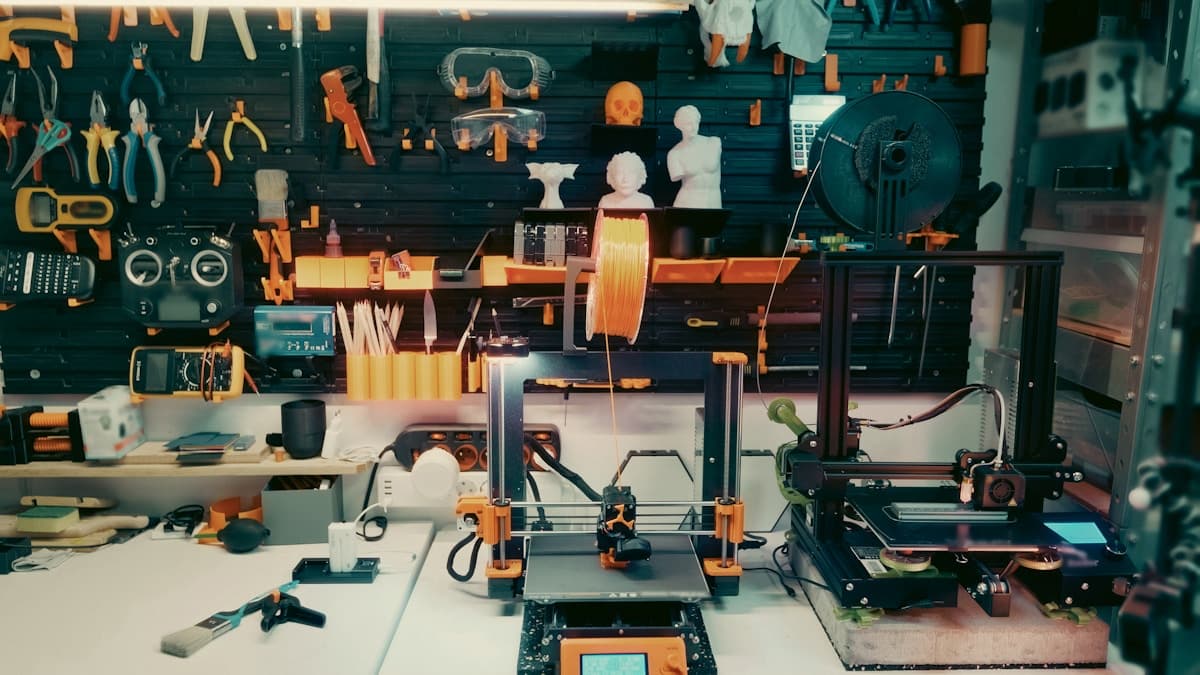
Hero image: Jakub Żerdzicki.
Ready to find a 3D printing service provider?
Browse 2,000+ verified providers across the United States and submit your quote request free.
Browse Providers