You walked around the bracket with your phone, the app churned for a minute, and a complete-looking mesh dropped into your files. Then you imported it, measured the bolt spacing, and it was four millimetres out. Phone 3D scanning apps do not fail randomly or because you moved too fast — they fail at a boundary set by what the sensor physically measures, and no amount of rescanning moves it. This is where that boundary sits, what sits comfortably inside it, and what the next rung up actually buys you before you reach the point where having the part scanned by a service is the cheap option.
This post contains affiliate links. If you purchase through these links, 3D Prototyping Hub may earn a small commission at no extra cost to you.
This post also contains Amazon affiliate links. As an Amazon Associate we earn from qualifying purchases.
First, Work Out What Your App Actually Measured
"Phone 3D scanning" covers three different techniques that fail in three different ways. Most apps use one or blend two, and the loading screen rarely tells you which. Match yours before you blame your technique.
| Technique |
What it does |
Where it breaks |
| Photogrammetry |
Reconstructs shape by matching points across dozens of photos |
No absolute size at all; needs surface detail to match on |
| Depth sensor (LiDAR / time-of-flight) |
Measures distance directly, point by point |
Centimetre-class depth, coarse point spacing, built for rooms |
| AI reconstruction |
Fits a plausible surface to sparse or missing data |
Invents geometry confidently and tells you nothing |
The third one is the dangerous one. A gap-filling model produces a smooth, closed, attractive mesh over data that was never collected, and the result looks more trustworthy than the honest noisy capture it replaced.
The Size Is Not Real Until You Give It One
Photogrammetry recovers geometry from photographs only up to an unknown scale factor. That is not a limitation of the app — it is a property of the maths. Photographs of a real bracket and photographs of a perfect half-size model are the same set of images, so the solver cannot tell them apart and picks something.
Depth-sensor captures do carry a true scale, but with the sensor's own error riding on it. A part that measures 120.0mm can come back at 123mm with nothing flagged, because from the sensor's point of view that is a perfectly ordinary result.
Both are fixed the same way, and it takes a minute:
- Measure one real feature across its longest available span with digital calipers — the longest span available, because a scale factor derived from a 10mm feature multiplies its own error across the whole part.
- Scale the mesh to that number in your mesh tool.
- Check a second, independent feature at the other end of the part.
If the second feature lands, your scale is good. If it does not, the error is not uniform and scaling cannot save it — the capture drifted, and that is a capture problem rather than a units problem. Our guide to why a scan refuses to print covers what else goes wrong between the mesh and a usable file.
Resolution Decides Whether Your Feature Exists at All
This is the part people argue with, and it is not an argument about skill. A scan cannot contain a feature smaller than the spacing between the points it collected. Phone depth maps are a small fraction of the camera's resolution and were specified for room-scale work at metres of range; a dedicated handheld is specified in the 0.05–0.1mm band over a short, fixed working distance.
So before scanning, ask what the smallest thing you care about is:
- A 20mm boss or a panel outline? A phone will capture it.
- A 2mm fillet, a 0.5mm chamfer, a bearing seat, a thread? It was never in the data. Not blurred — absent.
The honest workflow at that point is a hybrid, and it is faster than a rescan: use the scan for the overall shape and the feature positions, measure the critical dimensions by hand, and build those features properly in CAD. That is the reverse-engineering workflow rather than the copy workflow, and it is what the professionals do with good scans too.
The Mesh Looks Crisp Because the Photo Is Crisp
Phone apps drape a high-resolution photographic texture over a much coarser mesh. The lettering, the grain, the fastener heads you can see in the viewport are in the image, not in the geometry — and the geometry is all the printer or the CAD kernel gets.
Switch to a flat-shaded, untextured view before you judge any capture. What you see there is what you actually have. It is usually a shock the first time, and it ends a lot of pointless rescanning.
Phones Fail on Difficult Surfaces First, Not Last
Every optical method needs light to come back usefully, and a phone has the weakest tools for making that happen. Photogrammetry additionally needs visible detail to match points between frames, which is why a plain matte face can be nearly as hostile as a shiny one.
Three surfaces defeat a phone early: glossy or machined metal reflects the light away, matte black absorbs it, and clear or translucent plastic lets it through and returns data that is present but wrong. The counters are the same ones professionals use, and they work on a phone:
- A self-vanishing matte scanning spray, applied in light passes from 20–30cm. A heavy wet coat pools in corners and is measured as geometry.
- Positioning marker dots on and around the part, which give the solver fixed references on featureless faces instead of letting error accumulate frame to frame.
- A motorised turntable for anything bench-sized, so the working distance stays constant and your arm stops being part of the measurement.
- Even, diffuse indoor light that does not change mid-capture. Direct sun is the reliable killer.
If your captures stay bad after all four, the hardware is the ceiling. Our walkthrough of noisy and hole-filled scans separates the surface problems from the tracking ones in more detail.
What a Phone Is Genuinely Good At
Phone scanning is not a toy, and the honest boundary cuts both ways. It earns its place when the tolerance you need is looser than a millimetre and the features that matter are bigger than about five:
- Rooms, furniture, vehicle interiors and installation envelopes — "will the enclosure clear the bulkhead?"
- Bodies, faces and soft goods for cosplay and props, where the shape is the deliverable and nothing has to mate.
- Rough fit envelopes: the footprint of a part you are designing around rather than the part itself.
- Visual reference for modelling, and before-and-after documentation.
For any of those, a phone and twenty minutes beat a purchase order.
What the Next Rung Up Actually Buys
If scanning is a recurring step rather than a one-off problem, here is the ladder, stated from published specifications and price rather than from a shootout we did not run:
- Consumer handheld scanners are generally specified around 0.05–0.1mm accuracy, with blue-light models rated tighter on small objects — enough for most mechanical reverse engineering. Revopoint's handheld scanner range sits in this band; read each model's accuracy and scan-volume figures against your actual parts rather than against the headline number.
- Standalone structured-light systems fix the camera, the projector and the working distance in a calibrated rig, which is most of what you are paying for: repeatability you can put in a report, and better behaviour on difficult surfaces. SHINING 3D's EinScan standalone range starts well into four figures and is bought for exactly that reason.
Before you spend, read why scanner accuracy specs do not hold in practice — the headline figure is a best case under conditions you will not reproduce on your bench, and knowing that is what stops you buying the wrong rung. If you are choosing rather than diagnosing, the full comparison is in our 3D scanner buyer guide.
A Decision Table You Can Use Tonight
| What you are making |
Is a phone enough? |
If not |
| Room or vehicle fit check |
Yes |
— |
| Cosplay, props, body shapes |
Yes |
— |
| Replacement cover or shroud, loose fit |
Borderline — scale it and verify |
Handheld scanner |
| Bracket, housing or part that mates |
No |
Handheld + CAD rebuild |
| Sealing face, bore, thread, tight tolerance |
No |
Standalone system or a service |
| Inspection against nominal CAD |
No |
Metrology-grade service |
When to Stop and Send It Out
Three signals that you are past the point of diminishing returns: the part is large enough that drift dominates the result, the tolerance you need is the same order as the equipment's own accuracy, or the scan is blocking somebody else's work. Any one of those, and a professional capture is cheaper than another weekend.
That is doubly true when the job is inspection rather than modelling — comparing a manufactured part against nominal CAD is a measurement task with a report attached, and it needs calibrated equipment to mean anything at all.
For everything else, work in order: find out which technique your app uses, give the capture a real scale with calipers, check the untextured mesh rather than the pretty one, and decide honestly whether the feature you need was ever inside the sensor's reach. When it was not, the providers in our directory scan for a living and will send back a mesh you can build on.
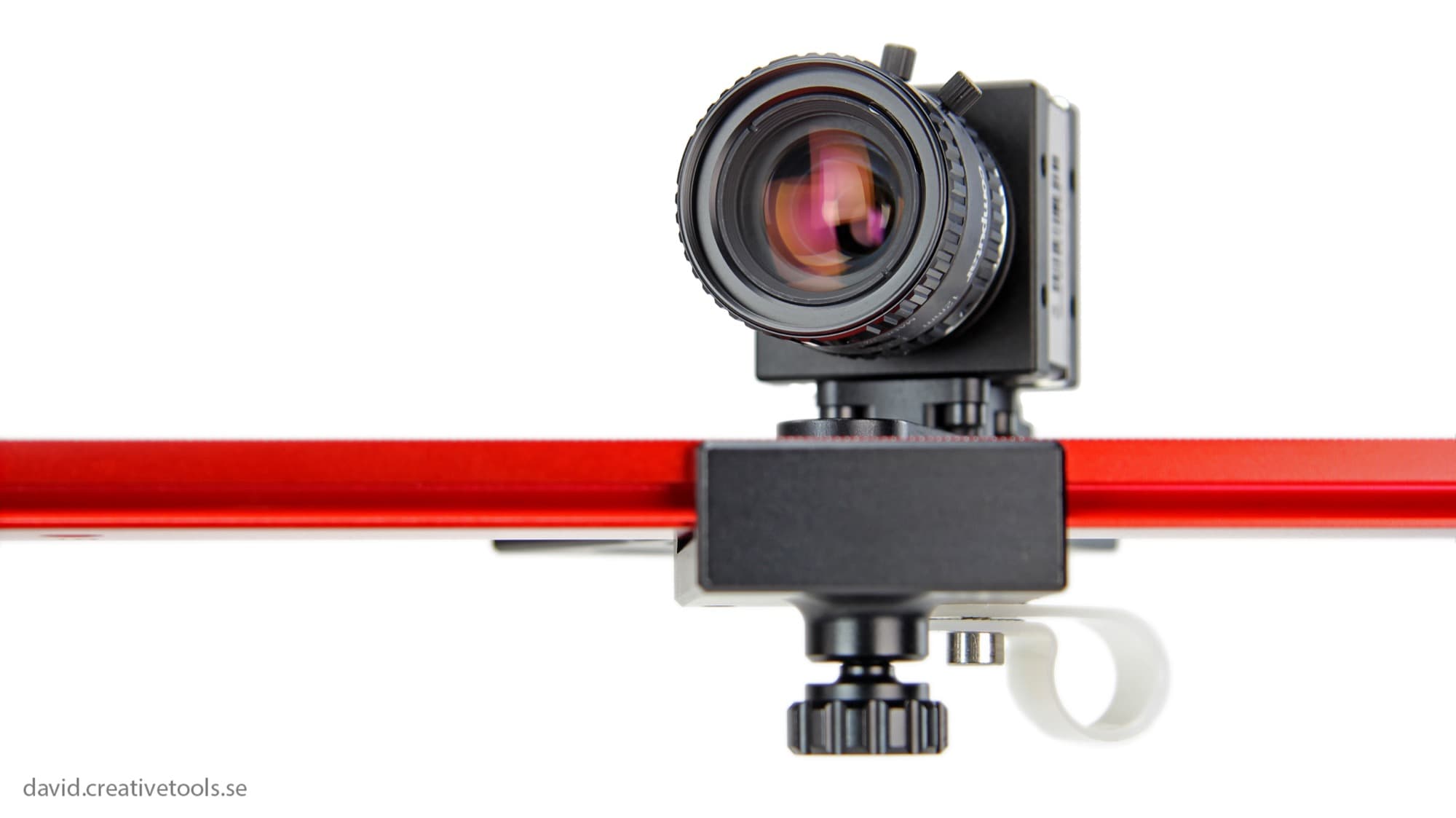
Hero photo by Creative Tools via Wikimedia Commons, licensed CC BY 2.0.
Ready to find a 3D printing service provider?
Browse 2,000+ verified providers across the United States and submit your quote request free.
Browse Providers