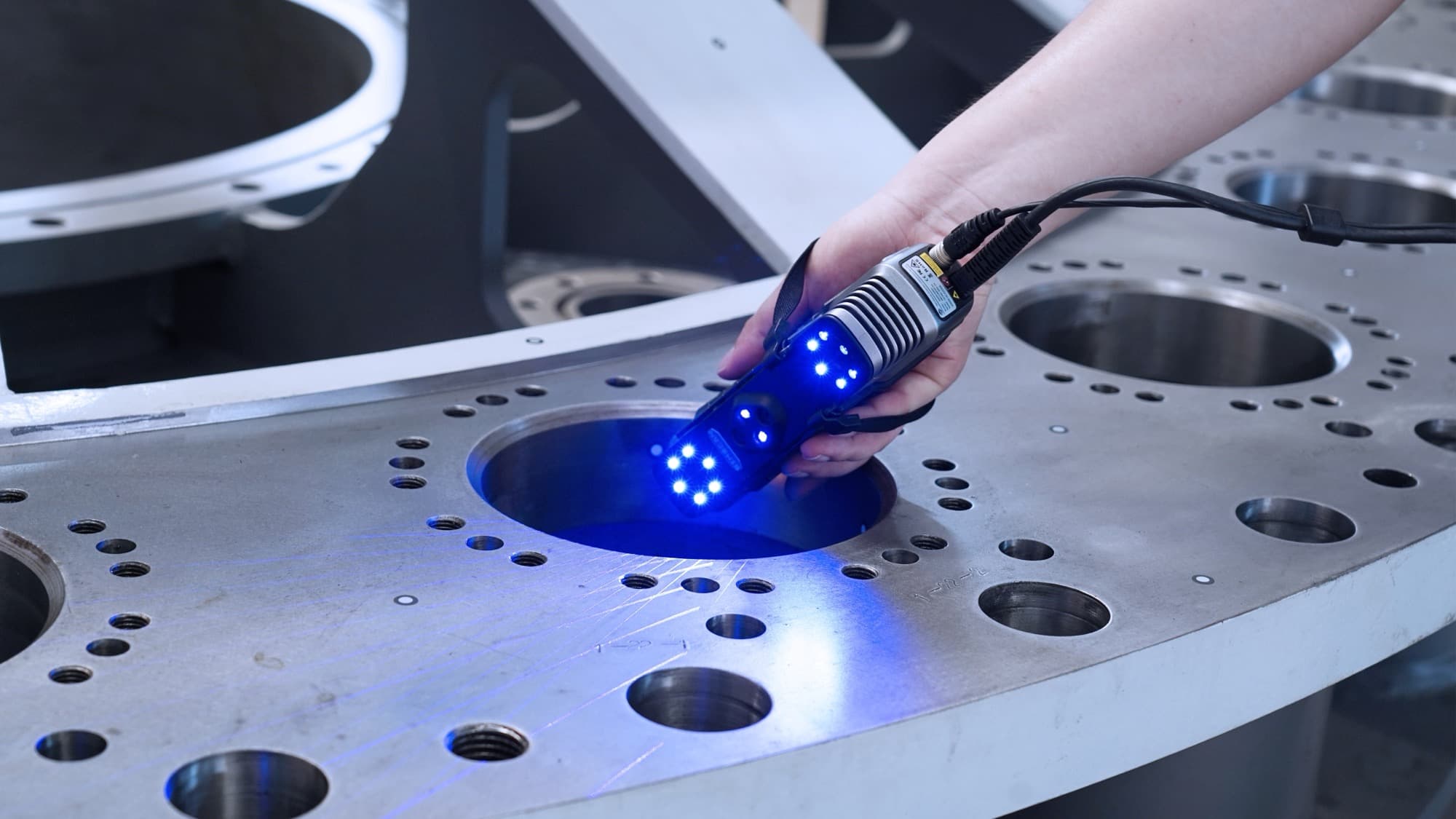
You paid for a scanner rated at 0.05mm, scanned a machined bracket, and then measured the mesh against the part. The bore is close. The distance between two bores 400mm apart is out by three tenths of a millimetre. Nothing is broken, nobody lied, and the number on the box was true when it was measured — the 3D scanner accuracy spec is a statement about a specific measurement made under specific conditions, and almost none of those conditions were present on your bench.
This post contains affiliate links. If you purchase through these links, 3D Prototyping Hub may earn a small commission at no extra cost to you.
This post also contains Amazon affiliate links. As an Amazon Associate I earn from qualifying purchases.
This is worth an hour of your attention once, because the gap between the datasheet and your part is made of four or five named things, each with a number attached. Once you can name them you can decide which ones to fix, which to design around, and when the honest answer is that the job belongs on a different instrument.
The Datasheet Describes Three Different Things
Most confusion here is a vocabulary problem. Three figures get used interchangeably in marketing copy and mean entirely separate things.
| Spec term | What it measures | What it does not tell you |
|---|---|---|
| Accuracy (point / single-frame) | Deviation of measured points from truth, locally, at the stated working distance | How error behaves across a whole part |
| Volumetric accuracy | Error across a working volume, as a fixed term plus a per-metre term | Anything about fine detail |
| Point distance / resolution | Spacing between measured points | Whether those points are in the right place |
Accuracy is the headline, and it is usually local. It is measured over a small patch, in one frame or a few, at the working distance the manufacturer specifies, against a calibrated artefact — a matte sphere or a sphere bar — under the kind of conditions optical systems are specified against in VDI/VDE 2634 Part 3. Your part is not that artefact and your workshop is not that room.
Volumetric accuracy is the figure that governs assemblies, and it is the one most consumer datasheets omit. Written as a fixed term plus a per-metre term, it says the error grows with the size of the thing you scanned. That per-metre term is where a part that "measured fine" turns into an assembly that does not fit.
Point distance is density, not position. It decides whether a 0.3mm engraved line arrives as geometry or as noise. A scanner can have excellent point spacing and ordinary accuracy, and at least one model on a major manufacturer's own store has shipped without any published accuracy figure at all — our 3D scanner buyer's guide flags that case, and the lesson generalises: if the figure is not published, ask for it in writing before you treat the device as an instrument.
One more pair worth separating. Repeatability is how closely five scans of the same part agree with each other. Accuracy is how closely they agree with the truth. A scanner that returns the same wrong answer five times in a row is repeatable and biased, and only one of those two problems is visible from inside the software.
Your Part Is Not the Calibration Artefact
Four conditions change between the lab and your bench, and each has a size.
The surface. Specs are measured on cooperative matte surfaces. Machined metal, chrome, gloss paint, matte black and anything translucent all break that, and the dangerous failure is not the missing data — it is the biased data, points that are present, plausible and shifted. A light pass of self-vanishing scanning spray puts the surface back into the condition the figure assumes. Why those surfaces defeat the sensor in the first place is covered in why scans come out noisy or full of holes.
The size. A handheld builds a model by aligning each frame to the ones before it, so alignment error compounds along the part. Local geometry stays crisp while the global shape bends — a 600mm extrusion comes back gently banana-shaped with every hole individually perfect. Positioning marker dots are the direct fix, because they give the software fixed references on the part rather than a chain of relative ones. Put them on the fixture and the surrounding faces, never on a feature you intend to measure.
The temperature. This one is routinely blamed on the scanner and belongs to the part. Aluminium expands about 23µm per metre per degree C, steel about 11 to 13. A 500mm aluminium part in a 30°C shop measures roughly 0.12mm longer than the same part at 20°C, which is where its drawing nominal lives — larger than the instrument's own error, and no amount of rescanning removes it. Let the part and the scanner equalise in the room, and write the temperature down next to the result.
The calibration. Calibration is a statement about the optics at a point in time: a focus ring that moved, a knock in transit, a different ambient temperature, and the geometry the software assumes no longer matches the geometry it has. A fixed rig on a tripod holds that geometry far better than a handheld does, which is most of what you are paying for in a standalone structured-light system like SHINING 3D's EinScan line — a set working distance and a calibrated working volume instead of two conditions held by your arm. Recalibrate on the manufacturer's schedule, and again after anything that counts as an event.
Keeping distance and overlap constant removes a fifth variable that nobody lists, and for anything bench-sized a motorised turntable does it better than a careful operator can.