The print was five hours in and had two hours left. Now the machine is parked, the screen says the filament did not arrive, and there is a stub of orange sticking out of a coupler where no stub should be. A filament changer does not fail the way a printer fails — it fails at a specific point in a specific slot's path, and the error message almost never names it. There are four places it can go wrong, they have different fixes, and the one everybody tries first fixes none of them. When the swaps themselves are the bottleneck rather than the printing, the provider directory lists shops running processes that have no swaps in them at all.
This post contains affiliate links. If you purchase through these links, 3D Prototyping Hub may earn a small commission at no extra cost to you.
This post also contains Amazon affiliate links. As an Amazon Associate we earn from qualifying purchases.
Read Where the Swap Failed
A changer moves filament in two directions, and the failures split cleanly by which direction was happening when it stopped. Work out yours before touching a setting.
| What you see |
What it actually is |
Where to start |
| Error on load, hub turns, nothing arrives |
Deformed tip catching at a coupler or the inlet |
Tip shape |
| Error on unload, filament still in the path |
Tip welded or hooked in the melt zone |
Hotend temperature and tip forming |
| Snapped stub left inside the tube |
Brittle filament, usually wet, plus a tight bend |
Dry the spool, open the bend |
| Unload starts, spool will not take it back |
Spool drag, crossed winding, cardboard burr |
The spool itself |
| Same slot every time, any filament |
That slot's gears, tube or sensor |
Hardware, not profile |
The second column is the useful one. Four of these five have nothing to do with the slicer, which is where most people spend the first evening.
The Tip Is the Most Common Culprit
Every swap ends by pulling filament back out of a hot nozzle. The last few millimetres are soft when they move, and they cool into whatever shape the retraction left behind: a thin string, a hook, or a mushroomed blob wider than the 1.75mm bore it has to re-enter later. The slot works perfectly, the gears turn, and the end simply will not go back in.
This is why firmware and slicers expose tip-forming controls — cooling moves, retraction speed, the temperature the filament is held at while it is pulled clear. They exist to make the end of the filament a cylinder again. If your machine gives you those parameters, they are the first thing to adjust, and the test is physical: run a few swaps, then pull the filament out by hand and look at the end. A clean, slightly tapered tip loads every time. A hook never will.
On slots you load by hand, do the same job with a tool. Flush cutters give a clean angled face; scissors and ordinary side cutters crush the end into an oval that catches on the first coupler it meets. Cut at roughly 45°, and cut off any section that has been through the hotend before.
If unloads are leaving residue rather than clean tips, the hotend is contributing. A few grams of cleaning filament pushed through hot clears the dead spots that hold old material — the same maintenance that stops colour from bleeding across transitions, for the same underlying reason.
Friction Along the Path Is a Consumable Problem
On a single-colour print, filament passes through the feed tube once. On a four-colour print it passes through hundreds of times, in both directions, and the path wears accordingly.
Three things raise friction until the hub stalls:
- A scored or ovalled bore. Filled filaments are abrasive, and carbon- and glass-loaded materials cut PTFE quickly. A tube that started round ends up with grooves running its length, and the filament tip finds them.
- Bend radius. Every tight loop between the hub and the machine adds drag on the push and bending stress on the pull. Route the run in gentle curves with slack, not in a tidy coil.
- Couplers losing grip. The collets that hold the tube have small teeth. When they wear, the tube creeps a millimetre or two under load and opens a gap at the joint — and a gap at a joint is exactly where a tip catches.
Treat the tube as a wear part rather than a fixture. A replacement run of 1.75mm bore PTFE tubing costs very little next to the print it saves, and swapping it is the fastest way to prove whether friction was the cause: if a fresh tube fixes it, you have your answer in ten minutes rather than a week.
The Spool Is Half the Mechanism
This is the part that surprises people. A changer does not just pull filament off a spool — it pushes filament back onto it on every unload, and that only works if the spool turns freely in both directions.
Anything that resists rotation strands the returning filament in the tube. A cardboard spool with a burr on the bore, a plastic spool seated on a rough rack, a spool sitting on its side on a shelf, or simply four spools crammed into a space where they rub on each other. The symptom is distinctive: the unload begins, then the hub reports an error with a long loop of filament somewhere it should not be.
Crossed winding does the same thing in a worse way. When a strand slips under the turns beneath it — usually because a loose tail was never secured in the spool's own notch — the spool locks solid partway through a return and the filament has nowhere to go. A spool holder running on bearings fixes the drag half of this. The winding half is a habit: never let go of a cut end without clipping it into the spool.
Wet Filament Jams in Three Different Ways
Moisture is the single most common root cause behind failures that look mechanical, and it does not announce itself.
Absorbed water swells the filament slightly, which is enough to turn a comfortable fit into an interference fit in a worn bore. It makes the melt ooze and foam at the nozzle, which produces the stringy tips that will not reload. And it makes PLA brittle, so the bending load of a return around a curve snaps it — leaving a stub in the tube and an error that names the wrong slot.
The exposure is structural on a multi-material machine. Four spools sit loaded for as long as the unit is set up, which is often weeks, and they are absorbing the room the whole time. A dry box sized for multiple spools is the only fix that addresses the storage rather than the spool, and it is worth more here than on a single-spool machine for exactly that reason. Note the limit, though: drying rescues filament that has absorbed moisture, and it does not repair filament that has already gone brittle — the distinction is covered in why drying filament does not always fix your prints.
Some Filaments Should Never Go Through a Changer
Compatibility here is narrower than the slot count suggests, and the manufacturer's material list is a specification rather than a disclaimer.
Flexibles are the clearest case. TPU feeds by compression, and compression is what buckles it — a long path through a changer gives it room to coil inside the tube instead of advancing. That mechanism is the same one behind TPU jamming in a direct extruder, amplified by distance.
Filled filaments wear everything. Carbon- and glass-filled materials will run, but they consume bores, couplers and drive gears at a rate that makes the changer itself a consumable. Use a hardened path, keep the run short, and expect to replace tubing on a schedule.
Soluble supports are hygroscopic to a fault. PVA and BVOH absorb moisture faster than anything else on the rack, which puts them straight into the brittleness failure above. They are also the single best reason to own a changer, so the answer is a sealed feed, not avoidance.
Silk and heavily plasticised PLAs sit between the two: soft enough to deform under the drive gears, which turns a tip into a flat ribbon after a handful of swaps.
When It Is the Machine, Not the Filament
The test is repeatability. Move the spool to a different slot. If the fault follows the spool, it is the material or the tip. If the fault stays with the slot, it is hardware — drive gears polished smooth, a sensor calling a false present, a coupler that no longer grips.
If you are shopping rather than diagnosing, two specifications decide how much of this article will apply to you, and neither is on the front of the box: how the unit forms and cuts the tip, and how long the path is between the hub and the hotend. A unit with a mechanical cutter and a short, direct feed removes the two failure modes that cause most jams. Four slots hanging off half a metre of tube with no cutter does not, regardless of how many colours it advertises. Both Anycubic's US store and ELEGOO's range publish the feed arrangement per model — read that before the slot count. The broader comparison by machine is in our multi-colour printer guide.
One thing not to buy your way out of: a jam that only appears on long prints, with clean swaps for the first hour, is usually heat soak in the feed path or a hotend that is slowly clogging rather than a changer fault at all. That belongs with nozzle clogging, and no amount of new tubing touches it.
Fix It in This Order
- Pull the filament out of the failed slot and look at the tip. Hook, string or blob means tip forming or a bad cut.
- Move the spool to another slot. Fault follows the spool, or it stays — that one move halves the search.
- Check the spool turns freely both ways, and that no tail is trapped under the winding.
- Replace the tube run on the failing path and open out any tight bends.
- Dry the spool, then keep loaded spools sealed rather than drying them repeatedly.
- Only then start changing slicer settings.
When to Stop and Hand It Over
Three signals that you are past the point of diminishing returns. The job is a batch, where each copy multiplies the number of swaps and therefore the chance of losing one overnight. The colour is cosmetic, in which case a single-material print plus paint costs less in filament and far less in attention. Or the deadline is someone else's, which is the one that settles it.
Dyed MJF and painted SLA parts come back consistent across a run with no transitions to fail, and the providers in our directory are listed by location and process — sending the file out for a quote costs nothing and tells you quickly whether the next three evenings are worth spending.
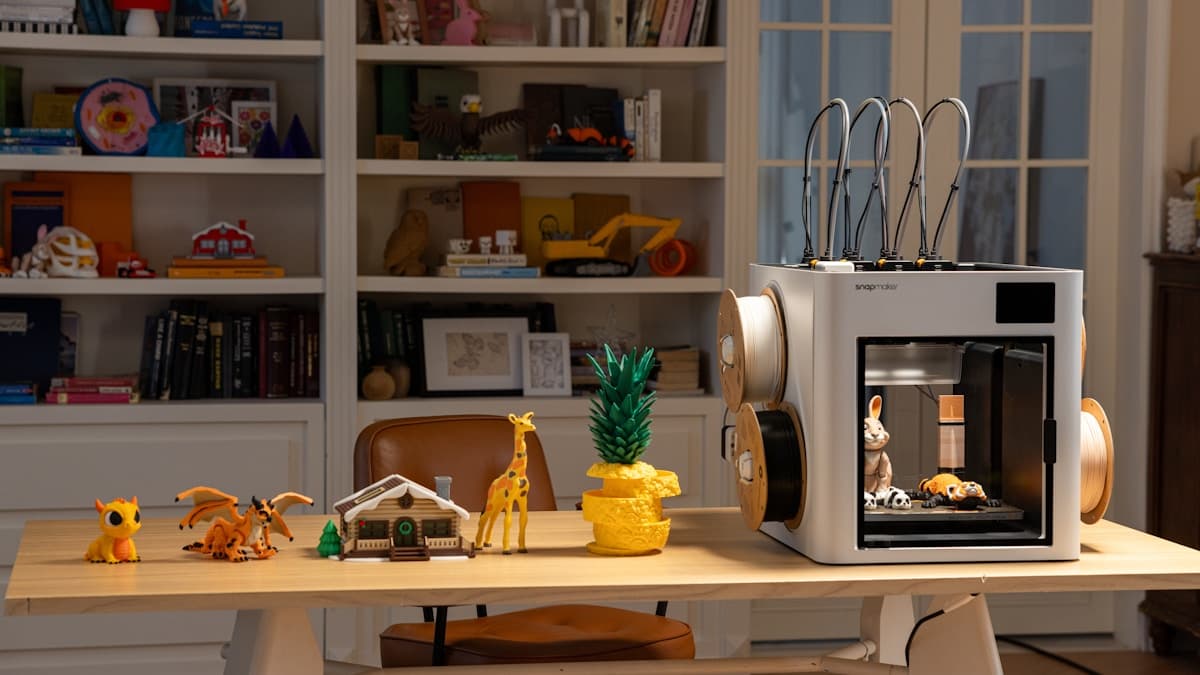
Hero photo by Snapmaker 3D Printer via Unsplash.