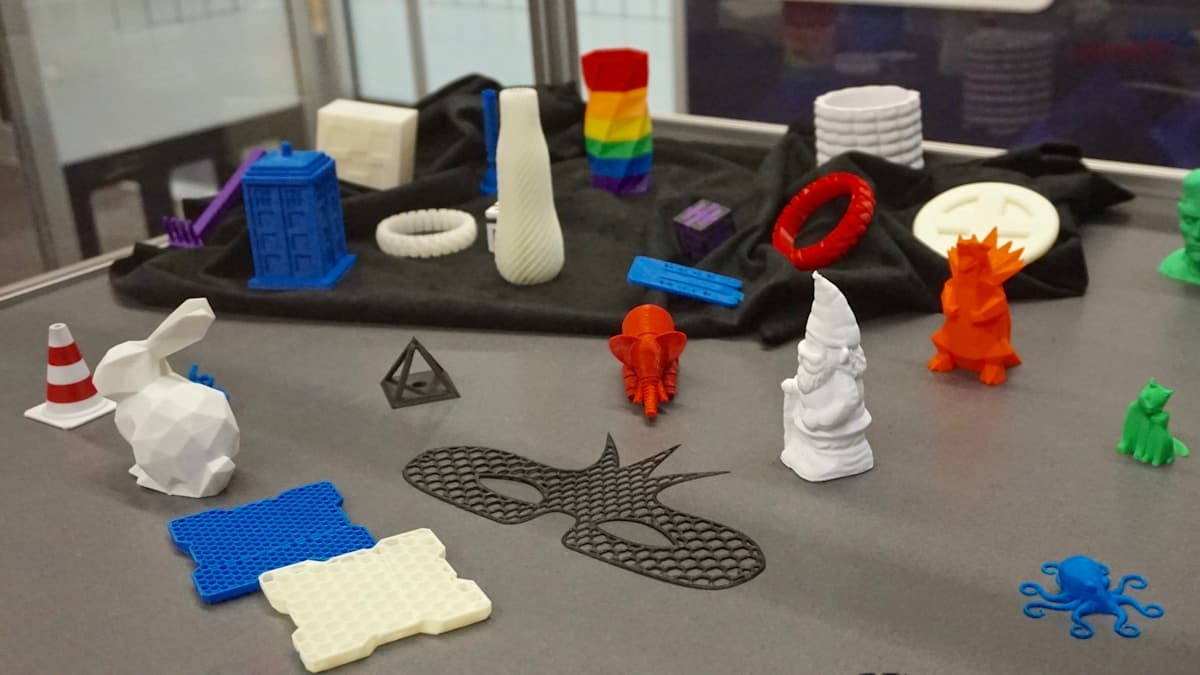
You printed a phone mount, a sensor bracket, a cable clip. It fitted perfectly on the bench, you left it in the car, and by lunchtime it had drooped into a shape nothing designed. It did not break and it did not melt — it sagged, slowly, and kept the sag. 3D prints deform in a hot car because a parked car in summer reaches temperatures the most common filament on earth was never meant to hold, and the failure begins more than a hundred degrees below where that plastic melts.
This post contains affiliate links. If you purchase through these links, 3D Prototyping Hub may earn a small commission at no extra cost to you.
This post also contains Amazon affiliate links. As an Amazon Associate we earn from qualifying purchases.
The good news is that this is the most solvable failure in desktop printing. There is nothing to tune, no mechanical fault to chase — you are looking at a material chosen for a temperature it never sees on your desk.
It Is Not Melting. It Is the Glass Transition.
PLA melts somewhere around 180°C. It stops being rigid at about 60°C, and that number is the one that matters.
Below its glass transition a polymer is a glass: stiff, holds its shape, springs back. Above it the chains start sliding past one another and the part becomes a very stiff rubber. It still looks like your part. It just no longer resists anything, so gravity, a spring clip, a bolt preload or its own overhang bends it — and when it cools back down it sets in the bent shape.
Two consequences worth having clearly in mind:
- The failure is gradual and permanent. An hour at 70°C does more damage than five minutes, and nothing undoes it.
- Load lowers the temperature at which it happens. An unloaded part may hold its shape at 55°C while the same part with a bolt torqued through it creeps at 45°C. That is why datasheets quote a heat-deflection temperature measured under a defined load, not just a glass transition.
Read the Damage Before You Buy Different Filament
Heat is not the only thing that ruins a part left outside, and three of these want completely different answers.
| What you see |
What it is |
What to do |
| Smooth, gradual sag in the direction of gravity or clamp load; surface intact |
Softening above the glass transition |
Change material — the rest of this article |
| Deformation only around bolt holes and clips, rest of the part fine |
Compressive creep at the load points |
Heat-set inserts and metal washers first |
| Clean split across a layer line, no bending |
Layer adhesion failure, not heat |
See why prints snap along layer lines |
| Chalky, faded, brittle after months outdoors; shape unchanged |
UV degradation |
ASA, or paint it |
| Bowed at the base while still on the printer |
Print warping, a different problem |
See why prints warp |
The tell for genuine heat deformation is that it is smooth. Softened plastic does not crack or craze; it flows into whatever shape the load asks for, and it keeps every bit of its surface finish while doing it. If your part still looks perfect but is the wrong shape, that is this failure.
The Temperature You Are Actually Designing For
Almost every hot-car failure is a person designing for the weather instead of for the surface the part is bolted to.
| Where the part lives |
What it commonly reaches |
| Cabin air, closed car, 30-35°C day |
55-70°C |
| Dashboard top or trim in direct sun |
70-90°C |
| Windscreen-mounted phone holder |
70-85°C |
| Loft or attic in summer |
50-60°C |
| Black part outdoors in direct sun |
60-80°C |
| Engine bay, running |
90-120°C and up |
| Dishwasher, upper rack |
60-70°C |
These are typical measured bands, not guarantees — a silver car in Maine and a black one in Phoenix are different problems. Pick the number for your worst realistic day, then add margin, because the part experiences the worst day, not the average.
Set that against the materials:
| Filament |
Softens around |
Printer needs |
UV |
| PLA |
60°C |
Nothing |
Poor |
| Annealed PLA |
90-100°C |
An oven and loose tolerances |
Poor |
| PETG |
80°C |
Nothing |
Fair |
| ABS |
105°C |
Enclosure |
Poor |
| ASA |
100-110°C |
Enclosure |
Excellent |
| Nylon (PA) |
70°C+, much higher filled |
Dry box, hot hotend |
Fair |
| PC |
145°C |
Enclosure, 270-300°C hotend |
Fair |
| PC-CF / PA-CF |
Highest under load |
All of the above, hardened nozzle |
Fair |
Read the spool's own datasheet before you commit to a number here. Filament brands vary and "high-temperature PLA" is a marketing phrase attached to several genuinely different formulations — if the listing does not quote a heat-deflection temperature, treat it as ordinary PLA.
Fix It in This Order
Cheapest first, because three of the five common answers cost nothing.
- Move the part or shade it. A bracket relocated from the dashboard to the footwell has just had its design temperature cut by 30°C. Free, and it is genuinely the right answer more often than people like.
- Take the load off the plastic. Most parts do not soften all over — they creep where they are squeezed. Heat-set brass inserts and a washer under each bolt head put the clamp load on metal instead of on a plastic boss, and a torqued bolt on a bare printed boss is the single most common hot-car failure point.
- Add material where it bends. Thicker walls, more perimeters, a rib along the span. This does not raise the softening point — nothing about geometry does — but a stiffer part creeps more slowly and may simply outlast the hot part of the day.
- Switch to PETG. The one change with the best ratio of benefit to cost: roughly 20°C more headroom, no hardware, no enclosure, and it prints on any machine that prints PLA. Our PETG filament guide covers the brands and the two settings that matter. For cabin parts out of direct sun, this is usually the whole fix.
- Go to ASA if the sun hits it. ASA holds shape to around 100-110°C and, unlike ABS, does not go chalky and brittle after a summer of UV. It needs an enclosure — see below. The ASA filament guide has the picks.
- Polycarbonate or filled nylon for the extremes. Engine bay, exhaust-adjacent, hot and loaded at once. This is a bigger commitment than a spool; read the polycarbonate guide before you buy, because PC punishes a machine that is not set up for it.
The Hardware Each Upgrade Actually Requires
The material is the cheap part. What it demands of the printer is where people get caught.
PETG asks for nothing you do not already have. Slightly hotter nozzle, a bed around 80°C, and a release agent on a smooth PEI plate so it does not weld itself to the sheet.
ASA and ABS need still, warm air. In a draughty room each layer drops below its bonding temperature before the next arrives, and tall parts split along a layer line halfway up — a failure that looks like bad filament and is actually room temperature. A fabric enclosure tent around your existing machine raises the surrounding air by 10-15°C for a fraction of what a new printer costs, and for ASA that is usually enough.
Polycarbonate and filled nylons need more than a tent. A hotend that genuinely reaches 270-300°C, a chamber that is heated rather than merely closed, and filament dried immediately before use — nylon will pull enough moisture out of a humid room in a few hours to print badly. Nylon also wants a garolite build surface, because it does not stick reliably to PEI. Anything carbon-filled needs a hardened nozzle; the fibres will chew a brass one into a wider bore within a spool or two, and you will read the result as under-extrusion.
If that list describes a machine you do not own, the honest framing is that this is a purchase rather than a fix. QIDI's enclosed, high-temperature printer line is one direct route — the enclosed Plus-series machines run a 370°C hotend with an actively heated chamber, which is the specification that makes PC and PA-CF routine rather than a project. Our enclosed 3D printer round-up compares that class against the alternatives, including the cheaper option of enclosing what you already have.
What Does Not Work
Worth saying plainly, because all four get recommended constantly:
- Printing hotter or slower. Both improve layer adhesion. Neither moves the glass transition by a single degree.
- 100 percent infill. Slows the sag, does not prevent it, and triples your print time and filament cost.
- Painting or coating it. A coat of paint does not insulate a 3mm wall, and a dark coat makes the part hotter in sun than it was before.
- A different colour or brand of PLA. Colourant changes how much heat the part absorbs in sunlight, which is a real but small effect. The polymer underneath is the same polymer.
When To Stop and Send It Out
There is a point where the arithmetic turns. A dry box, a hardened nozzle, an enclosure and a spool of PC-CF to produce four brackets is not a saving — and a part that is both hot and structural is exactly the case where a printed part's layer plane is the weakness, because it is the plane that softens first and carries the load worst.
Sintered nylon from a service comes out with no layer plane to fail along, and industrial shops will quote a material by its heat-deflection temperature rather than by a marketing name. That is worth knowing about before you commit a weekend to it: how to choose a 3D printing material covers the specification questions to ask, and providers by location and process is where to send the file. Compare two or three quotes against the cost of the hardware upgrade — for a small batch of parts that have to survive a dashboard in August, the quote usually wins.
Hero photograph by Locanam 3D Printing on Unsplash.
Ready to find a 3D printing service provider?
Browse 2,000+ verified providers across the United States and submit your quote request free.
Browse Providers