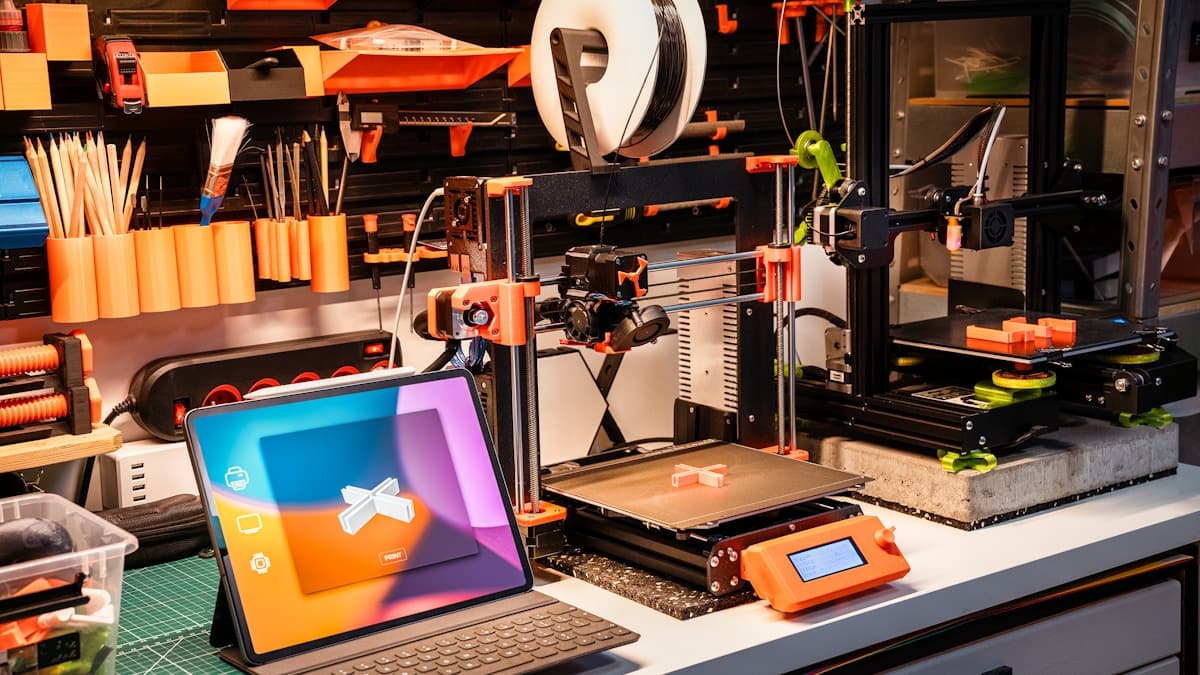
The short version: the cheapest way to stop losing overnight prints is to be able to look at them. A 3D printer camera turns an eight-hour failure into a ten-minute one, and in 2026 there are four honest ways to get one: a printer with the camera already built in, a USB webcam on OctoPrint or Klipper, a Raspberry Pi camera module, or a standalone Wi-Fi camera pointed at the machine. This guide covers what each is good for, what to look for, and what else you need to make remote monitoring genuinely useful. If you'd rather not babysit a machine at all, a service bureau runs the print and ships you the part.
Nearly every wasted print is a failure that was visible in the first ten layers and discovered in the last one. Monitoring doesn't make your printer more reliable — it makes failures cheap. That's the whole value proposition, and it's why a $30 camera is often a better upgrade than a $300 printer.
This post contains affiliate links. If you purchase through these links, 3D Prototyping Hub may earn a small commission at no extra cost to you.
This post also contains Amazon affiliate links. As an Amazon Associate we earn from qualifying purchases.
What Monitoring Actually Buys You
Be specific about the job, because it changes what you should buy:
- Catching failures early. The big one. Detached first layers, knocked-over supports, and spaghetti are all large, obvious shapes on a low-resolution stream.
- Deciding whether to drive home. A glance at your phone tells you whether the 14-hour print is still worth waiting for.
- Cancelling remotely. Only useful if the camera lives in the same interface as the printer's controls — that's the argument for OctoPrint, Klipper, or a first-party app over a generic security camera.
- Timelapses. Genuinely useful for diagnosing when something went wrong, and the reason to care about frame rate.
- Not fire safety. A camera doesn't stop a thermal runaway. Firmware thermal protection, a smoke alarm, and not printing unattended overnight are what handle that.
What to Look For
- Close focus. Most webcams are built for a face at arm's length. A camera that can't focus at 20–40 cm gives you a blurry build plate, which is the one thing you needed to see.
- Low-light behaviour. Enclosed printers are dark and lit by a single LED strip. Cheap sensors either crush the shadows or blow out the highlights around the nozzle. Add light rather than paying for a better sensor — it's cheaper.
- Where the video goes. Self-hosted (OctoPrint, Klipper/Mainsail, Obico self-hosted) keeps the stream on your own network. Cloud apps are easier and put a camera in your workshop on someone else's server. Both are legitimate; decide deliberately.
- Latency. A five-second delay is fine for checking in, irritating if you're trying to cancel at a specific layer.
- Mounting. Off the moving gantry, framing the whole plate. See the FAQ below — this is the single most common mistake.
- Cable length and routing. A USB webcam needs to reach the host without crossing the print area or catching on the Z tower.
The Best 3D Printer Camera Options in 2026
1. A Printer With the Camera Already In It — Least Effort
If you're shopping for a machine rather than retrofitting one, buying the monitoring with it is the easy answer. Several current machines ship with a first-party camera and app streaming integrated, so the view is framed correctly, the cable doesn't exist, and cancelling is one tap in the same app that started the print. Check the specific model listing before you buy — on some product lines the camera is included and on others it's a separately sold accessory, and that varies by revision. Browse current ELEGOO machines and their camera options, and see Best 3D Printers in 2026 for the wider shortlist.
The catch: the stream is usually locked to the manufacturer's app and cloud. That's fine for most people and a dealbreaker for anyone who wants the video staying on their own network.
2. Logitech C920 / C270 — Best for OctoPrint and Klipper
If you already run OctoPrint or a Klipper front end like Mainsail or Fluidd, a plain USB webcam is the highest-value $25–$60 you can spend. The stream appears next to the temperature graphs and the cancel button, which is the combination that actually saves prints. The C920 gives 1080p and autofocus that copes with close range; the C270 is 720p, fixed focus, and completely adequate for spotting a detached part. Buy the cheap one first — resolution is rarely the limiting factor. Compare current Logitech USB webcams.
3. Raspberry Pi Camera Module 3 — Best Permanent Install
Running Klipper or OctoPrint on a Pi already? The ribbon-cable camera module is the neater answer: lower latency than USB, no cable draped across the gantry, and small enough to mount inside an enclosure. Module 3 adds autofocus, which matters at build-plate distances. It costs a little more in fiddling — you're routing a ribbon cable and enabling the camera stack — and repays it with a setup that looks like it belongs on the machine. Look at Raspberry Pi camera modules and ribbon cables together, because the cable that ships in the box is often too short.
4. A Standalone Wi-Fi Camera — Best for Closed Printers and Multi-Machine Shelves
The option people overlook. A $25–$40 indoor camera pointed at the printer needs no firmware access, works with machines whose ecosystems are locked down, and — the underrated part — keeps streaming when the printer's own controller hangs. If you run several machines, one camera framing the whole shelf beats four separate integrations. You give up in-stream controls: you can see the failure, but you'll cancel it in the printer's own app. Check current indoor Wi-Fi cameras and pick one that focuses at close range.
What Else You Need
The camera is rarely the whole cost:
- Light. An LED light bar or strip does more for stream quality than a better sensor. Aim it across the plate, not straight down the camera's line of sight.
- A mount. A gooseneck or clamp mount that holds position. Printed camera mounts for common machines are all over the model sites and cost nothing but filament.
- A smart plug — for cutting power only. Useful for killing a machine remotely. Never wire one to start a print you can't see.
- AI failure detection. Obico is the well-known option and has a free self-hosted path. Set it to notify, not auto-cancel, until you trust it.
- Somewhere for the video to live. Local storage on the camera or host, not an open port forwarded to the internet.
Safety, Honestly
Monitoring reduces wasted filament. It does not make a printer safe to leave running unattended. Keep firmware thermal runaway protection enabled, put a smoke alarm in the room, run the machine on a hard, non-flammable surface, and don't sleep through an overnight print in a space where a fire wouldn't be noticed early. If you're printing high-temperature materials in an enclosure, ventilation matters too — see Best 3D Printer Enclosures in 2026.
Buyer Recommendation Summary
- Buying a printer right now → get one with the camera built in and skip the retrofit entirely.
- Already running OctoPrint or Klipper → a Logitech C270 or C920. Cheapest real win available.
- Want it neat and permanent on a Pi → Raspberry Pi Camera Module 3, plus a longer ribbon cable.
- Closed-ecosystem printer, or several machines → a standalone Wi-Fi camera on a shelf.
- You just want the part, not the hobby → send the job to a provider and let them watch their own machines.
When to Use a Service Instead
Remote monitoring is worth setting up when you print often enough that failed prints cost you real time. If you need a handful of parts a year, the honest maths is that a camera, a mount, lights, and the evenings spent tuning a machine cost more than ordering the parts. A provider absorbs the failures — a print that fails in their shop is their filament and their re-run, not yours.
Browse the 3D Prototyping Hub directory to get parts made without owning the machine. If you're going the other way and buying, start with Best 3D Printers in 2026, then fill out the bench with the best 3D printing tool kits and accessories.
Related Resources
Hero photo by Jakub Żerdzicki on Unsplash. This post contains affiliate links — 3D Prototyping Hub may earn a commission if you purchase through them, at no cost to you. As an Amazon Associate, we earn from qualifying purchases.
Ready to find a 3D printing service provider?
Browse 2,000+ verified providers across the United States and submit your quote request free.
Browse Providers