PolyJet turns a CAD file into the most realistic prototype 3D printing can produce — smooth surfaces, fine detail, multiple materials, and full color in a single part. It's the process teams reach for when a model has to look and feel like the finished product: soft-touch grips, clear lenses, color-accurate concept models, and rigid-plus-rubber overmolds that no other process prints in one build. It is also one of the more expensive processes, and its photopolymer parts aren't built for load-bearing use — so the goal of this guide is simple: help you decide whether PolyJet is actually the right call, and if it is, source a provider and get an accurate quote. Start by browsing 3D printing providers and filtering for material-jetting capability.
How PolyJet 3D Printing Works
PolyJet is a material jetting process. An array of print heads passes over the build tray and jets microscopic droplets of liquid photopolymer exactly where the geometry calls for it, and a UV lamp mounted on the same carriage cures each layer the instant it's laid down. It behaves much like a 2D inkjet printer building up in the third dimension — and because the droplets are so small, layers can be as thin as 16 microns.
Two consequences fall directly out of that mechanism:
- The finest finish available. Those tiny cured droplets give PolyJet the smoothest as-printed surface and the sharpest small-feature detail of any common process — often needing little or no post-finishing.
- Multiple materials in one part. Because the heads jet material droplet by droplet rather than curing a whole vat, a single build can mix rigid and flexible resins, opaque and clear, and full CMYK color — all in the same part, with no assembly.
Support for overhangs is printed in a separate gel-like support material that's washed or waterjetted away afterward. PolyJet is a trade name owned by Stratasys, so a genuine PolyJet part comes off a Stratasys J-series or Objet machine — worth confirming when you quote, since "material jetting" is sometimes used loosely.
What PolyJet Is Good For
PolyJet earns its premium in situations where appearance, detail, or material mix matter more than raw strength. It's the right call when:
- The prototype has to look like the product. Color-accurate concept models, textured surfaces, and photo-ready parts for design review or customer presentation.
- You need multiple materials or durometers in one part. Rigid housings with integrated soft-touch grips, seals, gaskets, or overmolds — printed as a single piece instead of assembled.
- The part needs to be transparent. Clear resins (VeroClear) produce light pipes, lenses, fluidic channels, and see-through housings you can actually look inside.
- Fine detail is critical. Small text, thin walls, intricate lattices, and crisp edges that coarser processes blur.
- You're making anatomical or medical models. Multi-material, multi-color models that replicate tissue-versus-bone contrast for surgical planning and device validation.
If your part is a functional bracket, an end-use enclosure, or anything that has to bear load or survive sunlight, PolyJet is the wrong tool — its photopolymers are relatively brittle and degrade with prolonged UV exposure. Reach for SLS nylon, engineering SLA resin, or metal instead.
PolyJet vs. SLA vs. SLS vs. FDM
Before you pay the PolyJet premium, make sure another process wouldn't serve you better. A lot of work that lands on material-jetting quote forms only needs single-material detail — which SLA does for less.
| Process | Best for | Surface finish | Multi-material / color | Relative cost |
|---|---|---|---|---|
| PolyJet (material jetting) | Realistic looks-like models, overmolds, color, transparency | Smoothest | Yes — rigid + flexible + full color | $$$$ |
| SLA (resin) | Single-material high-detail parts, masters | Very smooth | No | $$ |
| SLS (nylon powder) | Functional, durable prototypes and low-volume parts | Matte, slightly grainy | No | $$$ |
| FDM (filament) | Cheap form-and-fit checks, simple functional parts | Layer lines visible | Limited (multi-color only) | $ |
The most common mistake is paying for PolyJet when the part only needs detail, not material variety. If it's a single rigid color and you just want a smooth, high-resolution part, SLA usually delivers the same look for less. Reserve PolyJet for the jobs that genuinely need multiple materials, full color, or transparency in one piece. For durable functional parts, compare against SLS 3D printing instead.
What PolyJet 3D Printing Costs
There's no flat rate — cost is driven by a handful of factors, and material is the biggest:
- Material volume — including support. PolyJet prices largely by how much resin the build consumes, and support material counts. Tall parts and complex overhangs burn more support, which shows up in the quote.
- Material mix. Full color and rubber-like digital materials use more, and more expensive, resins than a single rigid Vero part. Every added material tends to add cost.
- Part size and quantity. Bigger parts and full trays take more material and machine time; per-part cost drops somewhat as you fill a build.
- Post-processing. Support removal is included, but any hand-finishing, painting, or assembly you request adds labor.
As a rough orientation: small single-material parts often start around $50–150, typical multi-material or full-color prototypes commonly land in the $150–600 range, and large or heavily multi-material models run into the thousands. Treat those as starting points, not quotes. The only reliable number is a real quote on your actual file. For a broader breakdown across processes, see How Much Does 3D Printing Cost?.
How to Choose a PolyJet 3D Printing Provider
Confirm it's genuine PolyJet. Ask whether the provider runs Stratasys J-series or Objet machines. "Material jetting" is sometimes used loosely, and the multi-material and full-color capabilities you're paying for are specific to true PolyJet hardware.
Match the material to the job. Rigid (Vero), rubber-like (Agilus30, Tango), and clear (VeroClear) resins behave very differently. If you need a specific durometer for an overmold or a specific clarity for a lens, confirm the provider stocks it before you send geometry.
Ask about color capability. Full CMYK printing is a machine-and-material feature, not universal. If color accuracy matters for your concept model, verify the shop can do it and ask for a sample or color profile.
Clarify support removal on delicate features. PolyJet's fine detail is also fragile during support cleanup. A good provider will flag thin walls or intricate features that need careful removal — and price accordingly.
Quote the same file to two or three providers. PolyJet pricing varies with how each shop meters material and support. Comparing identical geometry is the only way to know you're getting a fair number. How to Choose a 3D Printing Service covers the full vetting process, and it applies directly here.
Validate Cheaply First
The most expensive PolyJet mistake is paying for a full-color, multi-material print of a design that still has a fit problem. Before you commit geometry to a paid material-jetting order, print a cheap plastic version to confirm dimensions, clearances, and assembly. Catching an interference issue on a $5 desktop print is far better than discovering it on a $400 PolyJet model.
It won't reproduce PolyJet's finish or multi-material feel — but it will stop you paying the premium twice.
Order PolyJet Parts From a Provider
When your design is locked and you've confirmed PolyJet is the right process — you genuinely need the finish, the multi-material mix, the color, or the transparency — browse the directory, filter for providers with material-jetting capability, and submit your CAD file to two or three that run true PolyJet hardware and stock the resins you need. Compare quotes on the same geometry, confirm color and material options, and choose on capability and total delivered cost, not just the headline price. Run a shop that offers PolyJet and aren't listed yet? Claim your listing to start receiving quote requests from buyers who need it.
Related Resources
- SLA vs. FDM Printing Explained — when single-material resin detail is all you need
- SLS 3D Printing Services — the functional, durable alternative to PolyJet
- Metal 3D Printing Services — for structural, load-bearing parts
- How to Choose a 3D Printing Service — evaluation criteria for any provider
- Browse 3D Printing Providers — find material-jetting capability near you or nationwide
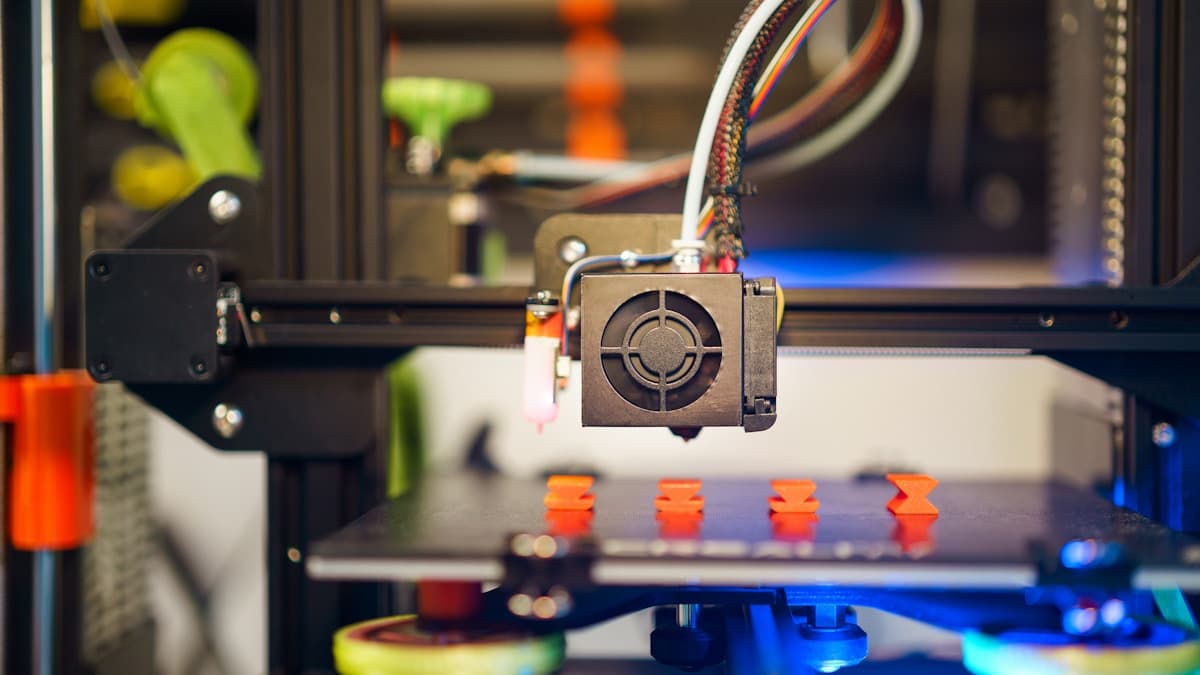
Hero photo by Jakub Żerdzicki on Unsplash.