All articles
Buyer GuideCNC Machining3D PrintingManufacturingRFQ

CNC Machining vs 3D Printing (2026): How to Choose

3D Prototyping Hub·
CNC Machining vs 3D Printing (2026): How to Choose

Choosing between CNC machining and 3D printing comes down to five questions: what material, how tight the tolerances, how complex the geometry, how many parts, and how fast you need them. Neither process is "better" — they solve different problems. This guide gives you a clear decision framework so you can specify the right process, or describe your part and get quotes from vetted providers who will recommend one.

The short answer most buyers need: complex geometry, low quantities, and fast iteration favor 3D printing; tight tolerances, standard materials, better surface finish, and higher volumes favor CNC machining. The rest is knowing where your part falls.

The Core Difference: Additive vs Subtractive

  • 3D printing is additive — it builds a part layer by layer, adding material only where the design needs it. That means almost no setup cost, near-total geometric freedom, and cheap one-offs, at the cost of looser tolerances and layer-based anisotropy.
  • CNC machining is subtractive — it cuts a finished part out of a solid block with rotating tools. That yields tight tolerances, excellent surface finish, and full-strength isotropic material, at the cost of setup, fixturing, and the limits of what a tool can physically reach.

Everything below flows from that one distinction.

The Five-Question Decision Framework

1. Material

  • Standard metals and engineering plastics with certified properties (aluminum, steel, titanium, brass, Delrin, PEEK) → CNC machining. You get the real material, full strength, and a certificate.
  • Nylon, resin, or reinforced polymers where complexity matters more than a mill certificate → 3D printing (SLS/MJF nylon, SLA resin, carbon-fiber filament). For complex metal parts, metal 3D printing is also an option.

2. Tolerance and Surface Finish

  • Critical fits, ±0.05 mm or tighter, smooth as-machined surfaces → CNC machining.
  • Functional parts where ±0.2–0.3 mm and some post-finishing are acceptable → 3D printing.

3. Geometry

  • Internal channels, lattices, organic curves, consolidated assemblies → 3D printing. These are cheap or free to print and expensive or impossible to machine.
  • Prismatic parts, flat faces, holes, pockets, threads → CNC machining cuts them cleanly and accurately.

4. Quantity

  • 1–20 complex parts → 3D printing usually wins on cost and speed.
  • Dozens to thousands of simpler parts → CNC machining gets cheaper per part as setup is amortized. At very high volumes of simple parts, also weigh injection molding.

5. Speed

  • Fastest first functional part → 3D printing (no fixturing, prints overnight).
  • Throughput on a production run → CNC machining once the setup is done.

Does It Actually Need Drying?

Tell moisture from the faults that imitate it. Then dry it without wrecking it.

The file downloads on this page as soon as you submit. No waiting on an email.

Cost: Where the Crossover Happens

3D printing has near-zero setup cost and a per-part cost driven by material volume and print time. CNC machining has real setup cost — programming, fixturing, tool changes — that is spread across the run, plus per-part cutting time.

The practical result:

  • Prototype or one-off, complex → printing is cheaper.
  • Small batch, simple, standard material → it's a genuine toss-up; quote both.
  • Larger batch, simple → machining pulls ahead per part.
  • Very high volume, simple → molding usually beats both.

For a fuller breakdown of print pricing, see How Much Does 3D Printing Cost?.

A Quick Comparison Table

Factor CNC Machining 3D Printing
Process Subtractive (cut from block) Additive (build up layers)
Tolerance ±0.025–0.125 mm typical ±0.1–0.3 mm typical
Surface finish Excellent as-machined Layer lines; often post-finished
Geometry Limited by tool access Near-total freedom
Materials Certified metals & plastics Nylon, resin, reinforced polymers, some metals
Best quantity Dozens to thousands 1 to low hundreds
Setup cost Higher (programming, fixturing) Minimal
Best for Precision, strength, finish, volume Complexity, iteration, low volume

When You Don't Have to Choose

Plenty of projects use both: print the early iterations to validate form and fit fast, then machine the final in the production material once the design is locked. Or split an assembly — machine the precision-critical parts and print the complex brackets and housings around them. A good provider will tell you when a hybrid approach is cheaper than forcing one process to do everything.

Get a Quote

The fastest way to know which process fits your part — and what it costs — is to put it in front of providers who run both. Describe the part's function, material, tolerances, quantity, and deadline, and you'll get back a recommendation and a price, often for both options when it's a close call.

Get a quote from vetted 3D printing and machining providers →

For a smooth quote, send a STEP file for machining or an STL for printing, and follow How to Prepare Your Files for a 3D Printing Quote. Comparing platforms? See Xometry Alternatives.

Related Resources


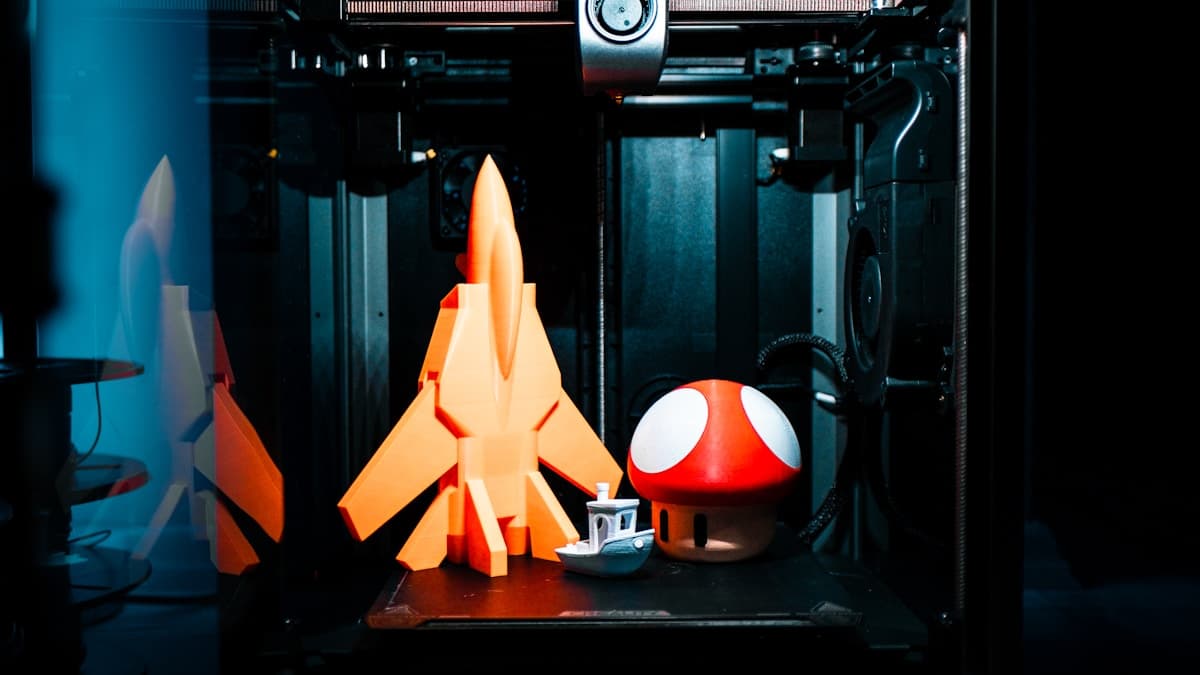
Hero photo by Efe Yağız Soysal on Unsplash. 3D Prototyping Hub connects buyers with vetted 3D printing and manufacturing providers — submit a quote request and we route it to shops that fit your part.

Does It Actually Need Drying?

Tell moisture from the faults that imitate it. Then dry it without wrecking it.

The file downloads on this page as soon as you submit. No waiting on an email.

Frequently Asked Questions

Ready to find a 3D printing service provider?

Browse 2,000+ verified providers across the United States and submit your quote request free.

Browse Providers