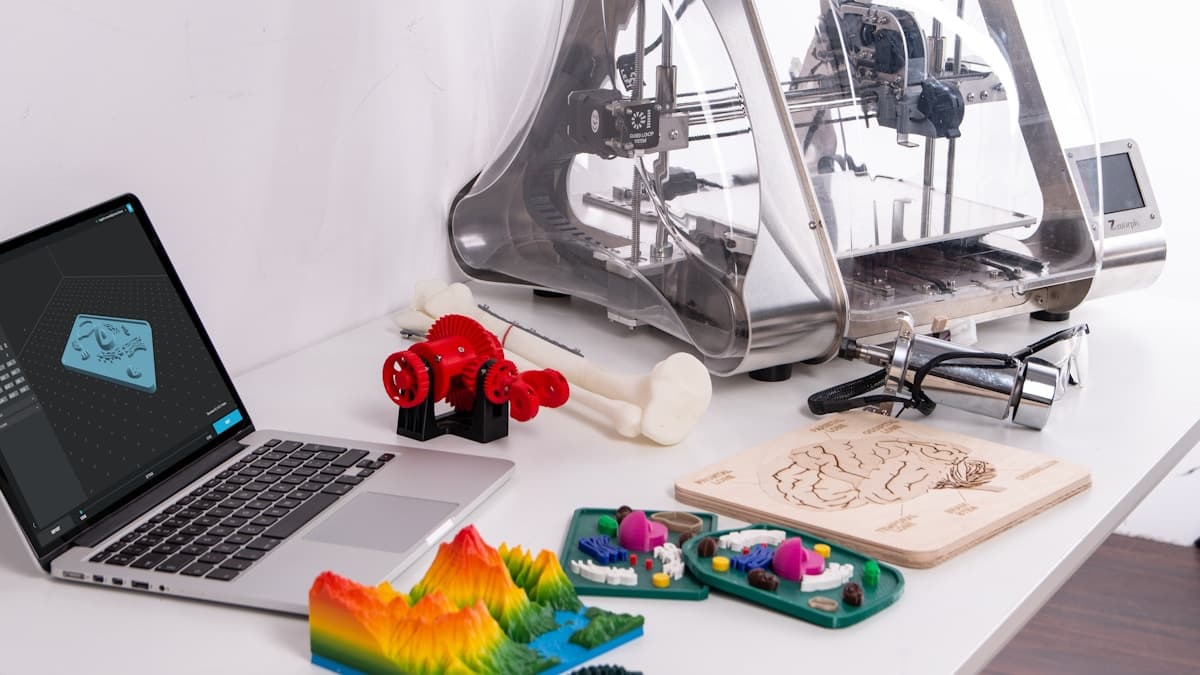
For a product development team, 3D printing services exist to do one thing: compress the loop between a design decision and a physical part you can hold, test, and react to. Every day a prototype sits in a queue is a day your next iteration waits. The teams that ship fastest treat outside providers as an extension of their bench — browse providers by location, build a short list of two or three you trust, and feed them clean files with clear briefs.
Below is how to use external 3D printing across a development cycle: where it fits, how to match technology to stage, and how to brief a provider so the parts come back usable the first time.
Why Product Teams Outsource 3D Printing
Almost no product team can justify owning every technology a full development cycle demands. Early iteration wants cheap, fast FDM. Design reviews want clean SLA detail. Functional validation wants durable SLS nylon or metal. Buying — and maintaining, and staffing — all of that in-house is rarely worth it outside a dedicated prototyping lab.
Outsourcing converts that fixed cost into a per-part cost you only pay when you need it. It also buys you machine breadth: a good service bureau runs equipment and materials no single team would purchase. The trade-off is coordination — you're now managing files, quotes, and lead times across vendors. The rest of this guide is about doing that well.
Where 3D Printing Fits in the Development Cycle
Prototype iteration. This is the highest-volume use and the one where speed matters most. In the concept and early-design phases you're producing many versions of a part, learning something from each, and changing the design before the next print. The goal here isn't a perfect part — it's a fast, good-enough part that answers a question. FDM dominates this stage because it's cheap enough to print a dozen revisions without flinching.
Engineering validation. Once a design stabilizes, the questions get harder: Does the snap fit hold? Does the bracket survive the load? Does the housing seal? Validation parts need to behave like the real thing, which means real materials and real tolerances. This is where you move from quick FDM to engineering-grade nylon, glass-filled materials, or SLS — and where sending parts to a provider with the right machines pays off.
Design reviews. Stakeholder and customer reviews are about perception as much as function. A part that looks finished gets better feedback than one with visible layer lines and support scars. SLA resin, sometimes with light finishing or paint, produces the cosmetic models that carry a design review. Printing a review model is cheap insurance against a decision made off a rough prototype.
Speed to market. Every stage above feeds one outcome: getting to a shippable product sooner. The compounding effect is real — shaving two days off each iteration across a dozen cycles is weeks off the program. Outsourcing helps when it removes a bottleneck (you don't own the technology, or your in-house machine is backed up) and hurts when coordination overhead is slower than just printing it yourself. Knowing which situation you're in is the skill.
Matching Technology to the Development Stage
A simple rule of thumb most teams converge on:
- Concept and early iteration → FDM. Fast, cheap, real thermoplastics. Print, learn, revise. Don't overspend on finish here.
- Cosmetic models and reviews → SLA resin. Surface detail and accuracy for parts people will look at and judge.
- Functional validation → SLS nylon or engineering FDM. Durable parts that take real loads, with no support structures to compromise complex geometry.
- Pre-production and end-use → SLS, metal, or molded. Validated materials, documentation, and the consistency a production decision requires.
If you're unsure which technology a given part wants, SLA vs. FDM Printing Explained covers the core trade-offs, and a good provider will steer you — that conversation is part of what you're paying for.
How to Work With an External Service Provider
The difference between a provider relationship that accelerates your team and one that frustrates it comes down to how you brief and manage it.
- Send print-ready files. A watertight STL — or better, a STEP file when tolerances matter — avoids the repair-and-resend cycle that kills a timeline. STEP preserves true geometry so the provider can re-orient or adjust for your application.
- Specify intent, not just geometry. Tell the provider what the part does. "This snaps into a mating housing and needs a 0.2mm clearance" lets them recommend a material, orientation, and finish you might not have chosen. Geometry alone hides all of that.
- Quote on identical files. Get two or three quotes on the same STL. Price and lead time vary more than teams expect, even within one metro. See How to Choose a 3D Printing Service for a full vetting checklist.
- Confirm availability before deadlines. A listed rush capability is not a guarantee of an open machine today. Call before you commit a delivery date to your stakeholders.
- Build a roster, not a single vendor. Keep a primary and a backup. End-of-quarter and trade-show weeks create backlogs, and a second provider keeps your iteration loop from stalling.
For more on how bureaus structure their offerings and pricing, 3D Printing & Prototyping Service Overview and 3D Printer Prototype Service — From Concept to Physical Part both go deeper.
When to Bring Early Iteration In-House
The one stage worth owning is the high-frequency, low-stakes one: early fit checks and concept models. If your team prints the same kind of quick PLA or PETG part several times a week, the per-order fees and wait times add up faster than a desktop machine costs.
In-house FDM doesn't replace a provider for SLA detail, SLS and metal parts, large volumes, or validated materials — it just removes the wait from the cases that don't need a bureau. The fastest teams run both: own the everyday iteration, outsource everything that needs technology, materials, or volume a desktop machine can't deliver.
Ready to Source Prototype Parts?
When a part needs a real service bureau — detail work, functional validation, volume, or certified materials — browse the 3D Prototyping Hub directory by location and technology, then submit a quote request to two or three providers on the same file. You'll have comparable quotes back, usually within a business day, and parts in hand before the week is out. Running a prototyping shop yourself? Claim your listing to start receiving quote requests from product teams ready to order.
Related Resources
- 3D Printer Prototype Service — From Concept to Physical Part — how a prototype order moves from file to finished part
- 3D Printing & Prototyping Service Overview — how bureaus structure offerings and pricing
- SLA vs. FDM Printing Explained — choose the right technology for each stage
- How to Choose a 3D Printing Service — a vetting checklist for any provider
- Browse Providers by Location — find prototyping services near your team
Hero photo by ThisisEngineering on Unsplash.